AVerTV 6
44
Note: All programs automatically classify into two categories (Digital TV and Digital
Radio). Select Digital TV to display TV programs; select Digital Radio to display
radio programs.
4.3.2 Scanning Channels (For Advanced Users)
1. Click Advance located in the lower right corner of the Program
Information section. Then the Advance Program Configuration
dialog box will appear.
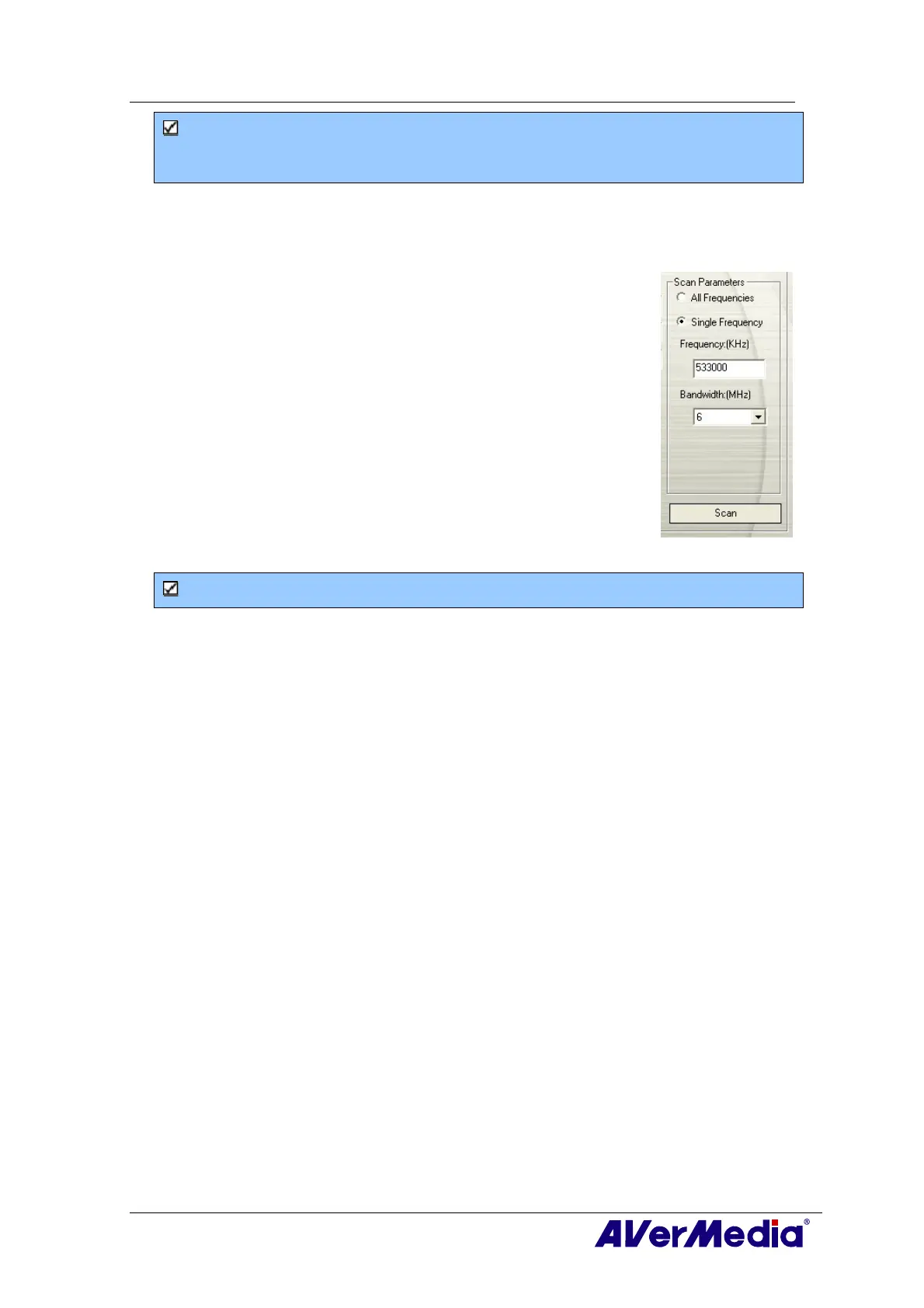
2. When there are channels missing from the channel memory,
select All Frequencies or Single Frequency.
3. Once you select Single Frequency, you need to specify the
correct Frequency, for example 533000 (KHz), and Bandwidth.
4. Then click Scan.
5. After scanning, new active channels/programs will be
memorized and listed in the left pane of the dialog box.
6. Click Apply to save the scanned channels.
Note: All Frequencies Scanning may take you a while. Please be patient.











 To Next Page