AVerTV 6
50
(This picture is only for reference.)
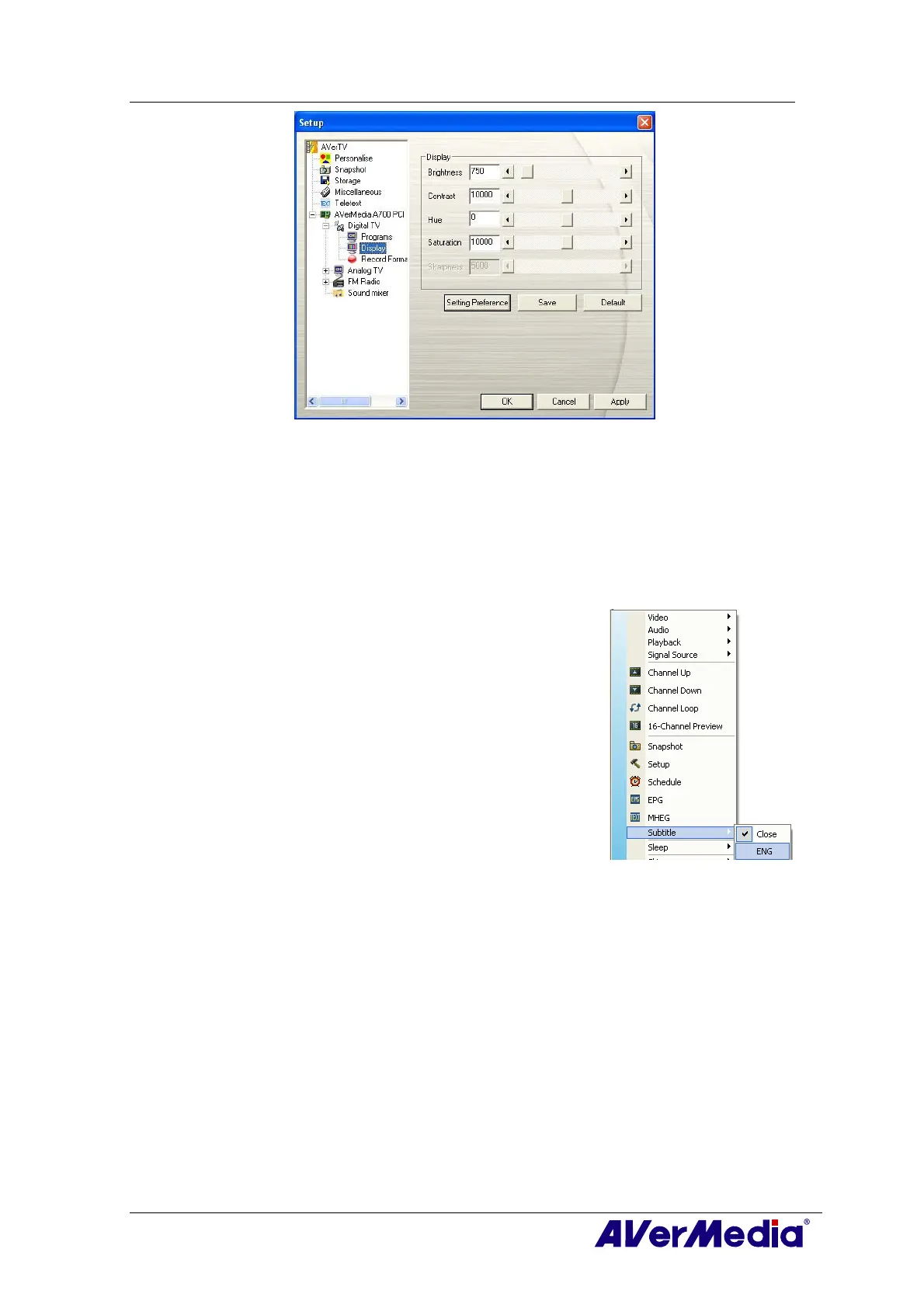
3. Then you can adjust the Brightness, Contrast, Hue and Saturation sliders until
you get an accurate color.
Click Save to create your own settings. Next time, you can simply click Setting
Preference to get your preferred settings.
4. If you want to revert to default settings, please click Default.
4.3.6 Enabling the Subtitle Function
If your local broadcasters provide a subtitle service, you can
view them by doing the followings:
Right click the TV screen, point to Subtitle and choose the
desired language.
To hide the subtitles, please right click the TV screen, point
to Subtitle and choose Close.











 To Next Page