AVerTV 6
27
Note:
1. Under Windows Vista system, if you choose Overlay Mixer, the Aero Effect will be
affected.
2. You need to choose Overlay Mixer as the preferred video renderer to enable the
function of display the live TV as your desktop wallpaper. For more information, please
refer to the section “Setting Live TV as Desktop Wallpaper”.
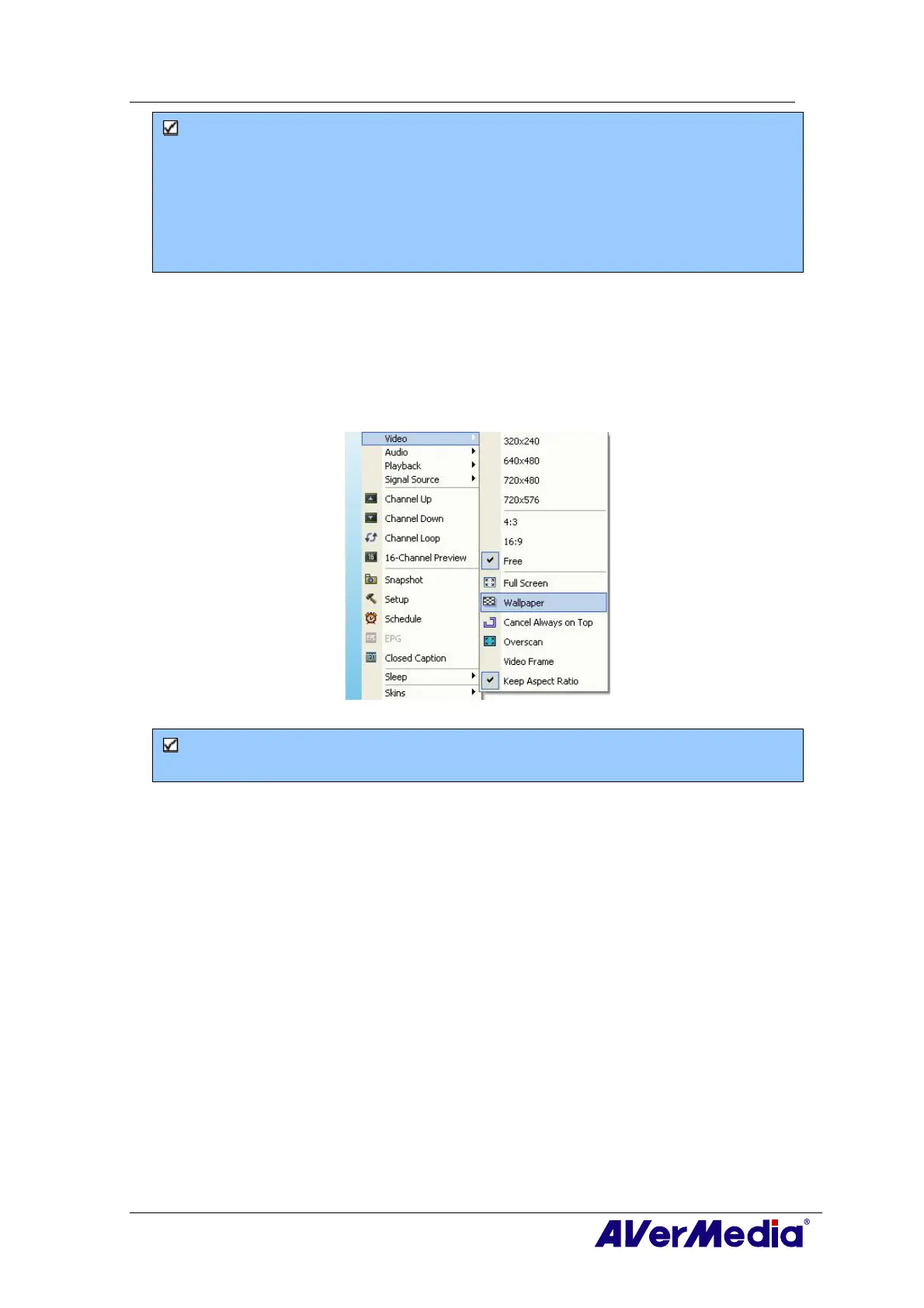
3.14 Setting Live TV as Desktop Wallpaper
To set the live TV program as your desktop wallpaper, just right click on the TV monitor,
and point to Video and select Wallpaper.
(This picture is only for reference.)
Note: You need to choose Overlay Mixer as the preferred video renderer to enable the
function of display the live TV as your desktop wallpaper.











 To Next Page