AVerTV 6
58
(This picture is only for reference.)
4. Click Apply to save settings or click Cancel to abort without settings.
4.14 Changing Signal Source
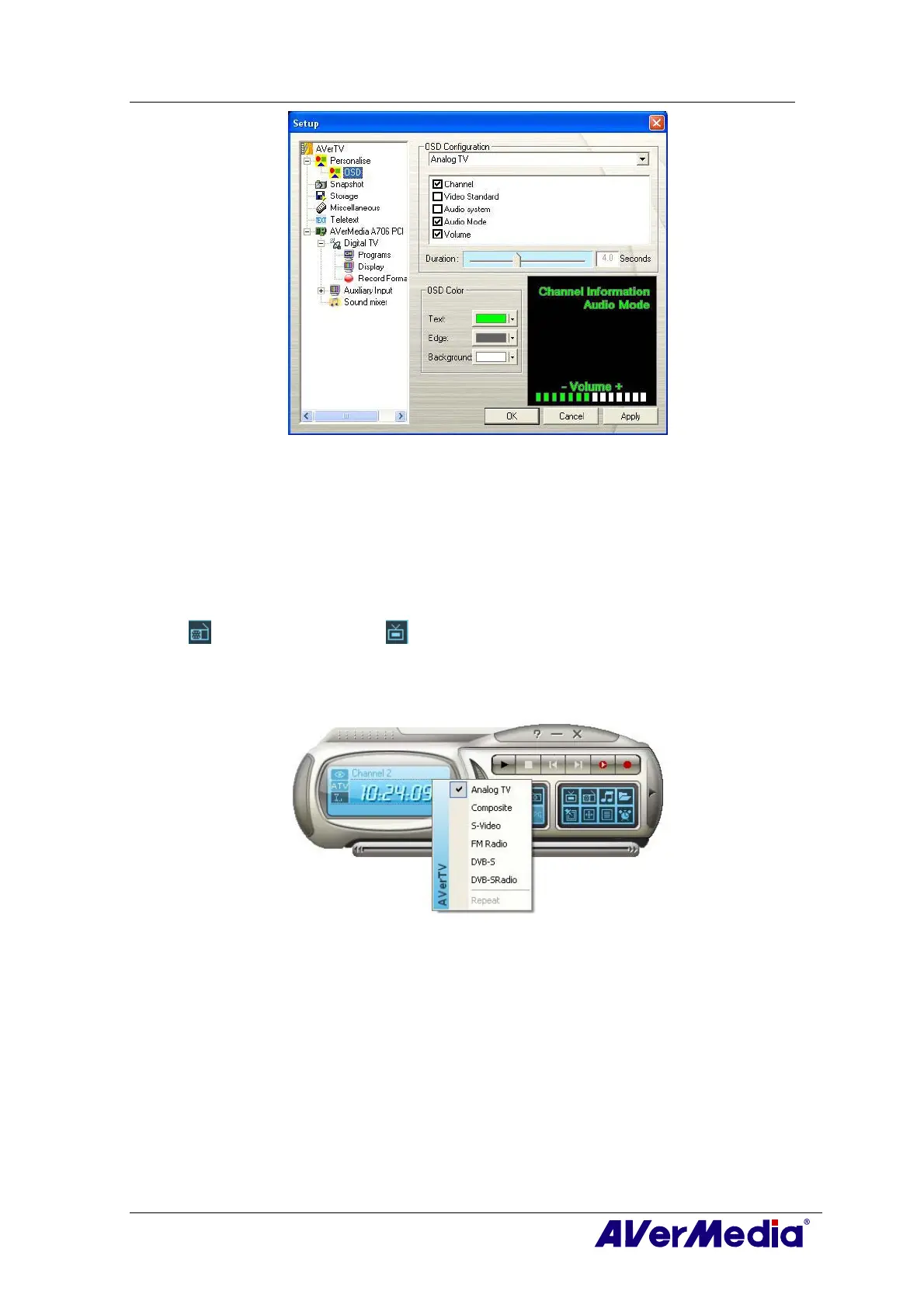
There are two ways to change signal source:
․ To switch between TV, radio or external video signals, click the Radio Source button
or Video Source button on the control panel.
․ Right click on the left pane of the control panel and a pop-up menu appears. Choose
the desired signal source.











 To Next Page