AVerTV 6
59
4.15 Sound Controlling (Optional)
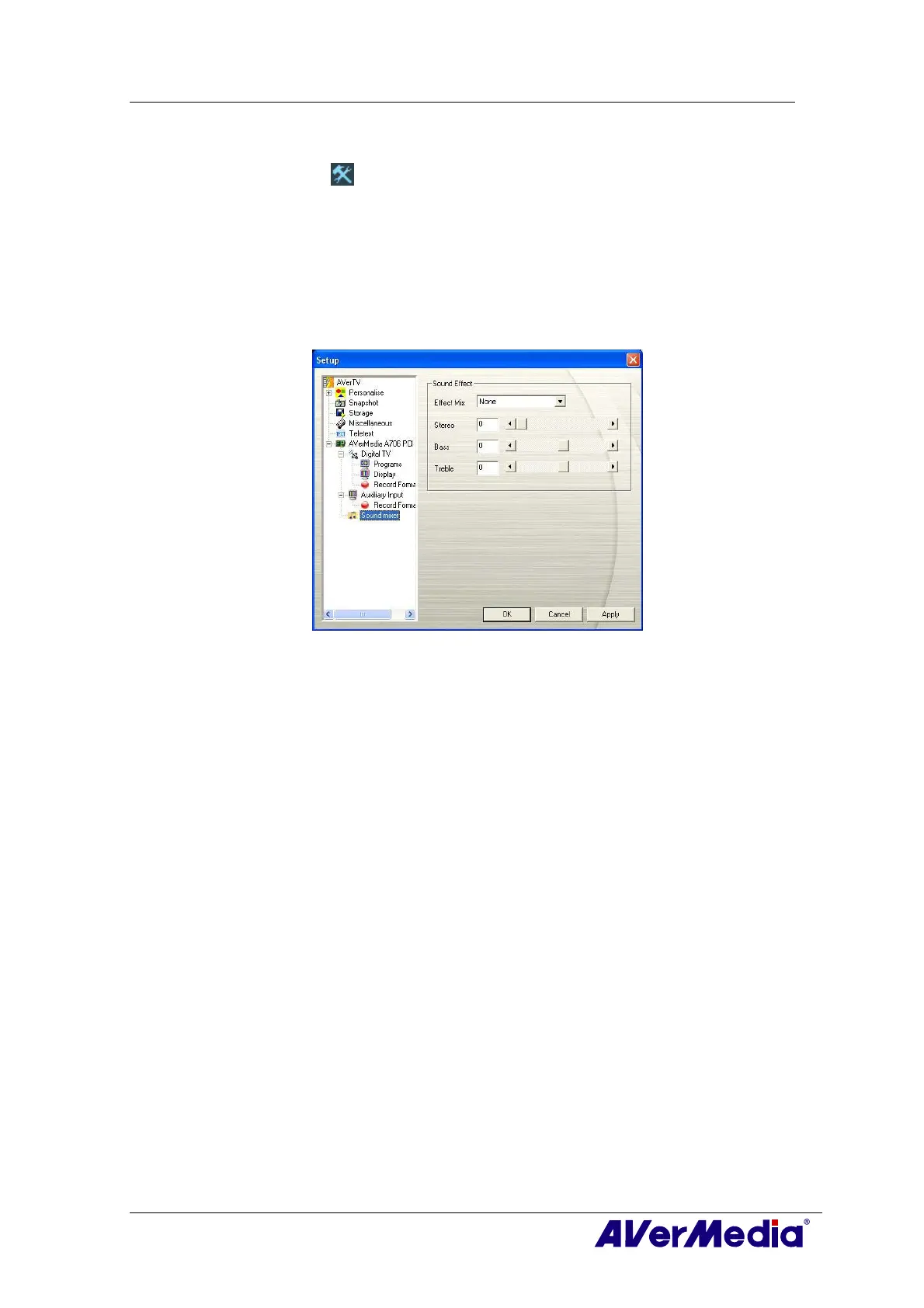
Click the Setup button and in the Setup dialog box, click Sound Mixer icon on the
left pane.
This function provides a variety of sound effects including “Dolby Surround”, “Incredible
Mono” and “Incredible Stereo”. You can also drag the slider to control the “Stereo”,
“Bass” and “Treble” level.
Please be noted this function is only available for analog signals, eg. Analog TV, AM/FM
and so on.
(This picture is only for reference.)











 To Next Page