AVerTV 6
31
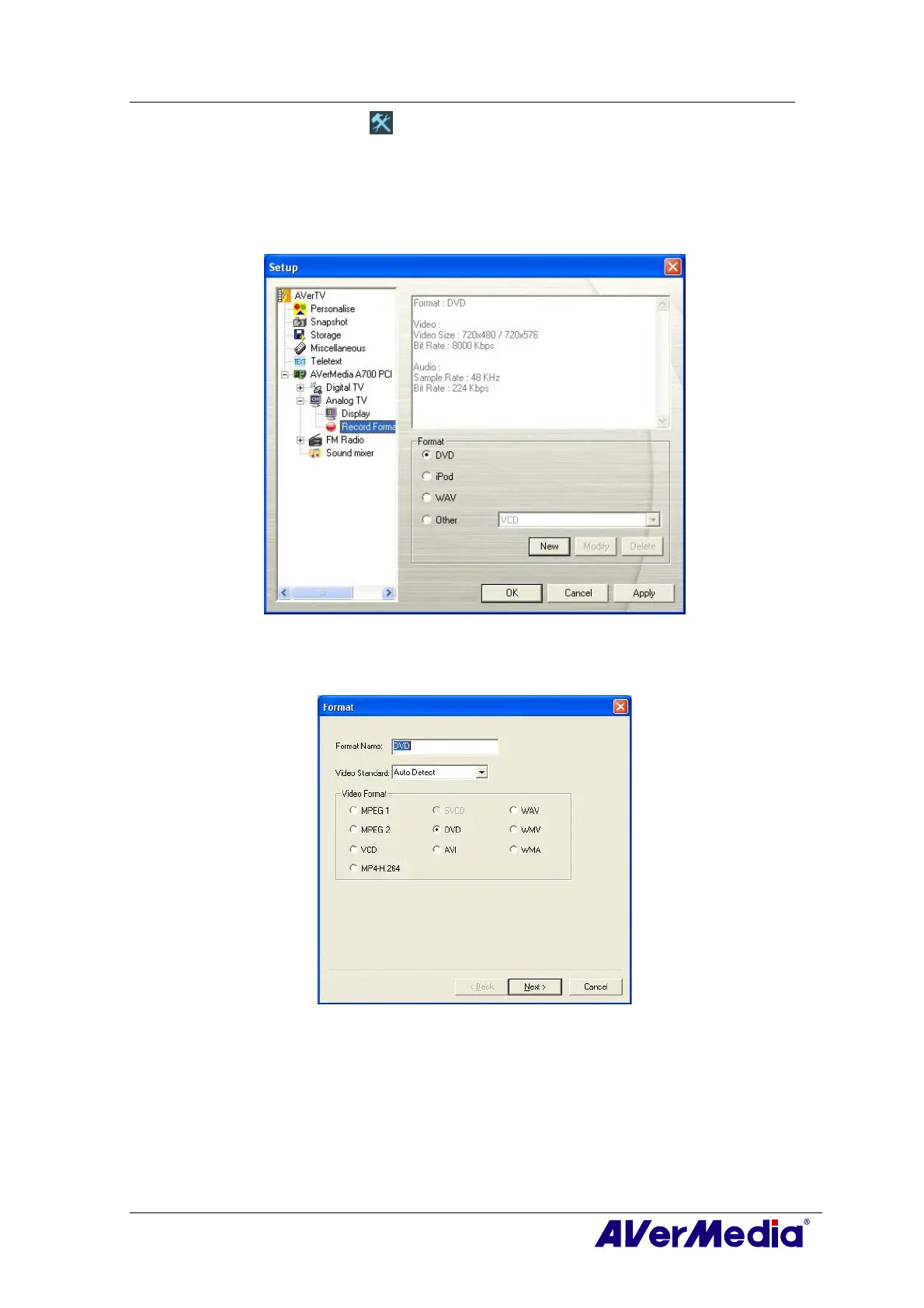
1. Click the Setup button and in the Setup dialog box, click Analog TV (or
Programs) icon on the left pane.
2. Select the Record Format option.
3. Determine the video file format you wish to use for saving the recorded video file.
4. You can use the default format or select New to create your own file format.
(This picture is only for reference.)
5. Click New and the Format dialog box appears. In the Format dialog box, select the
file format you want and enter the desired name in the text box. Then click Next.
(This picture is only for reference.)
6. In the Video dialog box, you can set the video format and audio format. The setting
options in the Video dialog box will vary according to the video format you chose.











 To Next Page