AVerTV 6
37
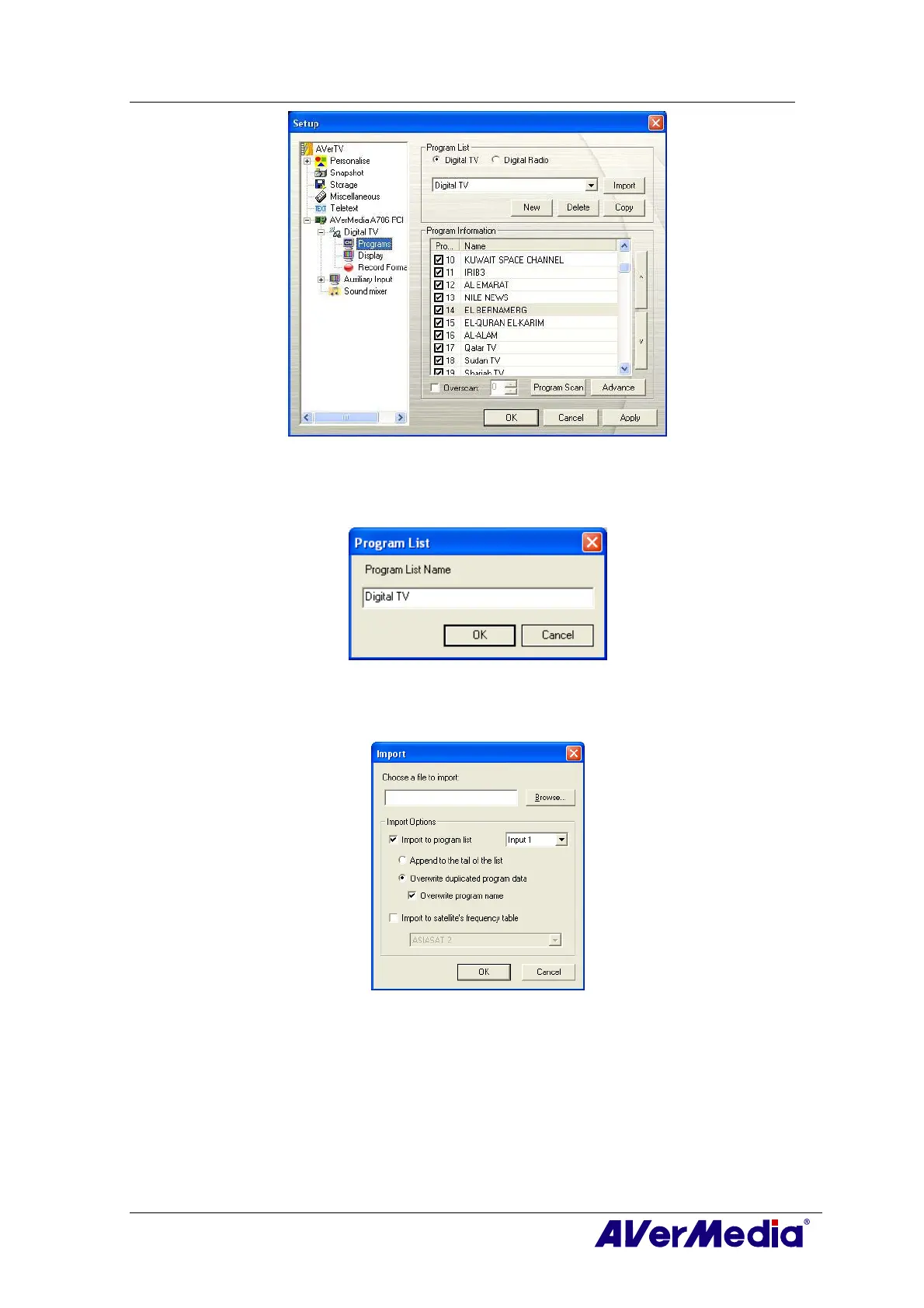
(This picture is only for reference.)
3. Click New and the Program List dialog box will appear. Type in the desirable name
and click OK.
(This picture is only for reference.)
4. Click Import and the Import dialog box will appear.
(This picture is only for reference.)
5. Click Browse and the Open dialog box will appear.
6. Choose the desired channel data and click Open.











 To Next Page