AVerTV 6
79
3. Select the file format to use for saving the teletext page. You can save the
teletext page in :
TXT Text file format
BMP Windows bitmap file format
TLT Teletext file format
TLX Teletext file format
4. Enter a filename and click OK.
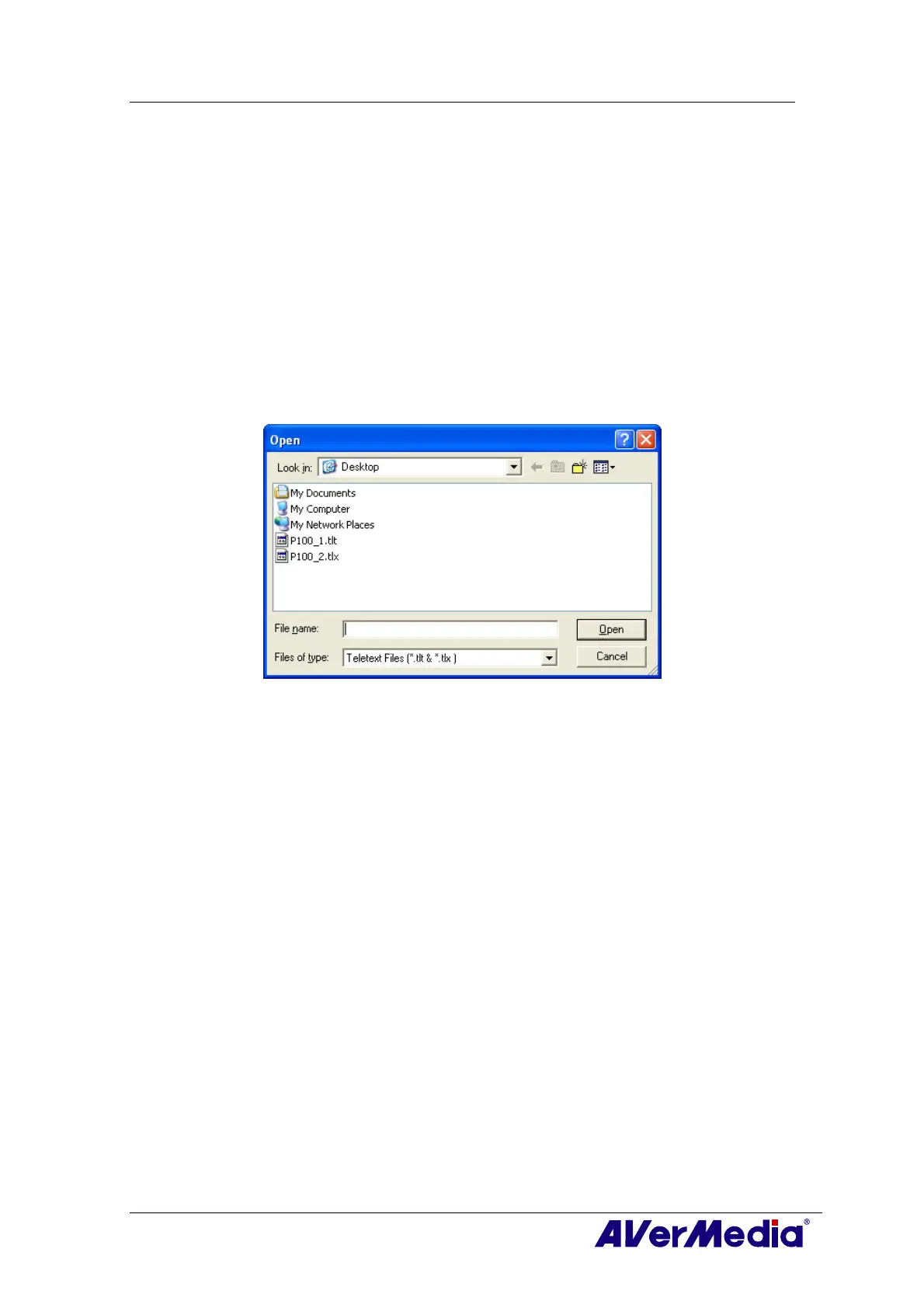
Opening a Teletext Page
1. Choose Open from the File menu or press Ctrl+O.
2. From the Open dialog box, select the file containing the teletext page you want
and click OK.
Opening Another Teletext Window
To open another teletext window, choose New Window from the File menu or press
Ctrl+W.
Closing the Active Teletext Window
Choose Close Window from the File menu or press Ctrl+L to close the active teletext
page window.











 To Next Page