58
4OPERATION
4.2 SETTING AND MONITORING
ALS
350
450
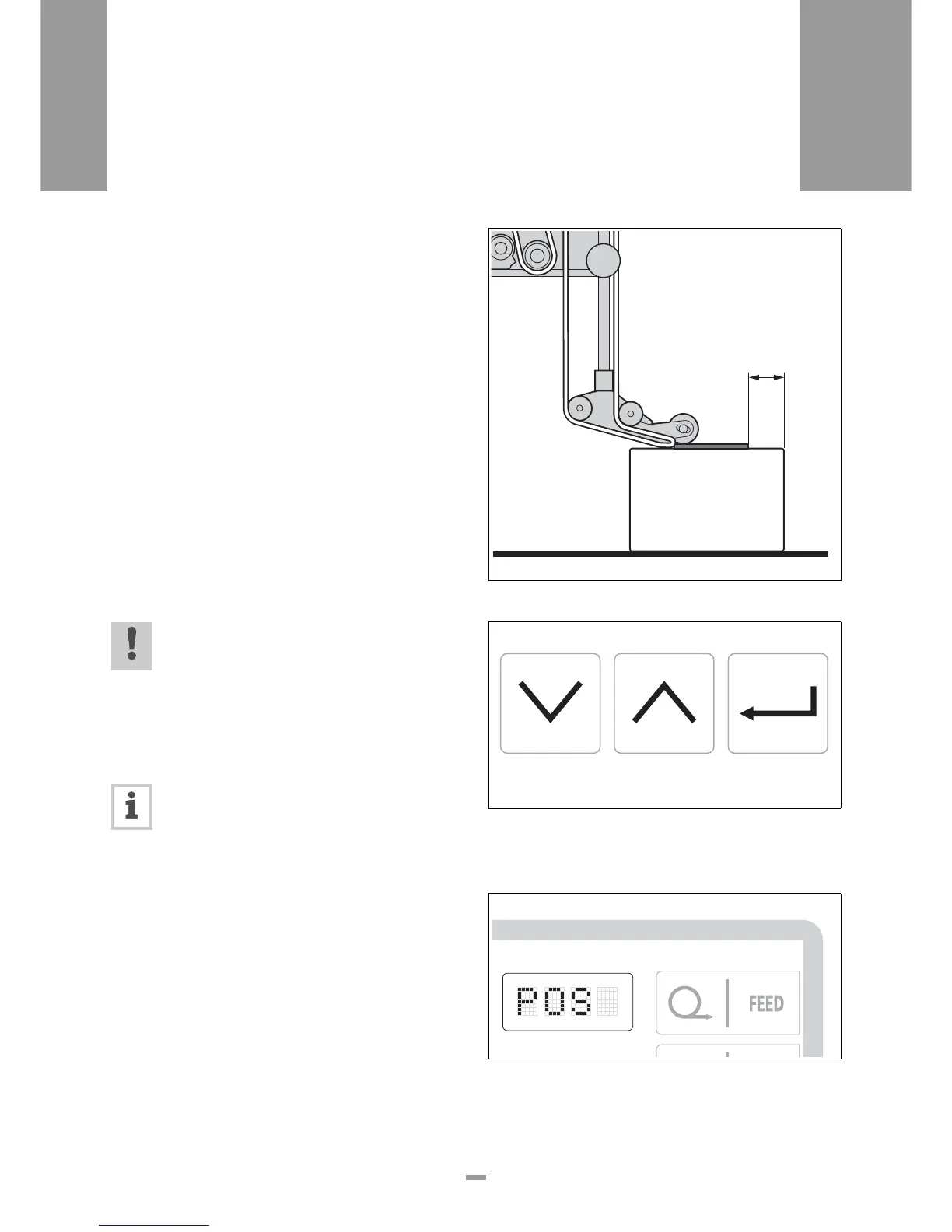
4.2.4 Label position on the product
(POS)
– Distance between leading edge of the product and
leading edge of the label [59A]
Prerequisites:
– The label stop position (STOD) is correctly set.
– The dispensing speed (VELO) is correctly set.
£ In the standard menu, press the NEXT [60A] or
PRIOR [60B] key until POS [61] is displayed on the
operator panel.
£ Call up the POS function by pressing the
ENTER [60C] key.
– The distance is shown on the operator panel in mm.
£ Set the desired distance using the NEXT or PRIOR
key.
– Settings are possible in 0.1 mm steps:
Minimum: 0 mm
Maximum: 999.9 mm
CAUTION!
Settings below 10mm are not recommended
- they can cause malfunction.
– Recommended setting range:
10.0-999.9mm (0100-9999)
£ Confirm the desired value using the ENTER key and
exit the POS function.
Note: POS actually sets the path that the prod-
uct follows from the product sensor to the trig-
gering of the labelling. If the product sensor is
located at the level of the dispensing edge, this
is the distance between the leading edge of the
product and the label.
[59] A Value for the POS function
[60] Symbols on the operator panel keys
A NEXT key
B PRIOR key
C ENTER key
[61] POS display on the operator panel
A
A CB







 To Next Page