87
5AFTER OPERATION
5.1 CARE AND CLEANING
ALS
350
450
Remove paper waste
£ Wipe off all paper waste (dust) from all rollers and
edges.
£ Clean the optics of the photoelectric sensors with a
soft brush or a soft tissue.
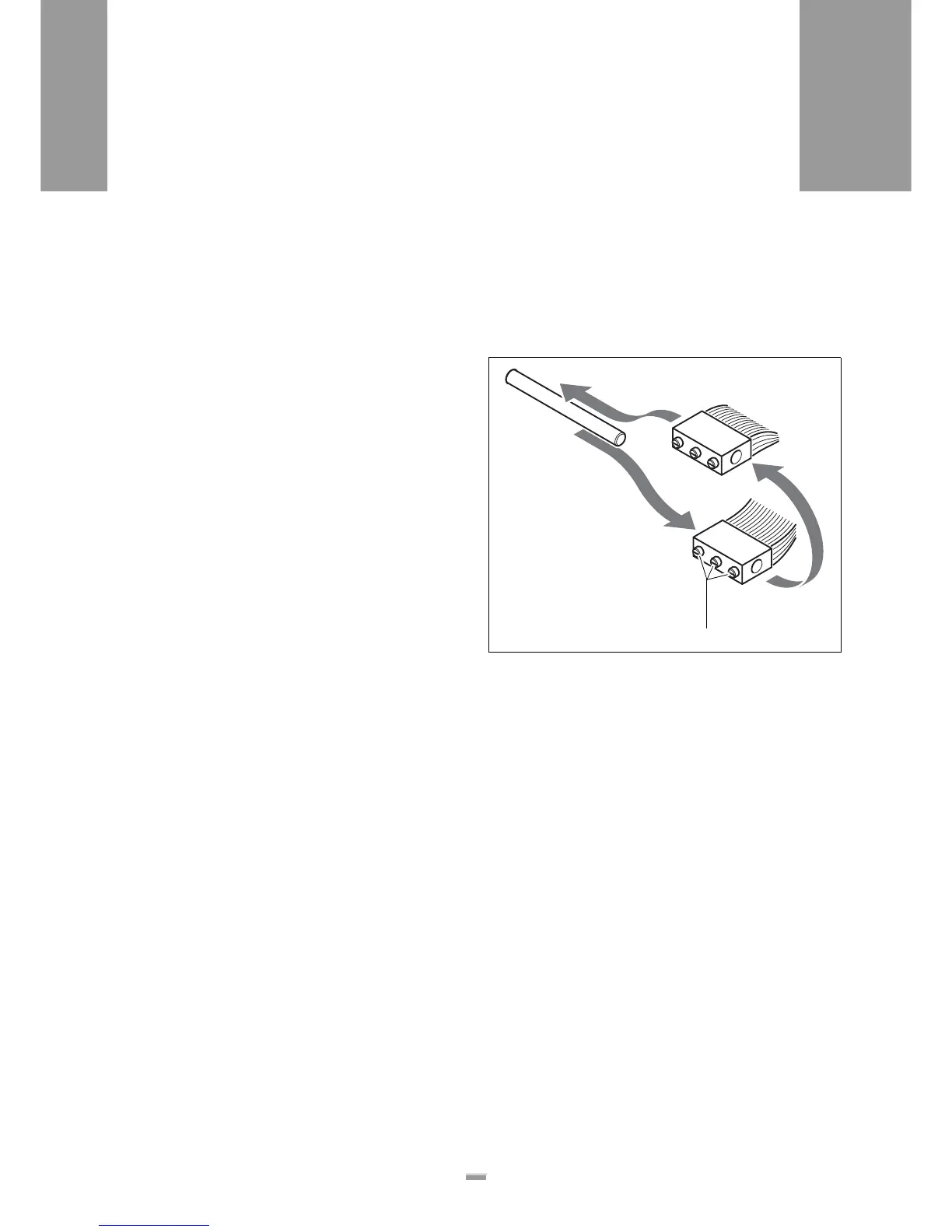
Braking brush
£ Loosen the stud bolts [89A] and remove the braking
brushes.
£ Remove adhesive residues
£ Turn the braking brushes and reinstall them so that
the side opposite the deformed bristles bears the
load.
[89] Braking brush
A







 To Next Page