OmniCare EVC System
Installation & Commissioning Manual
OmniCare issue 1
51
C
O
M
M
U
N
I
C
A
T
I
O
N
S
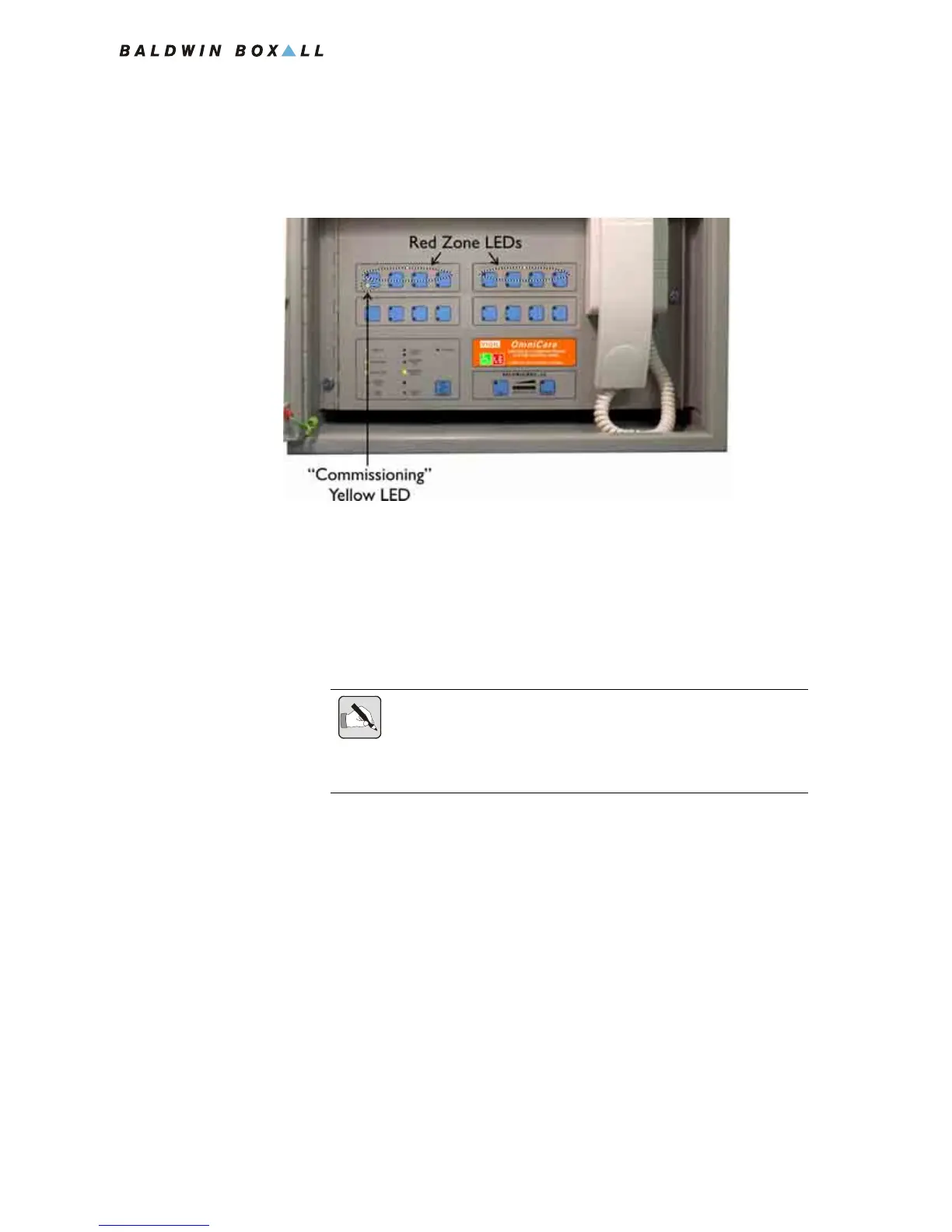
6. The Red LED in each Zone Switch will then illuminate to
show the progress of Power and the Commissioning Code
along the Loop to each Remote Unit.
Figure 4.2 — Commissioning Process LEDs
7. If the total number of illuminated LEDs is the same as the
number of Remote Units on the ring then there are no wiring
faults (except possibly between the last Unit and the Control
panel). If this is the case then proceed to step
10.
8. If fewer LEDs light than the number of Units on the ring,
repeat the Commissioning process from step
4.
9. If the point at which the red LEDs stop is the same, go to the
last 'red' Unit or walk the ring from the 'A' connection
looking at each Remote Unit "SYSTEM OK" LED.
The Remote Unit System OK LED will display the current
status of the unit.
The SYSTEM OK LED is identified on all Remote Unit front
panels except for the Advance Remote Unit. This is shown in
Figure 4.3.
NOTE: It is not necessary to remove power to restart the Commissioning
Process.
If the Red LEDs light erratically then press and hold the "RESET" button
for 10 seconds before pressing the "SPEAK" button.



 To Next Page