OmniCare EVC System
Installation & Commissioning Manual
OmniCare issue 1
63
C
O
M
M
U
N
I
C
A
T
I
O
N
S
4.7 ZONE INSERT LABELS
A Template is provided for labelling the Control Panel buttons.
The template gives a choice of pre-printed numbers or blank
spaces for installation-specific labelling.
The Zone Insert Template is also available to download as a
Word® file from www.baldwinboxall.co.uk.
The template should be cut into strips for insertion behind the
Control Panel button overlay.
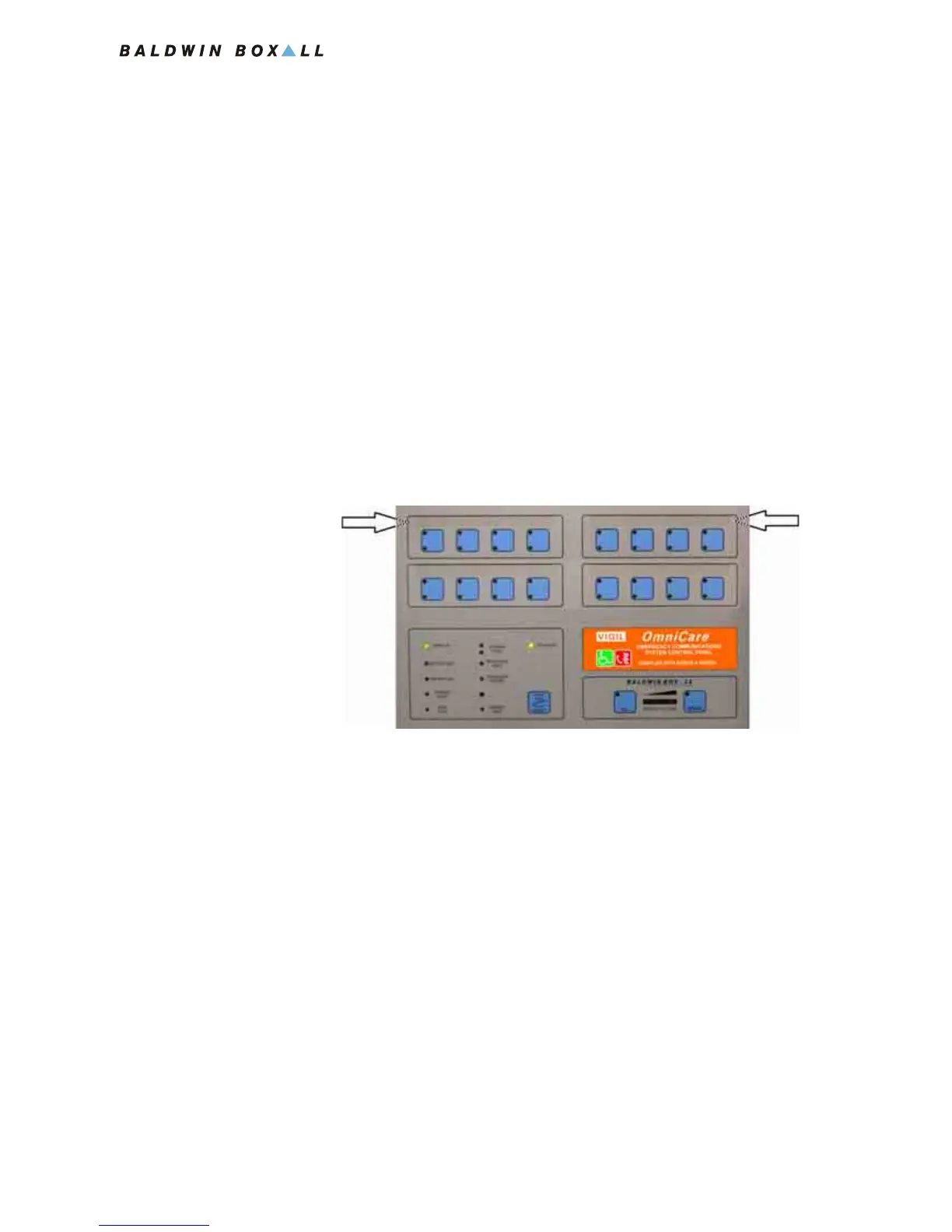
Slide the strips cut from the Zone Insert template under the
membrane at the positions shown in the picture. They can be
inserted from either side.
Figure 4.7 — Zone Label Insert positions



 To Next Page