74
BARRETT PRC-4090 TACTICAL HF SDR TRANSCEIVER - PROGRAMMING
Importing Settings from a USB
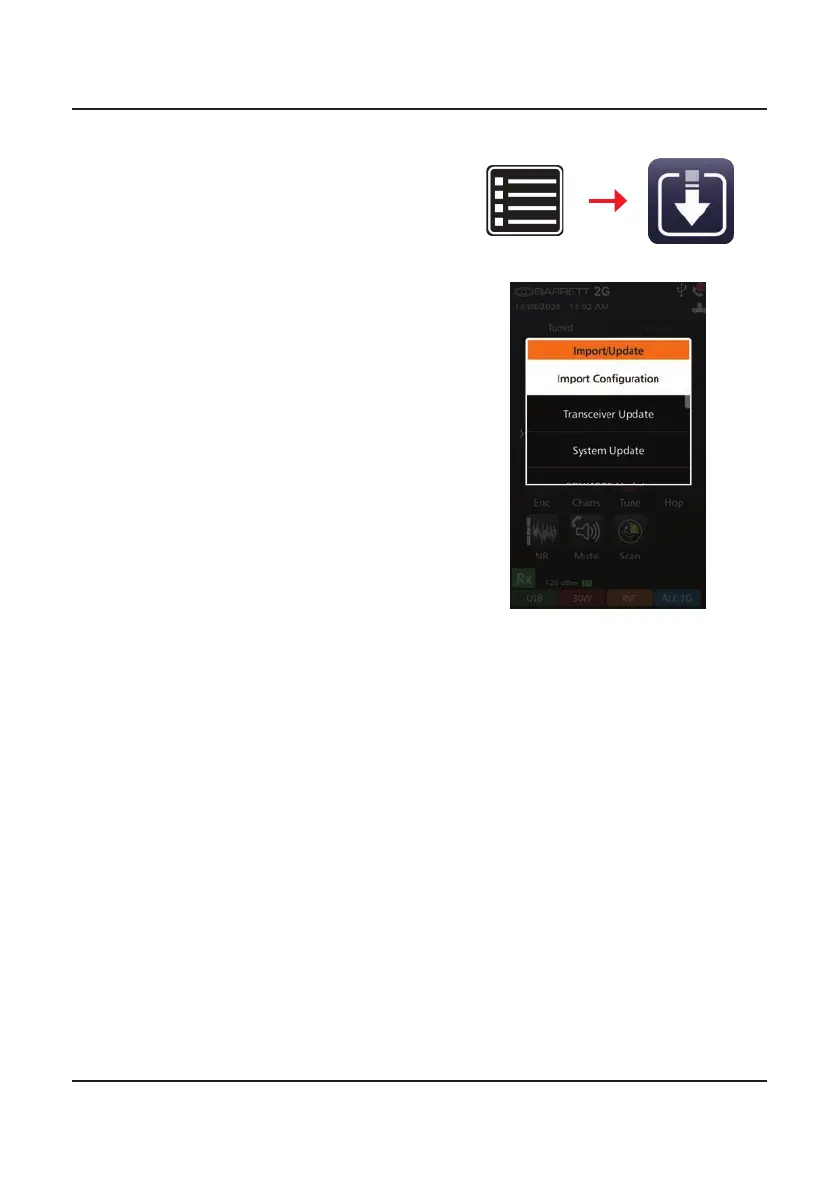
1. With a USB storage device inserted
into the USB port, tap Settings,
then Import.
If the correct les are on the USB,
the transceiver will recognise them
and initiate the Choose Action
screen.
2. To update the conguration settings (pack), tap Import Conguration
from the Choose Action screen described above.
The Choose a File screen displays.
Select the required le to import.
If a password was set up for the pack, this will be required for the import
to complete.
Conrm that the call history will be replaced when the new pack is loaded.
3. The import process will then begin automatically showing a progress bar.
Remove the USB storage device when prompted.
4. The importing of a pack via USB is complete.
Note: For transceivers that are installed with the ALE 2G Option only and no
other Digital Voice Options, a shutdown and restart of the transceiver will
be required once a pack has been installed.
Settings
Import/Update



 To Next Page