87
BARRETT PRC-4090 TACTICAL HF SDR TRANSCEIVER - ADVANCED OPERATION
Modes
Note: The mode icon will only temporarily set the
mode for a selected channel, reverting to that chan-
nel’s programmed default mode after the channel is
changed, or the transceiver is turned off.
For further information on setting up modes for
channels, see page 69.
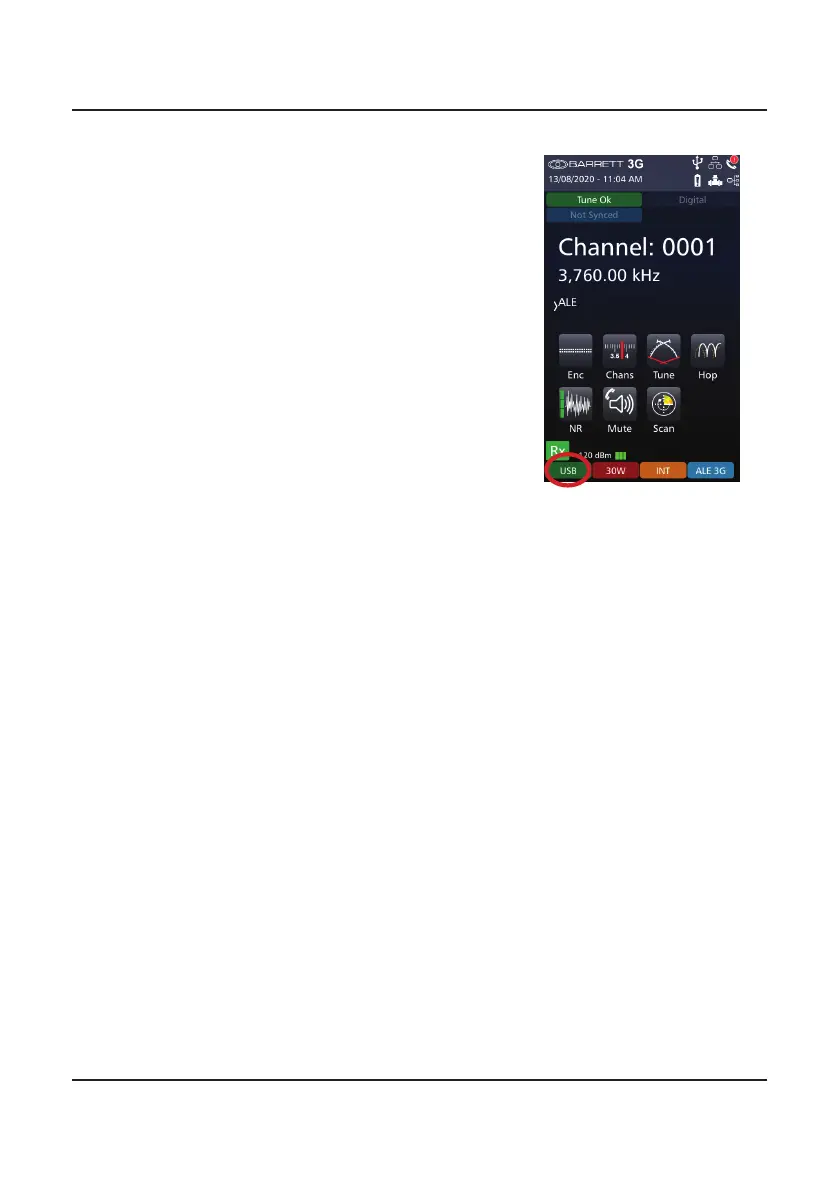
The current mode of transmission is displayed in
the lower left hand corner (green background).
The example opposite shows the transceiver in
USB mode.
Pressing and holding the mode will allow an oper-
ator to change the mode to USB, LSB, CF, CW or
AM mode for the current channel



 To Next Page