73
BARRETT PRC-4090 TACTICAL HF SDR TRANSCEIVER - PROGRAMMING
Programming Via USB
The transceiver conguration can be imported or exported as a “pack”. This contains
the channel congurations, ALE 2G/3G settings, scan tables, contacts and settings
amongst other information.
Note: a valid USB storage device must be inserted to activate.
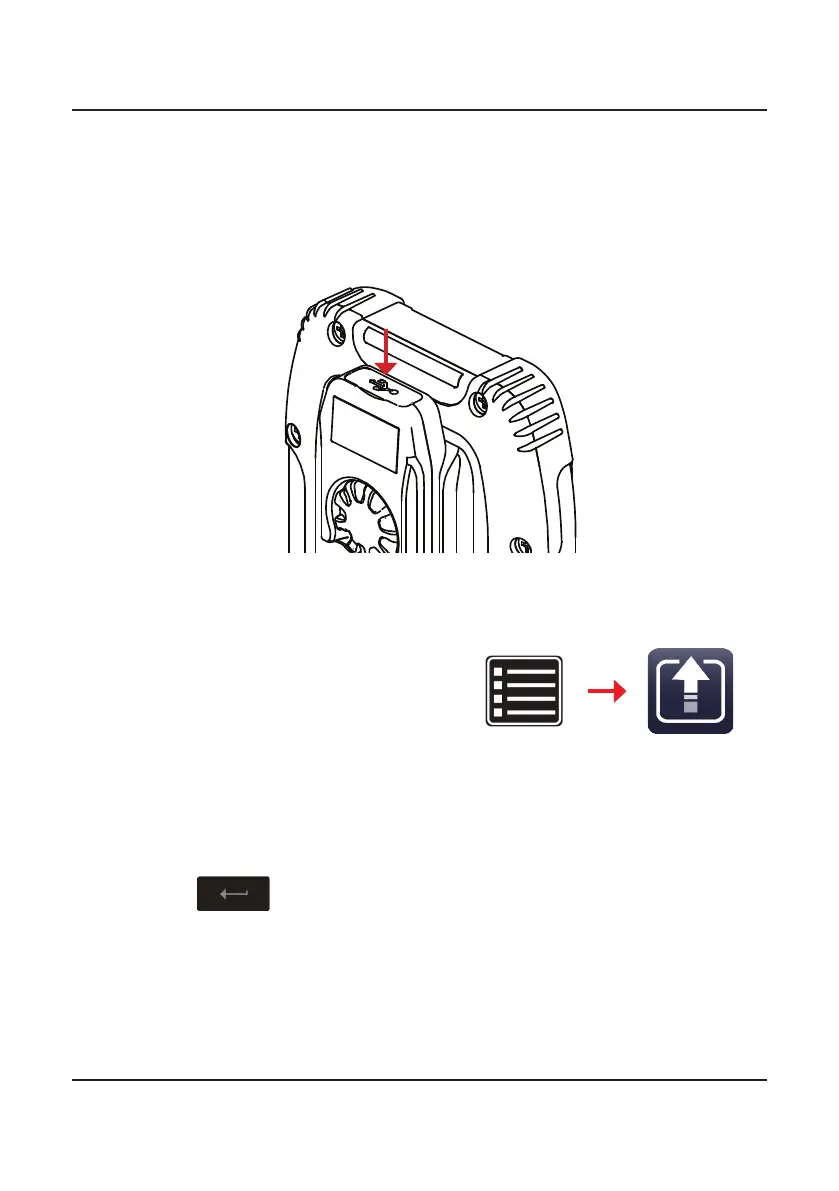
To export the device’s conguration settings, insert a USB storage device into
either a PRC-4090 Handset USB Interface (4090-01-27) or the Handset Docking
Station (4090-05-03).
1. Tap Settings, then Export.
2. From the Export screen, tap Export Conguration to display the Cong-
uration File Name screen.
The default name displays. Use the keyboard to type an alternative name of
the conguration le to export to the USB storage device.
Tap
to save.
3. Enter an optional password to encrypt the exported pack.
4. The Export Conguration screen displays showing a progress bar conrm-
ing the progress of the export.
When prompted, tap OK and remove the USB storage device.
Exporting Settings to a USB
Settings Export



 To Next Page