3-4
920512-768 Operator Manual Component Identification
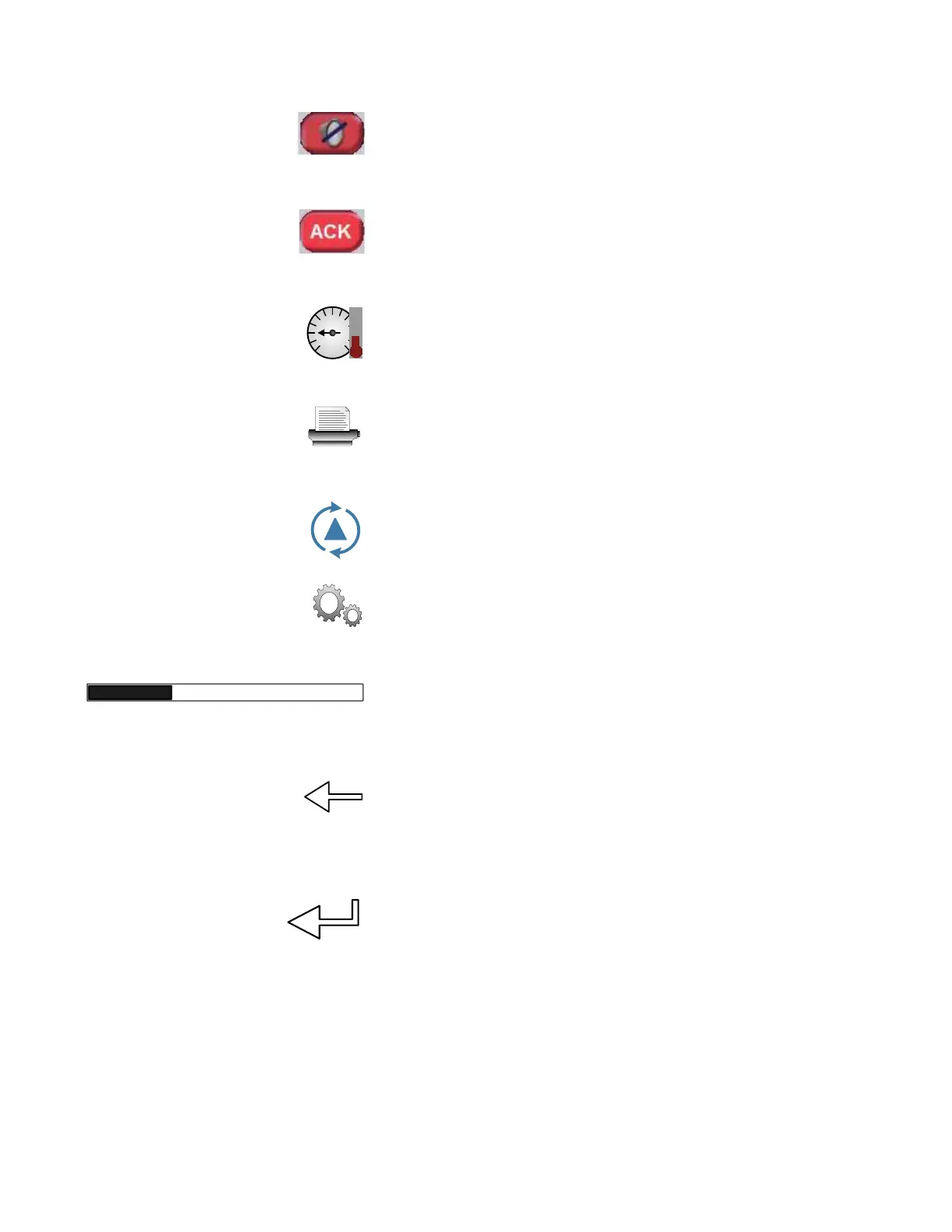
SILENCE BUZZER: Press SILENCE BUZZER on touch screen to
stop alarm buzzer.
ACK: Press ACK on touch screen to stop alarm buzzer and
acknowledge displayed FAULT messages.
DETAILS: Press DETAILS on touch screen to view current cycle
written data of parameters.
PRINT: Press PRINT on touch screen to print specific information
from the Cycle, Service and Supervisor modes.
CYCLES: Press CYCLES on touch screen to access Cycles menu.
GEARS: Press GEARS on touch screen to access Machine Setup
menu.
Progress Bar: Progress Bar is displayed on Chamber screen while
cycle(s) is (are) in progress to show cycle(s) progress.
BACKSPACE: Used on Numeric Keyboard. Press BACKSPACE on
touch screen to move one position backwards and delete the pre-
ceding space or character.
ENTER: Used on Numeric Keyboard. Press ENTER on touch screen
to confirm a selection and/or an entry.
3.2.6 Audible Signal An audible signal warns operator that an action must be taken.



 To Next Page