3-7
Component Identification Operator Manual 920512-768
3.5 Sliding Doors See Figure 3-1.
Sliding doors provide access to the wash chamber. Door movement
is power-controlled by DOOR OPEN and DOOR CLOSE touch pads
appearing on touch screen.
• Interlock Feature (Double-Door Units)
If unit is equipped with double doors, a door interlock feature pre-
vents cross-contamination by allowing only one door to be opened at
a time. Doors can be opened only one at a time.
If opening of both doors at the same time is more practical for facility
applications, it is possible to bypass the interlock system in Service
mode by a STERIS or STERIS-trained service technician. When inter-
lock feature is deactivated, pressing DOOR CLOSE or DOOR OPEN
touch pads on either side of washer automatically opens or closes
both doors simultaneously.
3.6 Emergency Safety
Features
3.6.1 LOCK/UNLOCK/INIT
Key Switch
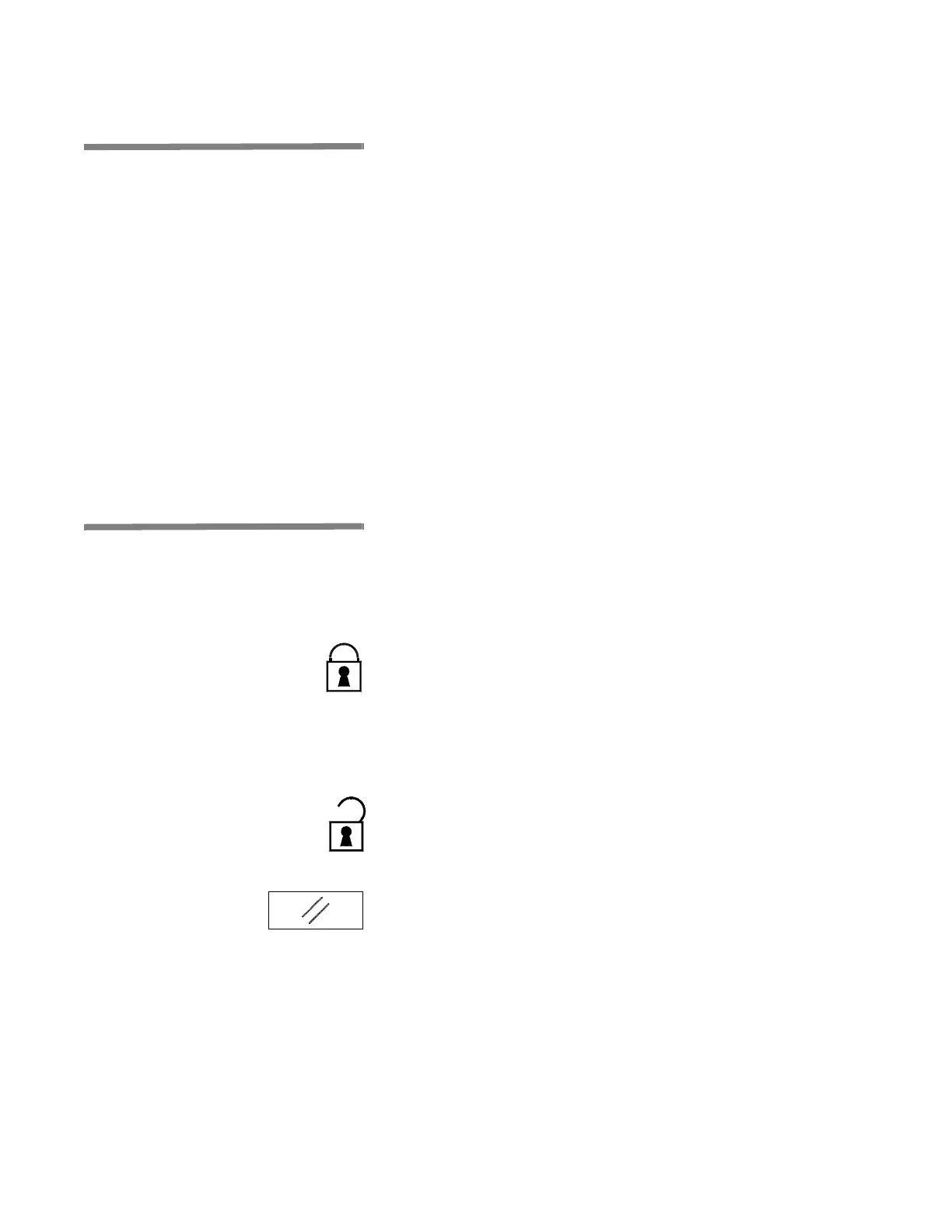
LOCK/UNLOCK/INIT switch is located on control panel and can be
turned only using a key (see Figure 3-2). For added safety, key must
be accessible only to trained operators. Switch includes three set-
tings:
1. LOCK – use key to turn selector switch to the left to LOCK
position to lock washer for minor maintenance purposes. When
switch is in LOCK position, operator cannot start a cycle and
display shows:
WASHER LOCKED
As an additional safety measure, key should be removed from
switch and kept by operator until ready to unlock washer.
2. UNLOCK – use key to turn selector switch to UNLOCK position
to unlock washer and enable washer to resume normal opera-
tion.
3. INITIALIZATION – use key to turn selector switch to the right to
reset washer normal operation after emergency stop cables or
EMERGENCY STOP pushbutton were activated, after a power
up or the return of current after a power failure.
NOTE: Selector returns automatically from reset to UNLOCK
position when key is released.
IMPORTANT: If Safety latch was raised, return Safety latch into
position before initializing washer.



 To Next Page