6-7
Routine Maintenance Operator Manual 920512-768
6.2.3 Horizontal Spray
Headers and Spray Jets
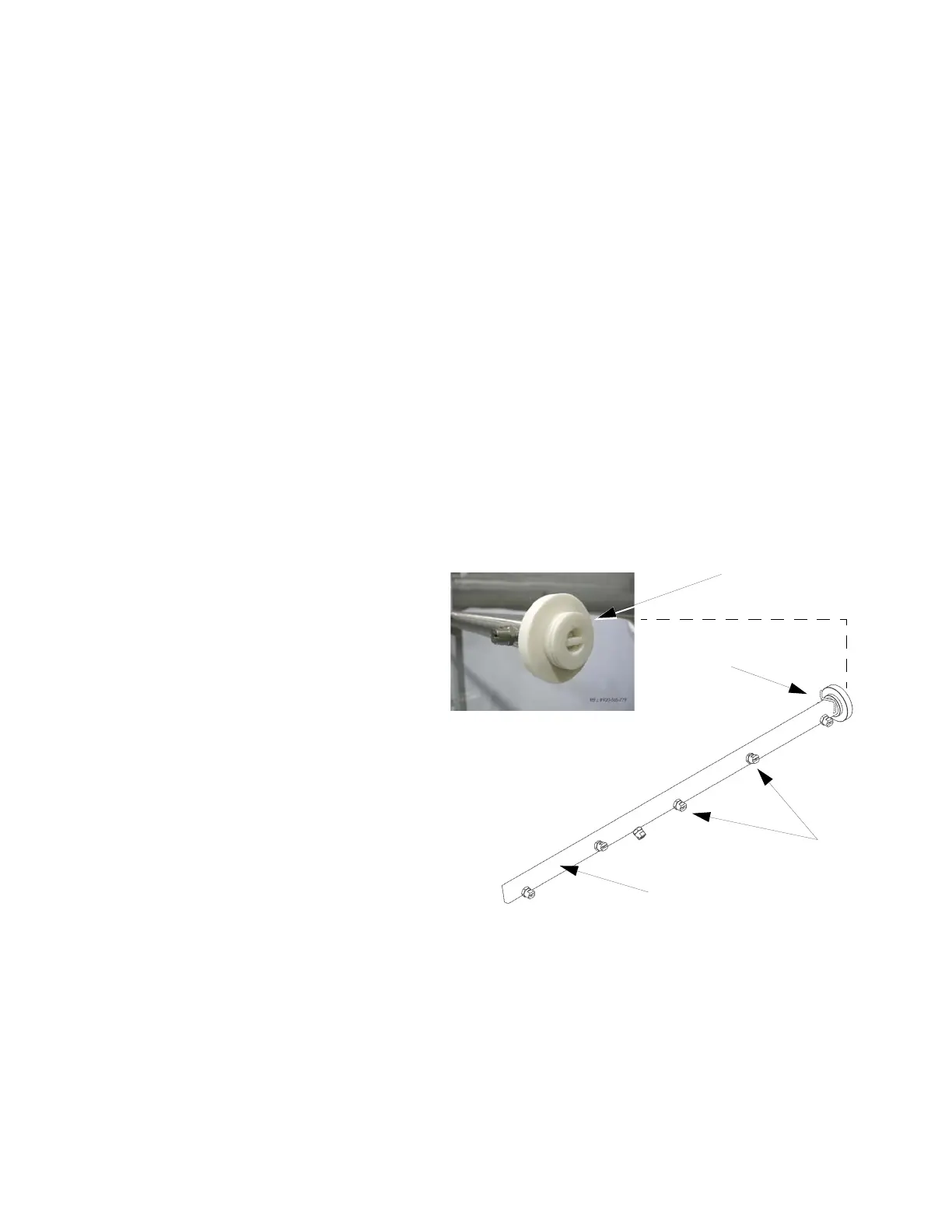
See Figure 6-1.
1. After last cycle of day, allow unit to cool down.
2. In Mode Selection screen, press DOOR CONTROL touch pad;
then, press DOOR OPEN touch pad to open load side door.
3. On load side of washer, turn LOCK/UNLOCK/INIT key selector
to LOCK position. Remove key from selector and keep on your-
self. Display shows:
WASHER LOCKED
4. Use a fine wire (approximately wire gauge of a paper clip) to
push sediment from all spray jets into service-side and non-ser-
vice-side horizontal spray header (see Figure 6-1).
5. To flush out sediments, remove end plug from both horizontal
spray headers as follows:
a. Remove locking pin from horizontal spray headers.
b. Remove end plug and keep safely aside (see Figure 6-1,
Detail).
c. Reinsert locking pin in horizontal spray headers.
6. Using key, turn LOCK/UNLOCK/INIT to UNLOCK position.
Remove key from selector and keep on yourself. Display shows
Mode Selection screen.
7. In Mode Selection screen, press DOOR CONTROL touch pad;
then, press DOOR CLOSE touch pad to close load side doors.
Figure 6-1. Horizontal Spray Headers and Spray Jets
End Plug
Locking Pin
Spray
Jets
Spray Header
DETAIL



 To Next Page