HOW TO USE
23
22
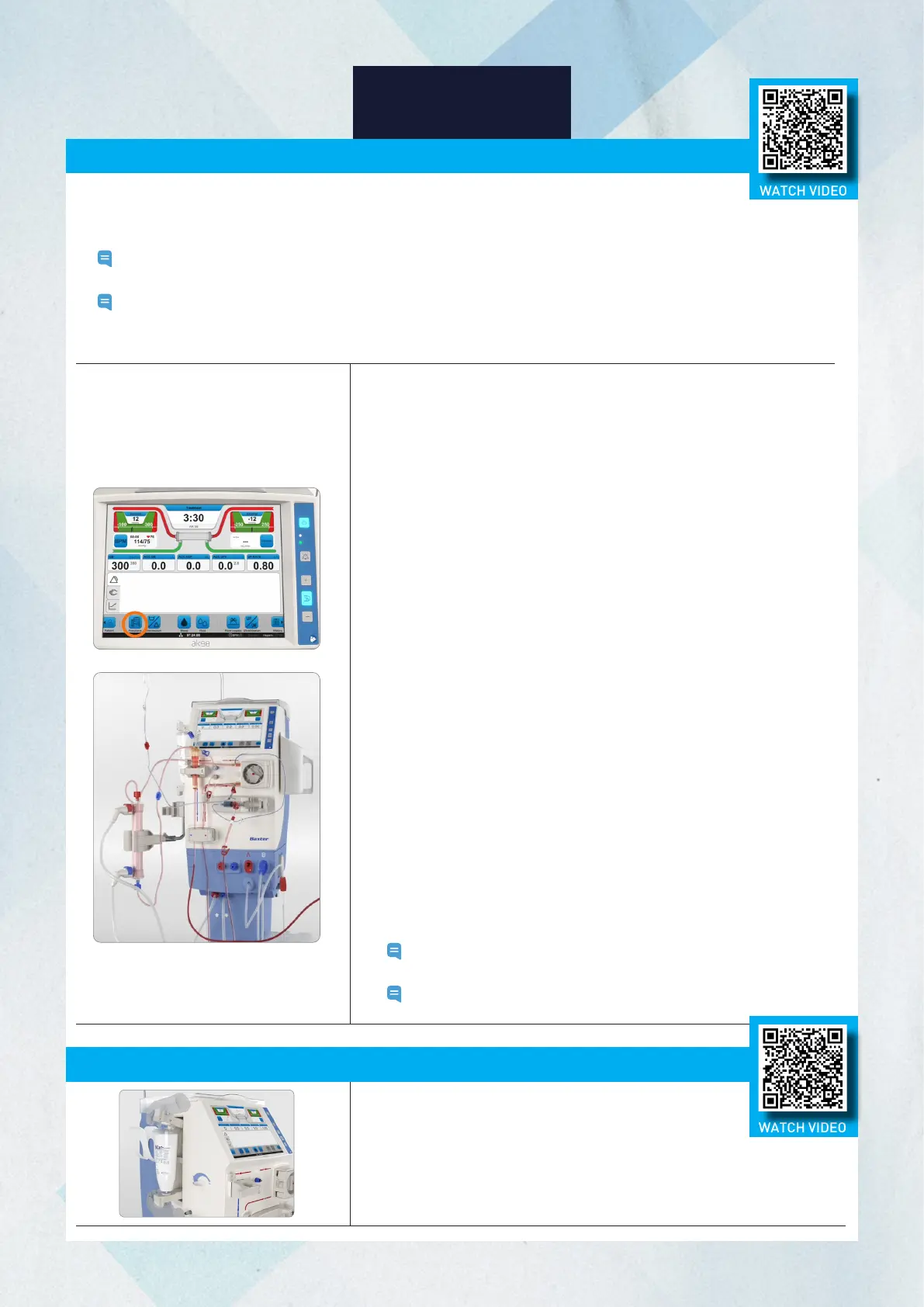
Replacing the BiCart Cartridge During Treatment
1. Press Functions.
2. Select New Blood Circuit and Confirm. The blood pump stops automatically.
3. Confirm New Blood Circuit with blood return when the blood pump stops.
Disconnect patient will also be an option.
4. Prepare for rinse back using the rinse back line on the arterial blood line.
5. Select Rinse Back and Confirm. Follow the normal ‘End the treatment’
procedure to return the blood.
- Connect the arterial blood line to the rinse back line
- Start blood pump
- Stop blood pump when rinse back is completed. The rinse back will
automatically stop after the preset rinse back volume, if not stopped
manually before.
6. Disconnect patient and select Confirm on the screen that patient is
disconnected. The air detector will be deactivated.
7. Remove venous line from the priming detector.
8. Move dialysate lines to dialysate ports on the machine. Dialyzer will not be
drained.
9. Remove/dismount the used dialyzer, bloodlines, and heparin syringe.
10. The message ‘When ready to prime, start blood pump’ appears. Follow the
normal procedure to set up the machine.
11. When recirculation volume is achieved, prior to stopping the blood pump, ensure
the dialyzer is in treatment position. Stop the blood pump and select Connect
patient. Follow the normal procedure to connect the patient.
12. Increase blood flow and start UF. Treatment will continue from where it was
stopped.
Note: If not possible to return blood to patient, select Disconnect Patient,
Confirm, and follow on-screen instructions.
Note: If set, reactivate profiles and Diascan features.
If you need to replace the BiCart cartridge with
a new cartridge during treatment:
1. Remove the used BiCart cartridge and close the BiCart
holder for at least 2 seconds.
2. Reopen the holder and install the new BiCart cartridge. The machine
will automatically prime the new BiCart cartridge.
Changing the Dialyzer and Blood Lines During Treatment
If clotting occurs, you may have to change the blood line and dialyzer during treatment. If you must replace
the dialyzer and blood line during treatment, all values and settings will be saved in the machine,
and treatment will resume from where it left off.
Note: It is not necessary to end the treatment and start again to replace the circuit. Once the procedure is complete, the
treatment will continue from when it was stopped.
Note: It is important to follow the instructions provided on the operator’s panel in the sequence listed. Steps performed
out of sequence may delay the option for priming and return to treatment mode. Once started, the new blood circuit
procedure must be completed.
WATCH VIDEO
WATCH VIDEO














 To Next Page