OTHER FUNCTIONS
37
36
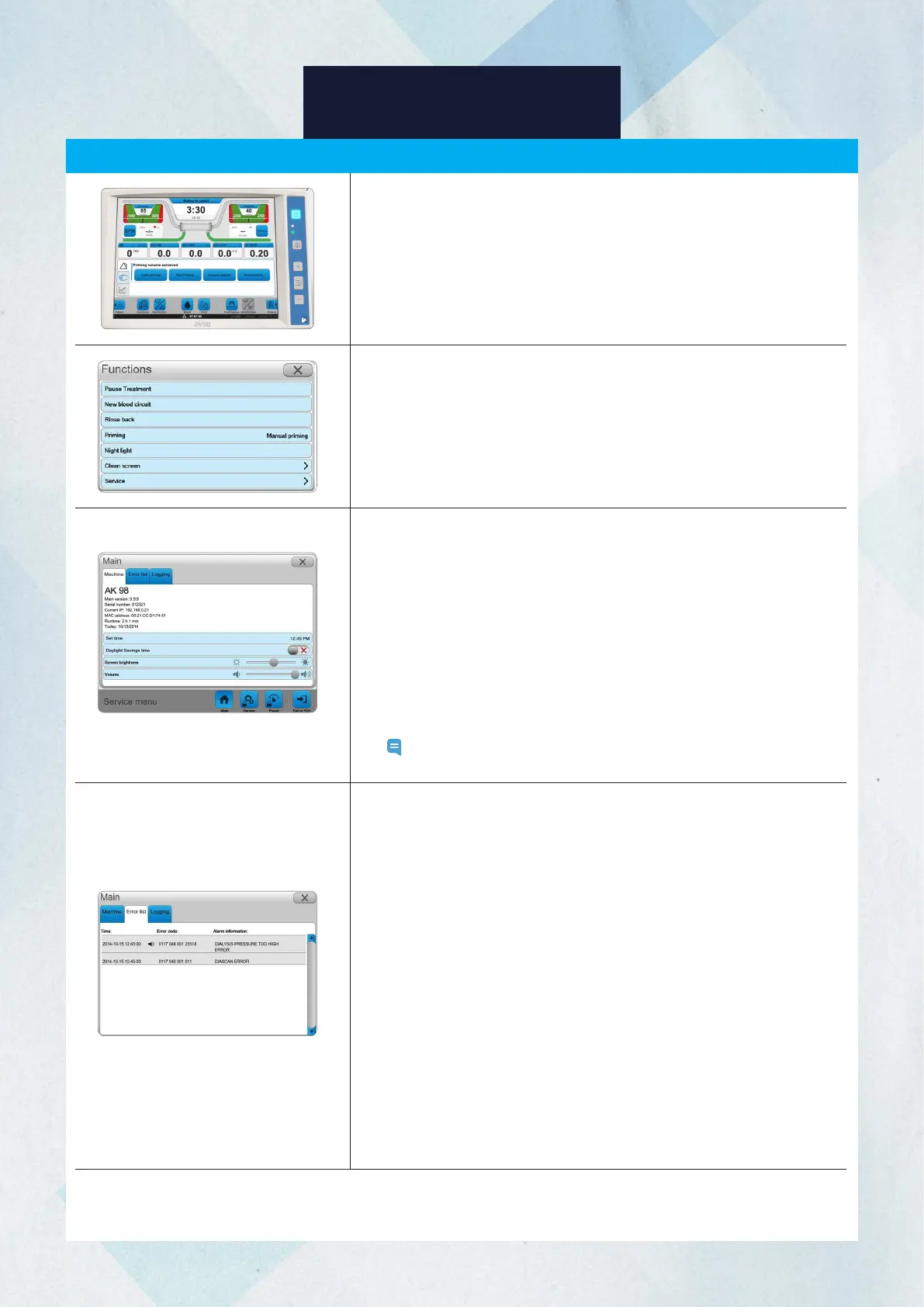
You may explore and adjust some machine settings, and check the
error list.
1. Press the Functions button.
2. Press Service to open the menu.
There are 4 functions offered: Set time, Daylight Savings time,
Screen brightness, and Volume.
Set Time: Select Set Time, open the keypad, and adjust the time of
the system clock.
Daylight Savings Time: Press Activate to activate daylight savings
time. When activated, the clock will advance by 1 hour (used in the
summer months). When deactivated, the standard time will be shown
on the clock (used in the winter months).
Screen Brightness: Move the slider to adjust the screen’s brightness.
Volume: Move the slider to adjust the speaker volume.
Note: The Set Time and Daylight Savings Time can only be utilized
when the machine is not in treatment mode.
Service Menu
Error List
Time: Shows the time when the error occurred.
Error Code: The error code can identify the software or hardware
component that caused the error.
Alarm (Error) Information: Error messages that are displayed on the
Error list tab. The most recent errors are shown at the top in black
font. The list will be retained even if you turn off the machine or after
a power outage.
1. Press the Functions button.
2. Press Service.
3. Select the Error list tab.
Logging Tab
You can select the parameters that will be logged. This function is
used by the authorized service technician to check the condition and
status of hardware or software components.
This can also be used to check the charge level of the battery.














 To Next Page