User Manual 13
Safety and compliance
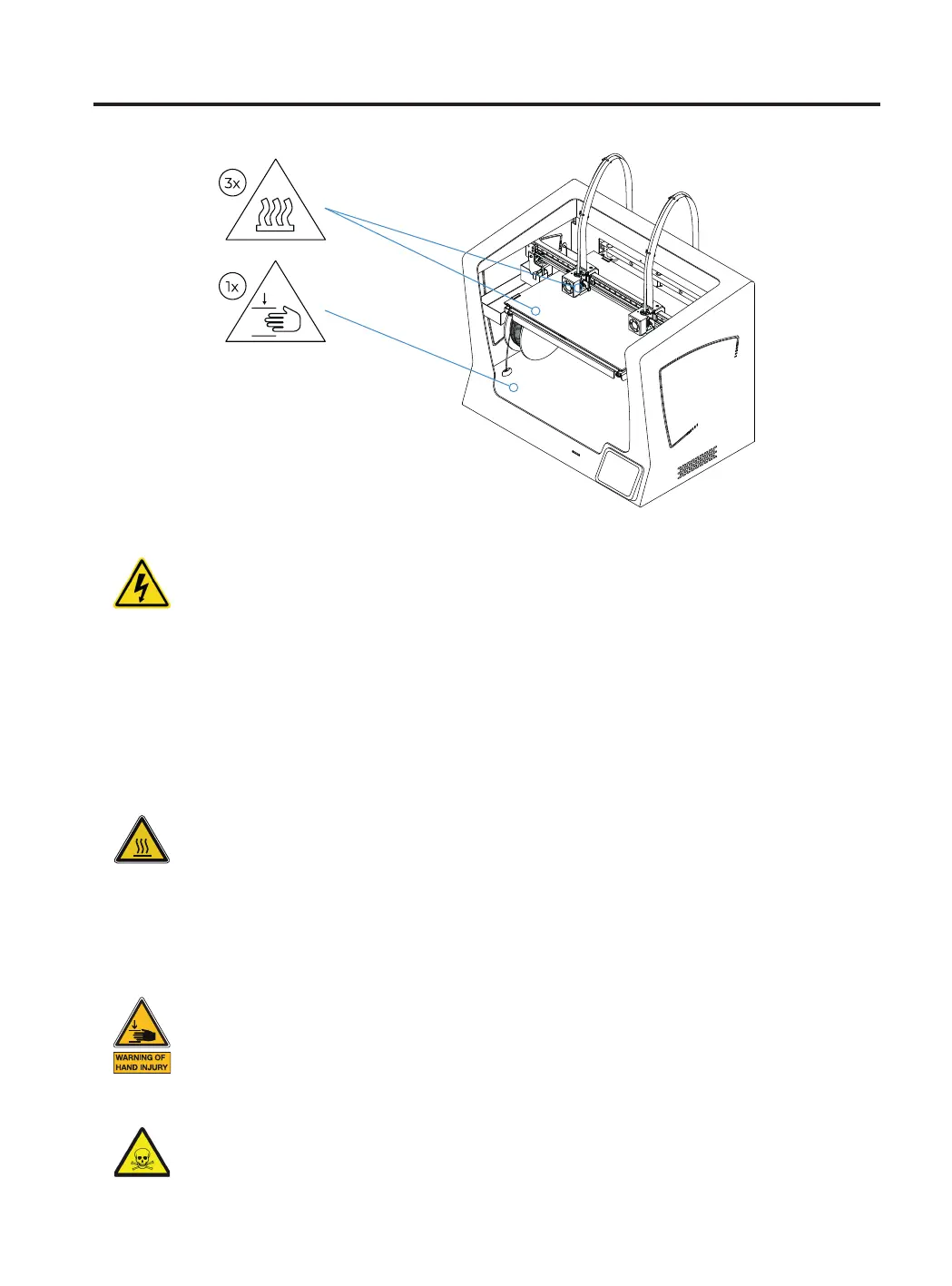
Do not touch the hot parts (heated bed and hot-ends) when the machine is switched on, and wait
15 minutes after it has been switched off before touching them.
Take care about the indications of temperature shown on the screen.
There is a potential risk of burns: the hotend can reach temperatures up to 300 °C, while the
silicone heater mat can reach temperatures of 200 °C. Do not touch either of these parts with your
bare hands.
Do not put any object or part of the body between the mobile parts of the printer, when it is moving
or can start moving.
Specifically the force of the build plate is enough to cause damage.
The printing materials are not innocuous and emit toxic fumes.
Always print in open or well-ventilated spaces and use a protective mask.
Do not breathe closer than 25 cm from the tool head when printing.
The printer is powered by mains voltage, which is hazardous when touched.
This has been marked with a high-voltage symbol on the bottom cover.
As with any other appliance, do not touch the terminals of the mains, the switch, or the power
supply. There is a risk of electrocution.
Connect the machine to an electrical outlet according to the current legislation.
Do not connect or disconnect any device and/or electrical connector when the machine is connected
to the power supply.
In the event of an emergency, stop the machine immediately by pressing the switch, and disconnect
the power supply.



 To Next Page