User Manual 42
Preparing a print
BCN3D Cura
BCN3D Cura is a free and easy-to-use 3D printing software that prepares your digital model for 3D printing. Such
a complex process has been carefully optimized and tested for BCN3D products. As a result, the user enjoys a
flawless 3D printing experience while increasing the reliability of the process.
BCN3D Cura includes validated printing profiles to increase the printing success rate. Just select the installed
hotends and materials on the printer to get the right set of parameters. And, of course, those experts users still can
tweak more than 200 parameters.
Installing BCN3D Cura
Visit Knowledge base to download the suitable version of BCN3D Cura for your Operative System and the BCN3D
Cura manual. Once downloaded, follow the installation wizard.
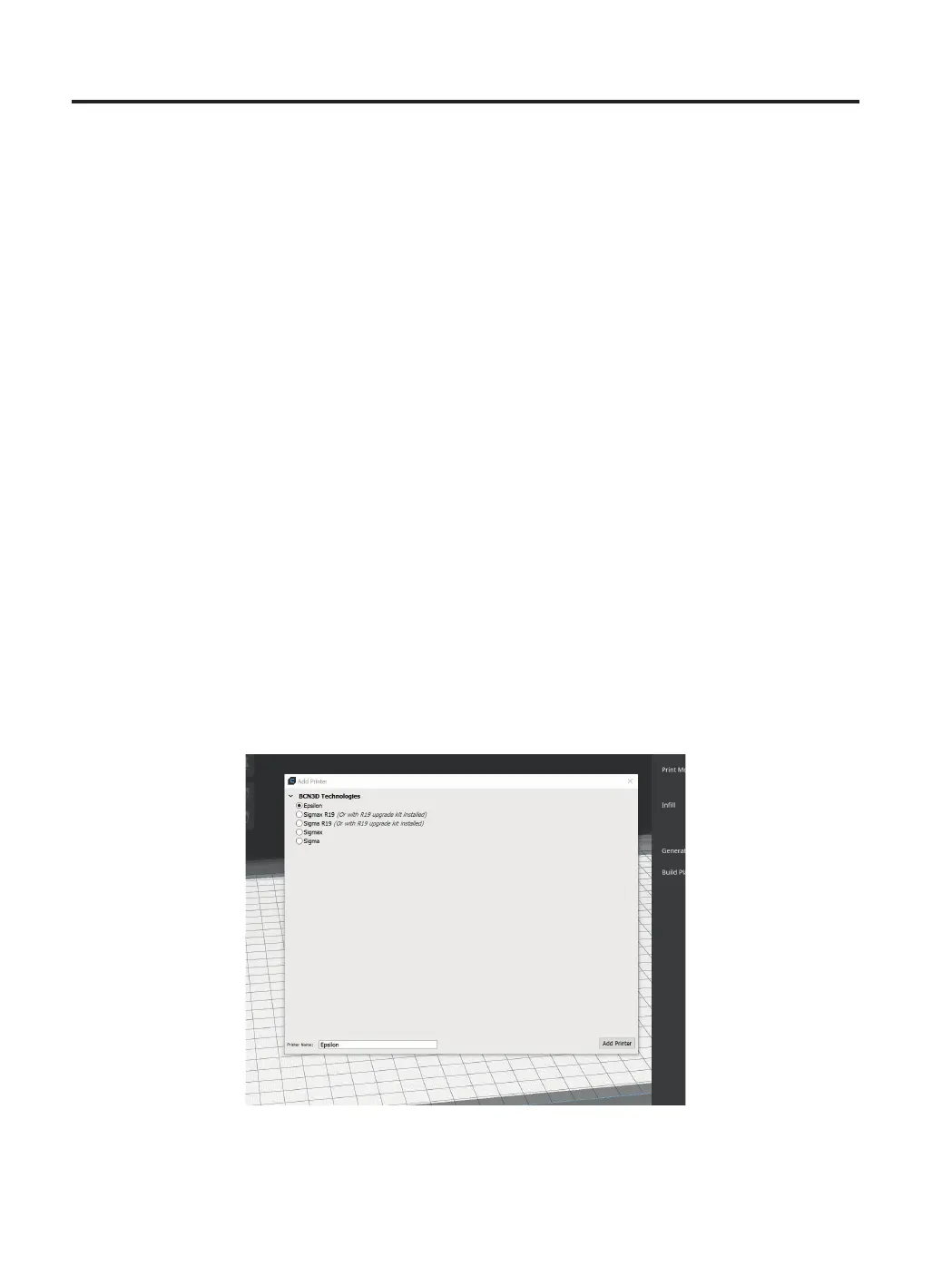
Add printer
After the installation, when opening BCN3D Cura for the first time, you will be asked to select your BCN3D Sigma
Series printer.
Add an offline virtual printer
• Select the Sigma D25 profile.



 To Next Page