User Manual 41
Operation
Control panel
Once the Setup Assistant wizard finishes, it is time to start operating the printer. Considering that the printer is
connected to the network, registered, loaded with material in both extruders and correctly calibrated in the X, Y and
Z directions, this chapter focuses on the preparation of the model to be printed, printing the file and collecting the
print once it finishes.
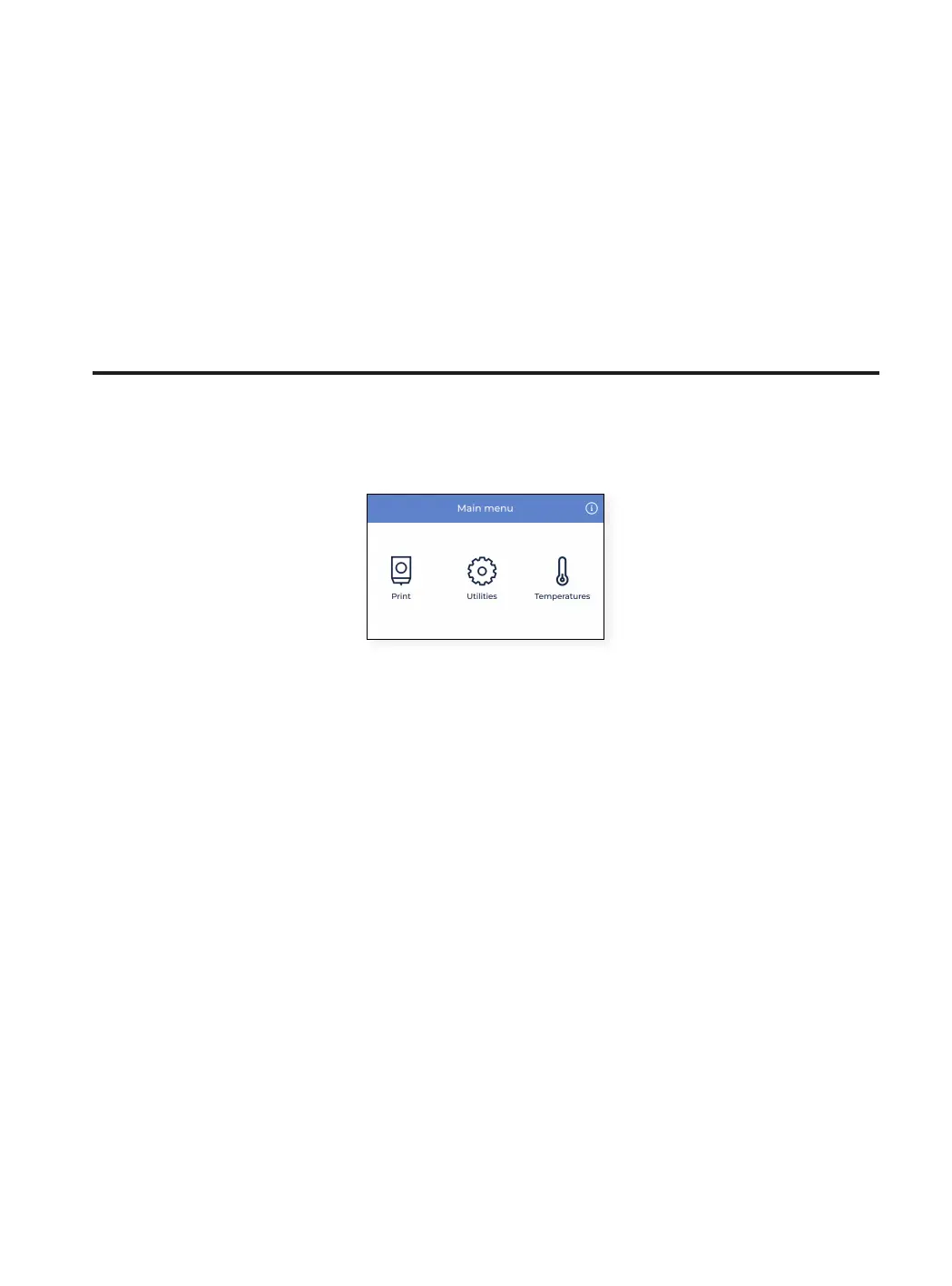
The printer can be controlled at all times through the touchscreen and the main operations can be accessed from
the main menu.
To know more how to navigate through all the menu options, please check the Menu structure in this user manual.



 To Next Page