User Manual 50
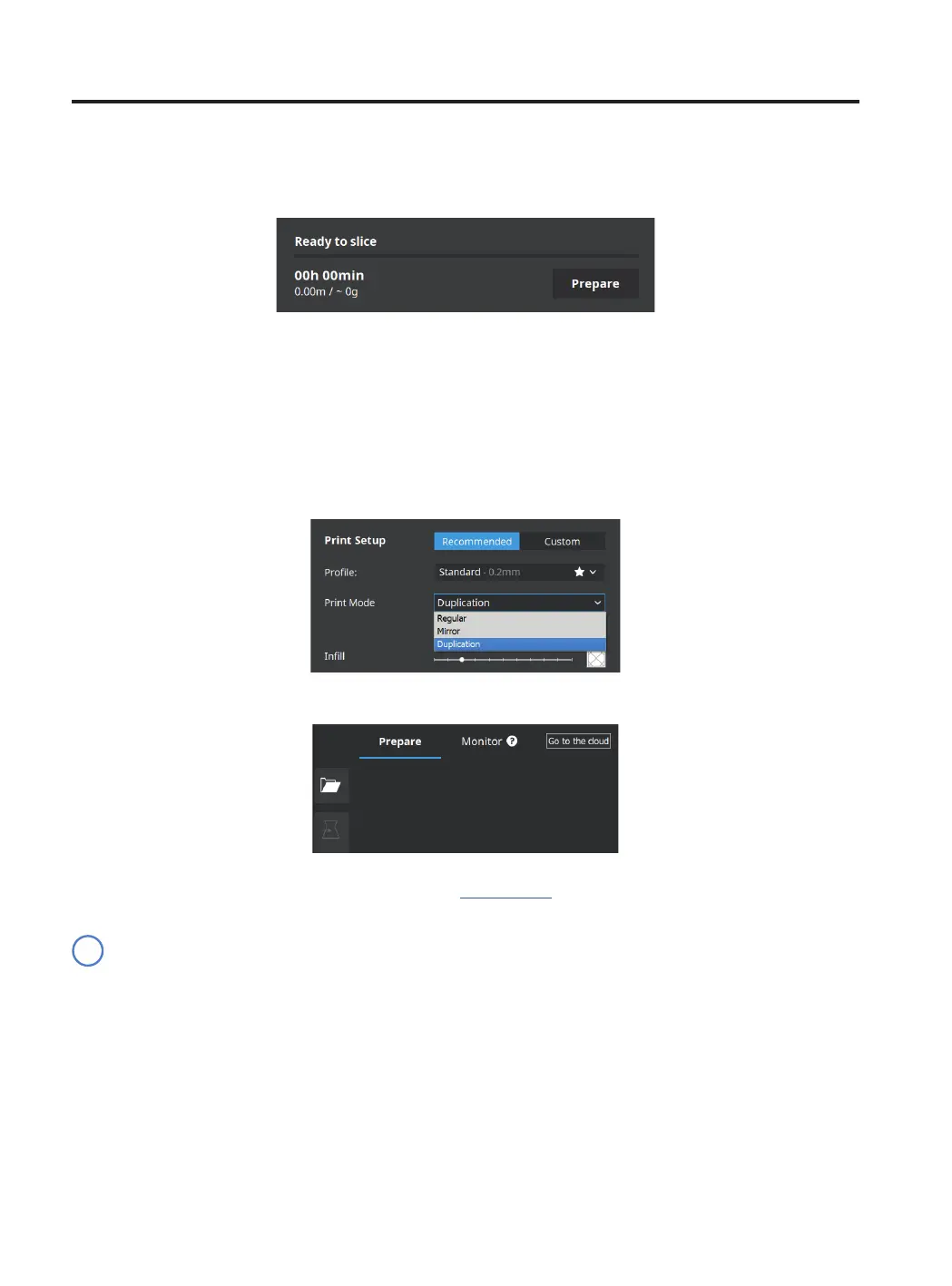
• Click Prepare to generate the printing file.
Duplication
Print the same model with both toolheads simultaneously and double the printing capacity. This mode is ideal for
short runs of production. Bear in mind the available printing surface will be reduced by half.
• Select Duplication in the Print mode list option.
• Click Open File.
• Select the STL file to be printed. It can be found in the Sample parts folder.
Note how the available printing volume is reduced and the loaded models automatically move to the left.
These models can still be modified. A preview of the duplicated or mirrored parts is available at the right.
Preparing a print
i



 To Next Page