User Manual 49
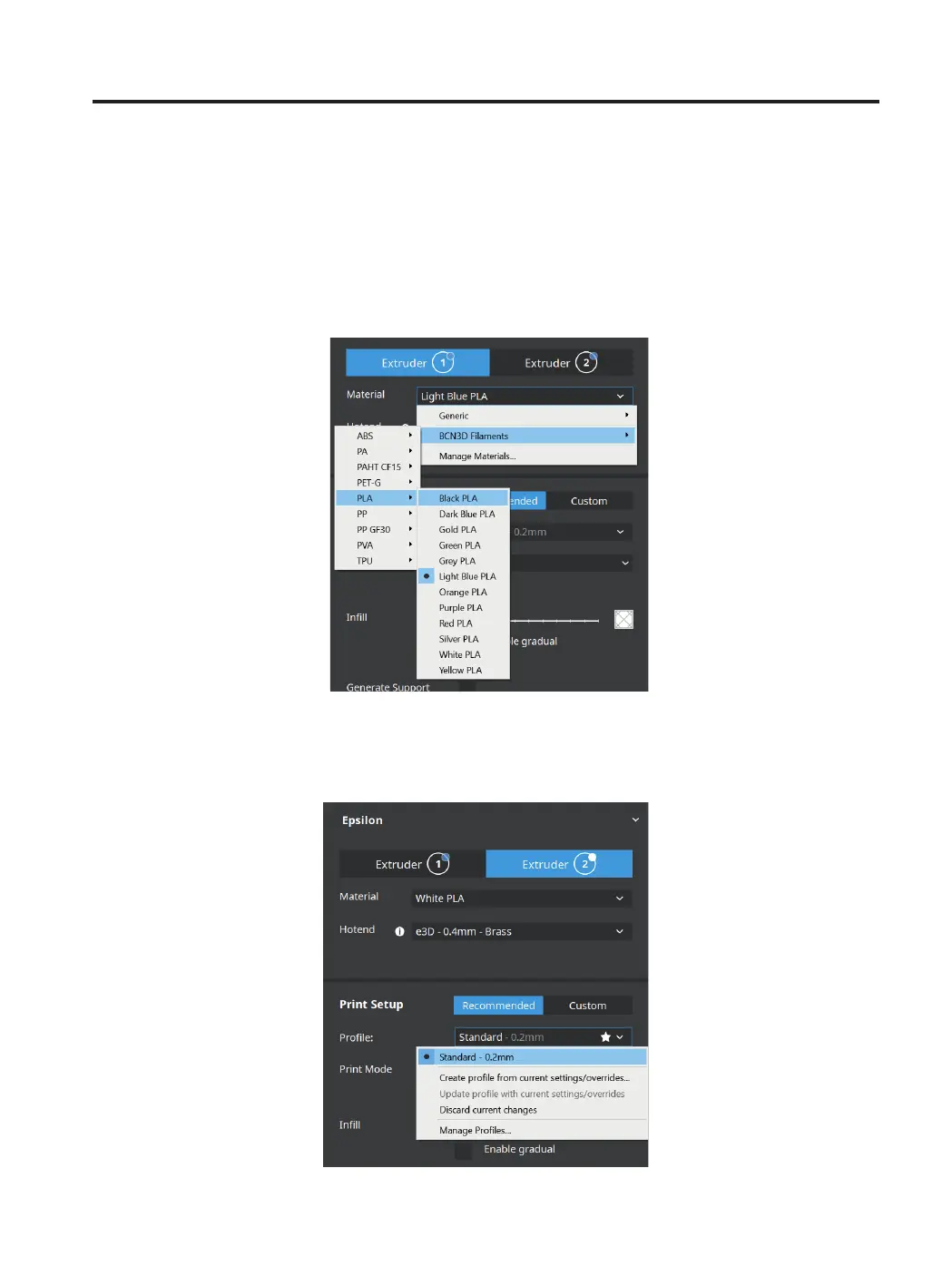
• Select the printing profile for the Left Extruder. Make sure the material loaded at Right Extruder is the same as
in the Left Extruder.
Preparing a print
• Select the STL file to be printed. It can be found in the Sample parts folder.
(Information) Note how the available printing volume is reduced and the loaded models automatically move to the
left. These models can still be modified. A preview of the duplicated or mirrored parts is available at the right.
• Then select the material loaded in the Extruder 1.



 To Next Page