User Manual 44
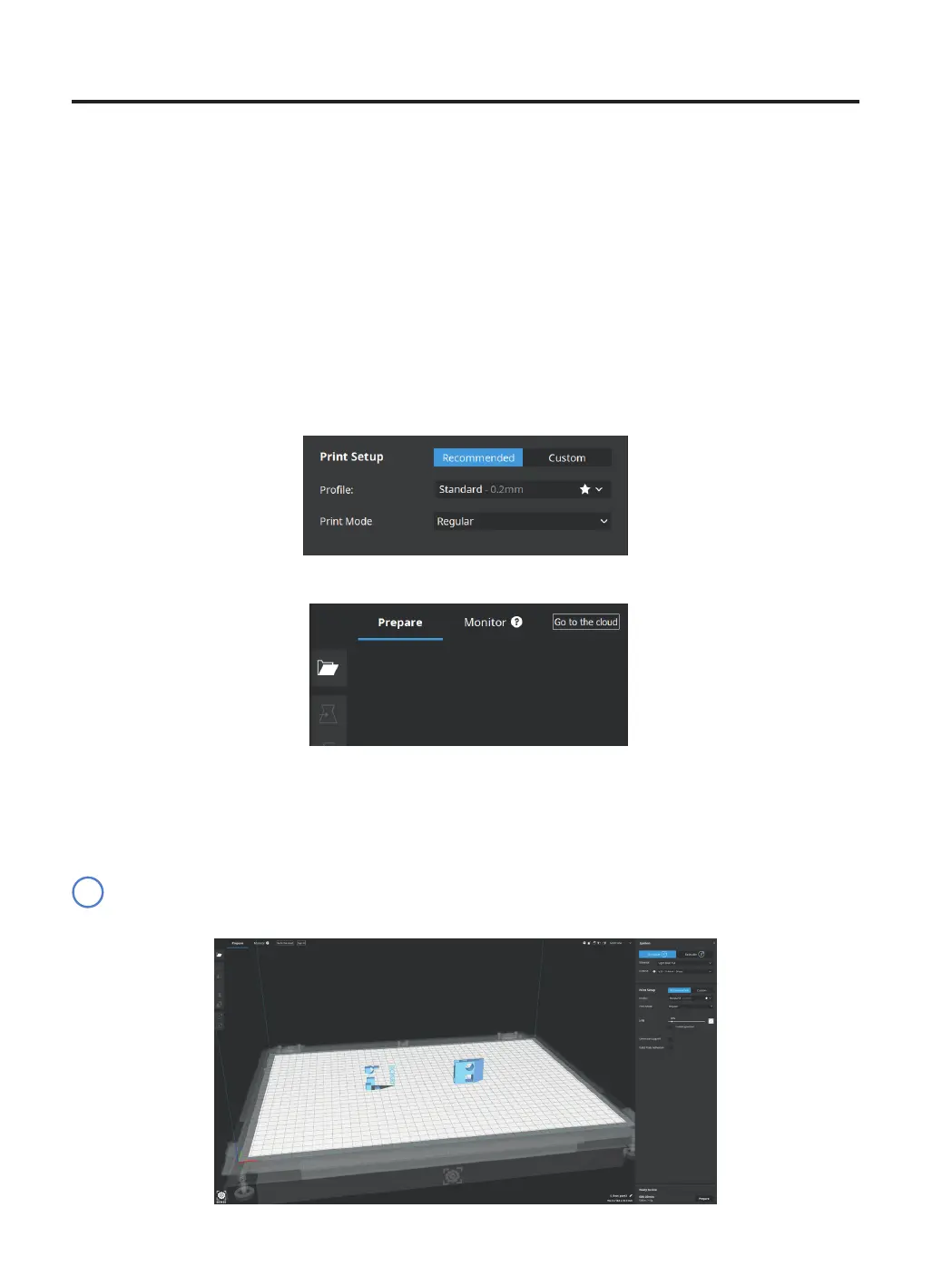
• Select the STL file to be printed.
• Select the model, it will be highlighted with a blue outline. Use the adjustment tools to move, scale or rotate as
needed.
Visit Knowledge base to download BCN3D Cura manuals to get more information about adjustment tools.
Preparing a print
i
• Click Open File.
Regular
In Regular mode, single or dual prints can be performed.
For single prints, It only uses one toolhead. It is ideal to print large models, taking advantage of the massive print
surface or just to print with one single material.
For dual prints, It uses both toolheads. It is ideal to print multicolor, multi-material parts or to cut down printing
times by combining hotends with different nozzle sizes.
Single
• Select Regular in the Print mode list option.



 To Next Page