User Manual 61
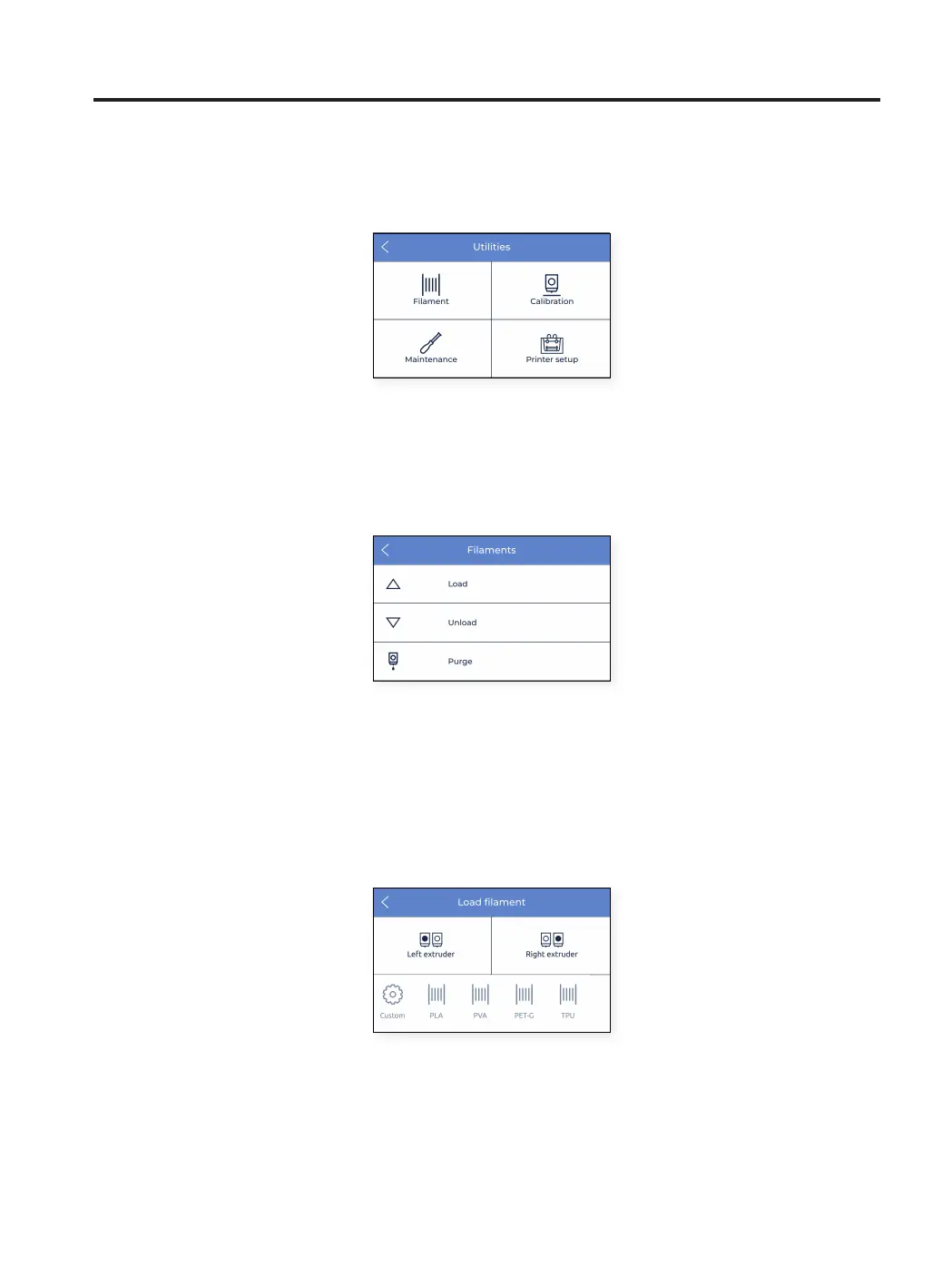
Select the Utilities menu icon to scroll over all setup, maintenance and calibration options.
Utilities
Filament
In this menu, all the possible operations related to the printing material are shown.
1. Load: this process guides the users through the operation of feeding a material filament to the hotend. This is
also included in the Setup assistant. Be sure to have the filament spool ready and follow the instructions on the
screen:
• Select the extruder the material will be loaded to, and select the type of material. This is very important
for the temperatures to be adjusted accordingly.
• Push the filament gently through the tubes until it arrives at the extruder. Notice that the filament may
get a bit stuck in the Filament Run-out Sensor (FRS). The filament should be pushed through the FRS
until it doesn’t move forward because it arrives at the extruder.



 To Next Page