Utilities
User Manual 67
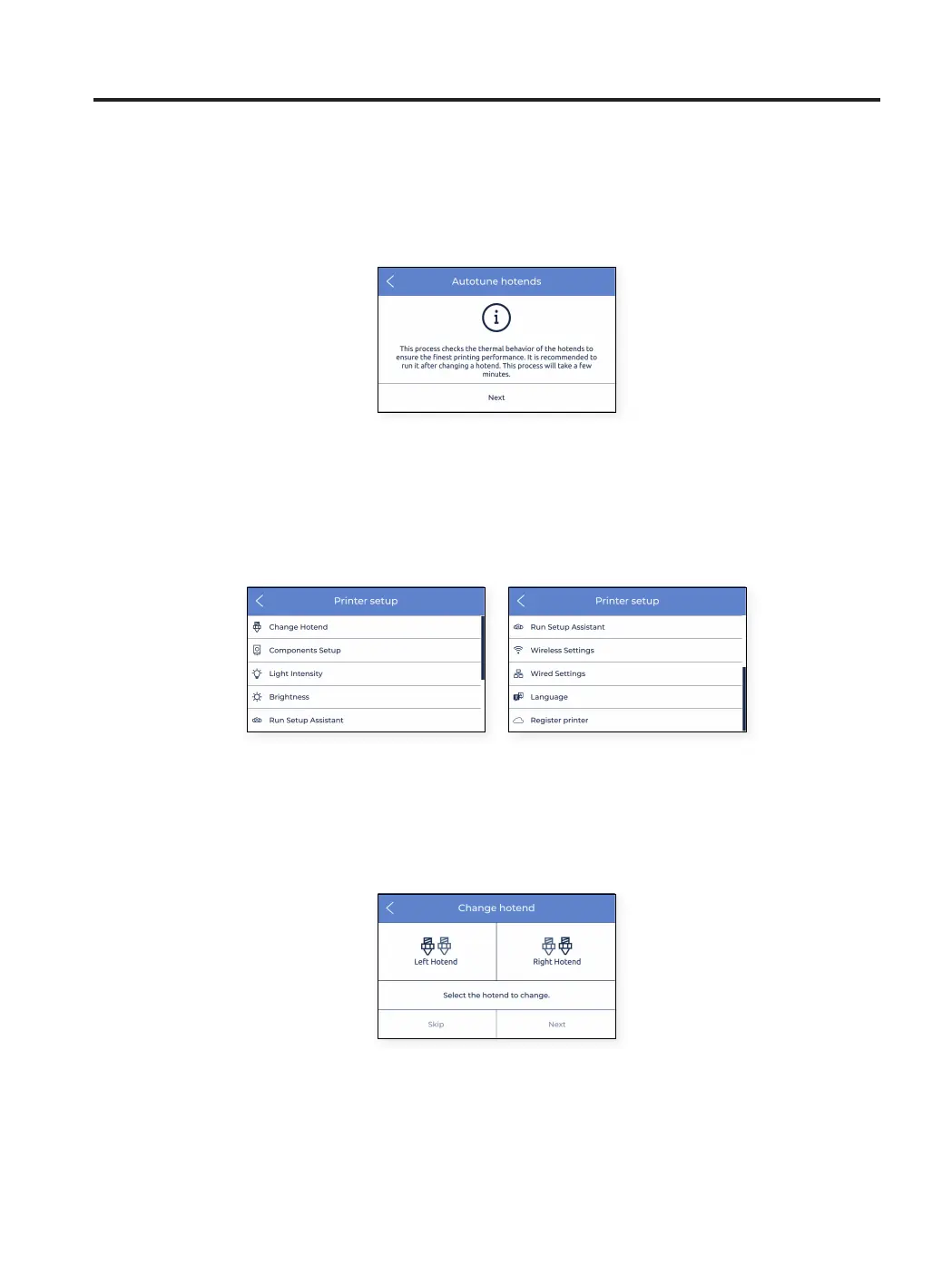
3. Autotune hotends: this operation adjusts the hotend parameters controlling its temperature. It is essential
to perform this task when changing a hotend. The process is very simple and automatic. Just follow the
instructions on the screen.
Printer setup
This menu contains most operations that allow the user to control the configuration of the printer.
1. Change hotend: it starts the operation to change the hotend. Follow the instructions on the screen. For
more information, see Change hotend maintenance. It’s recommended to perform a Printer calibration after
changing the hotend.



 To Next Page