Utilities
User Manual 68
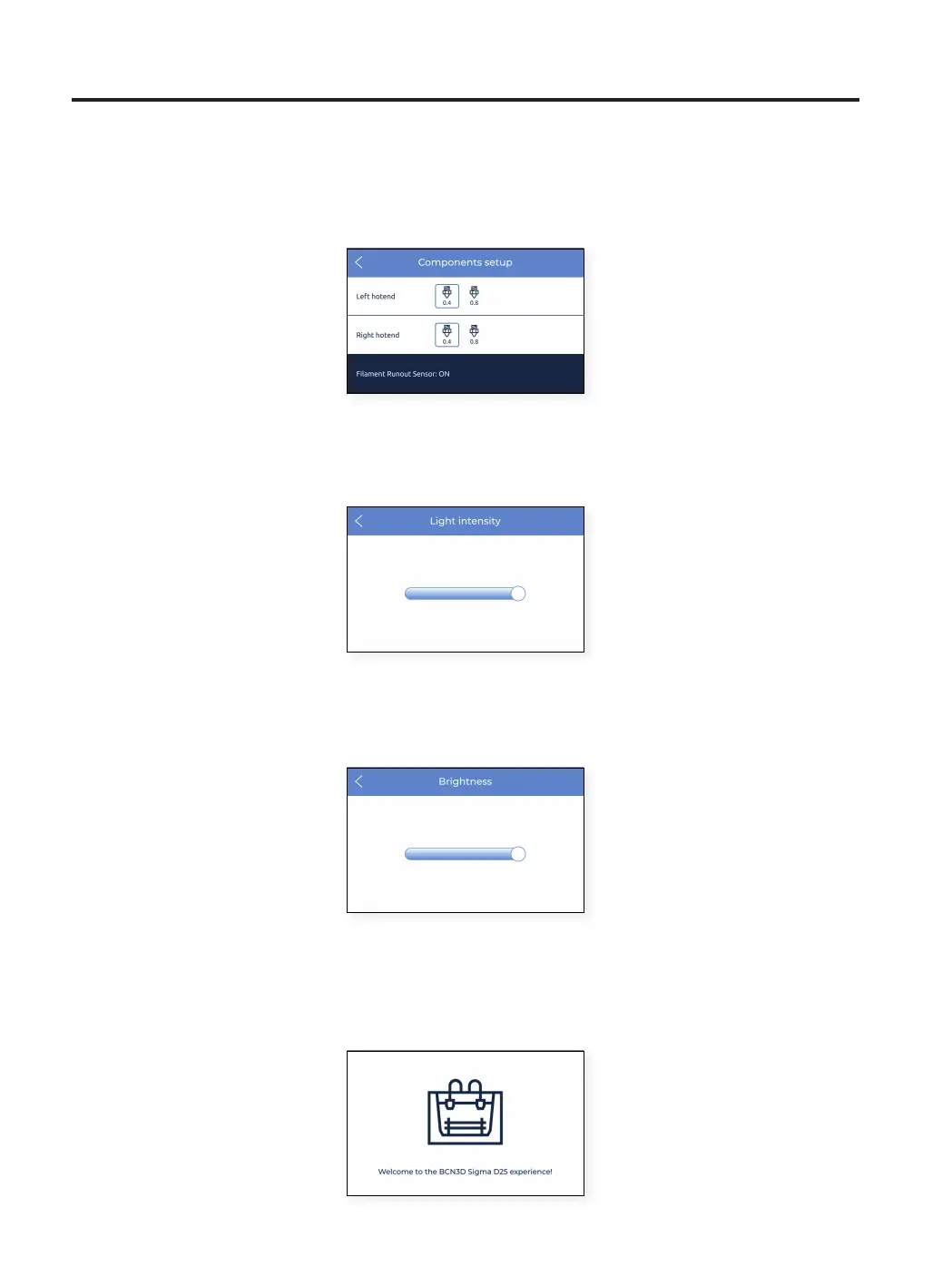
2. Components setup: this setup screen shows the current hotend configuration in both left and right extruders
and whether the filament runout sensor and the door sensor are activated or not.
3. Light intensity: it adjusts the brightness of the LEDs on the printer.
4. Brightness: shows a sliding bar to adjust the brightness of the touchscreen.
5. Run setup assistant: this menu entry activates the wizard of the setup assistant as it is indicated in the Setup
Assistant section on this manual.



 To Next Page