Temperatures
User Manual 71
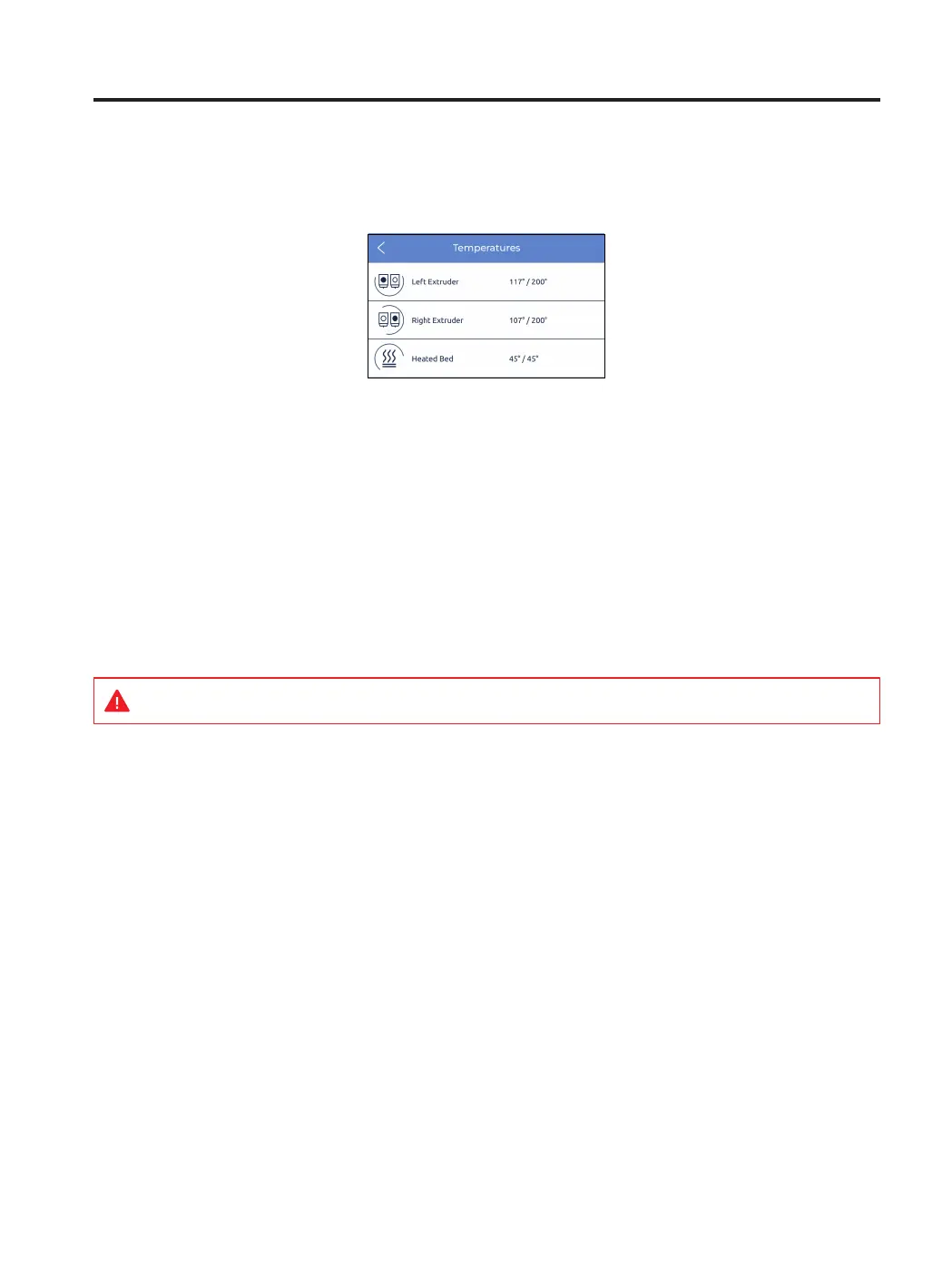
Select the Temperatures menu icon to check hotends and heated bed’s temperatures.
The temperatures are shown in the following format:
current temperature / target temperature
(example: 117º / 200º)
Preheating these elements is done by tapping on the corresponding button. The temperatures of the preheat is
determined by the printer itself depending on the materials that are loaded into the extruders.
These elements can be turned off by tapping again on the button. After this action, the target temperature is
automatically set to 0ºC and the temperature will go progressively down.
HINT: Be careful when operating these elements while they are still hot.



 To Next Page