Utilities
User Manual 70
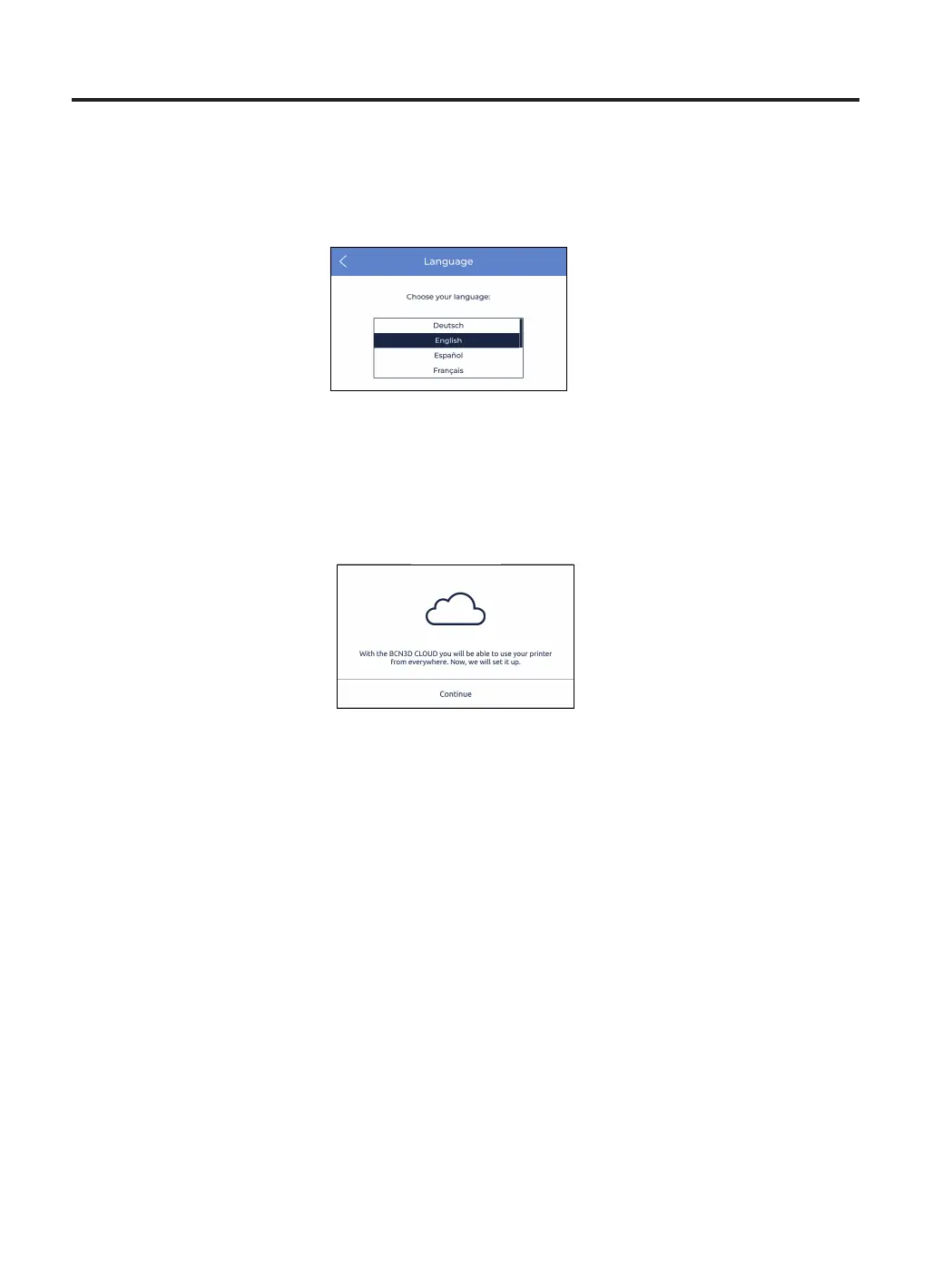
8. Language: it shows the list of available languages. Select the desired language and the printer will
automatically change the menus and information to that language.
9. Register printer: in case the printer was unregistered from the BCN3D Cloud dashboard, this process runs the
wizard to register the printer again and link it to the user’s account. Follow the instructions as in the Register
section of this document.



 To Next Page