User Manual 25
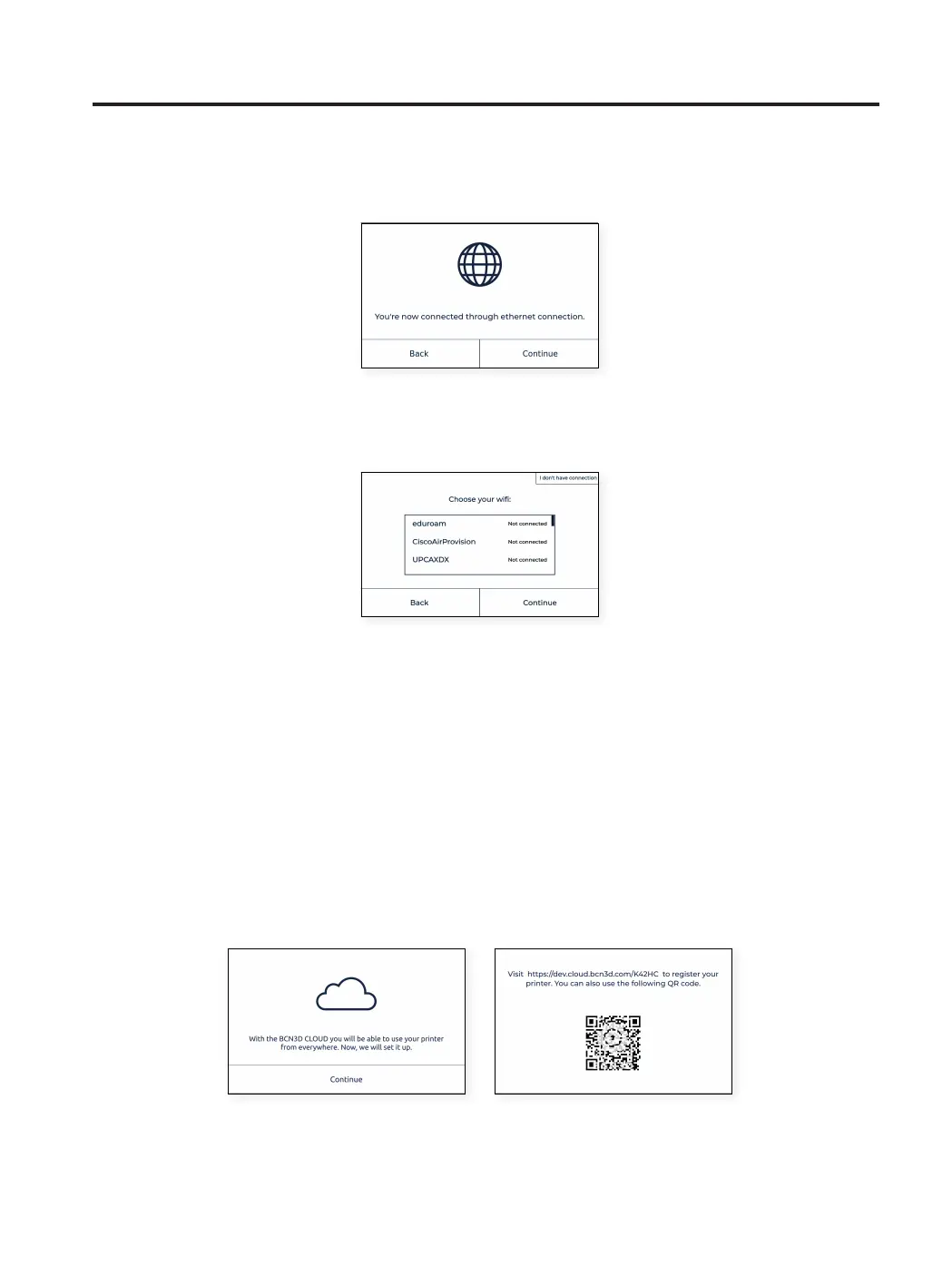
When the printer has been successfully connected, a screen will appear:
C. No network connection
If none of the two options above are available, or you don’t want to use all the features available in the BCN3D
You can connect and register the printer later via the display menu Utilities > Printer Setup > Register printer,
following the steps indicated in the Register section. This step is very important for warranty and support
purposes.
Register
It is very important that the printer is registered. This is a mandatory step for warranty and support purposes and
it is needed to be able to use the BCN3D Cloud functionalities. To perform this operation the printer must have a
working internet connection.
Once the printer is connected to the network, the registration process starts. Scan QR code or visit the link that
appears on the screen.
If you do not have an account in BCN3D Cloud see option A, otherwise see option B.
Welcome setup



 To Next Page