User Manual 32
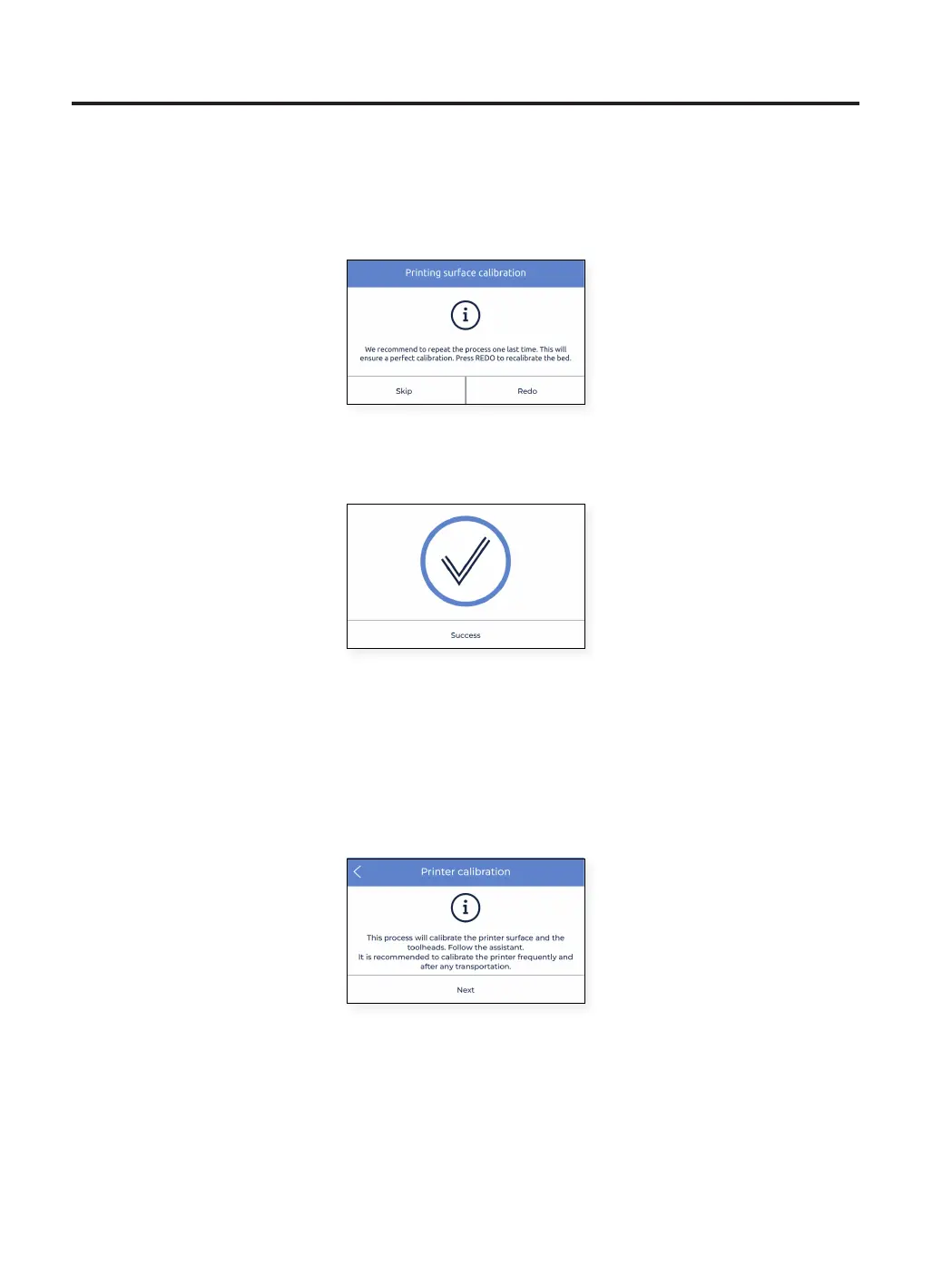
• In case some adjustments were made, the procedure suggests to perform the same probing again, in order to
fine tune the levelness of the printing surface. Tap the Redo button to repeat the operation.
• Normally a maximum of two operations is needed. However it is suggested to perform as many operations as
needed until the Success screen appears, indicating that the calibration is correct.
Z Offset calibration
Z offset is the vertical distance between the nozzles and build surface. It is necessary to configure it before printing
but also when you change hotends.
Tap on the Next button to start the process and follow the instructions on the screen:
Setup Assistant



 To Next Page