User Manual 23
Getting started
Welcome setup
Once the printer is correctly installed on a table or workbench, it is time to proceed with the preparation protocols.
These protocols include registering the printer, inserting the materials and performing the calibration.
Watch our video to see how to run the Setup Assistant
The first step is to turn on the printer. The power switch is found on the left side of the printer (see the diagram).
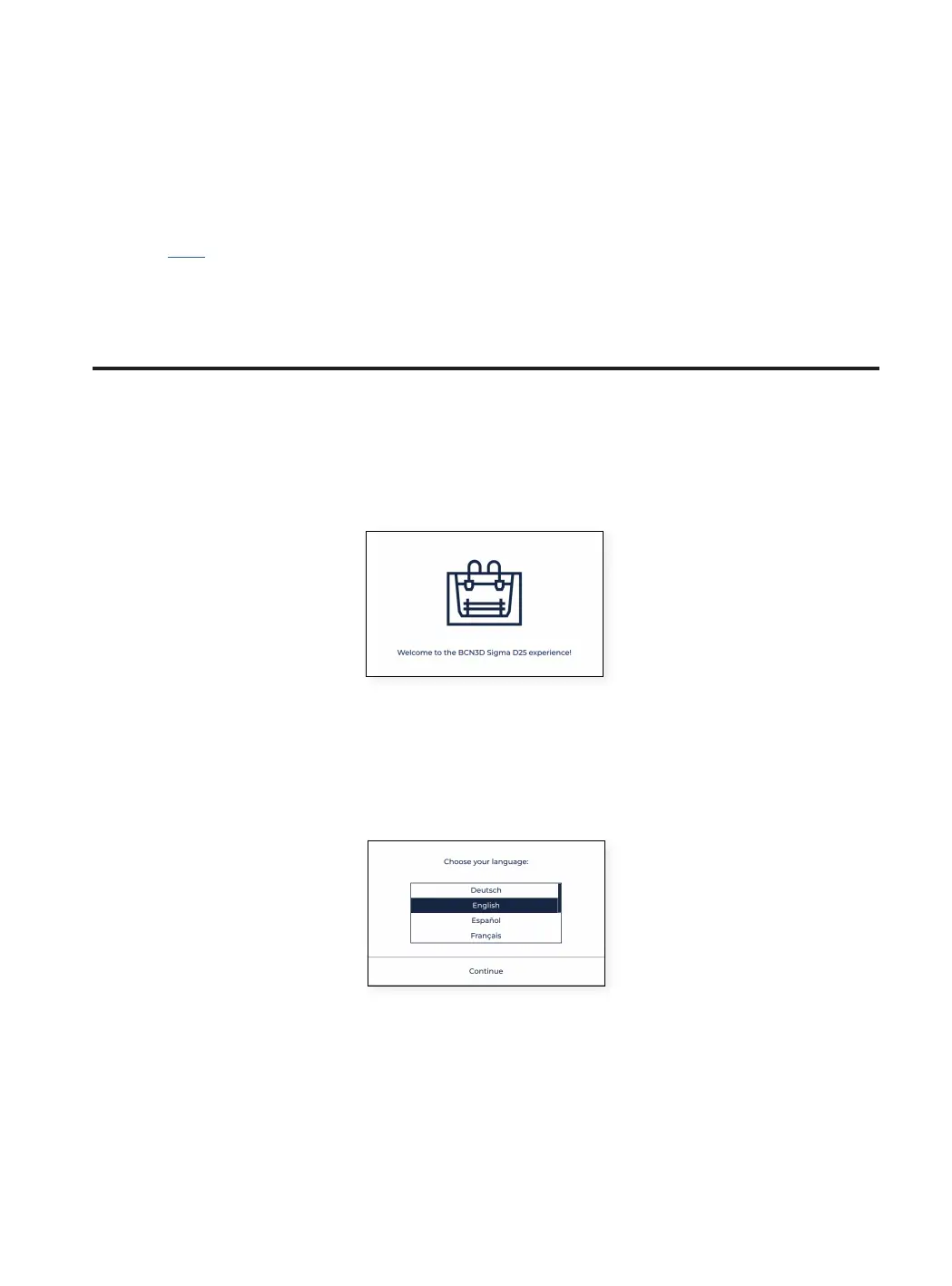
The first time the printer starts, a welcome setup wizard helps the user to configure some settings, such as the
language, the connectivity and the registration.
Language
BCN3D Sigma series printers are prepared to show information in several languages. In this screen choose your
preferred language on the list and tap Continue.
Network connectivity
The BCN3D Sigma series printers come with the ability to connect to a network in order to monitorize, control and
visualize the data generated by the usage.
There are three available options, whether the printer is connected via ethernet (option A), via WiFi (option B) or if
no network is available (option C). For each option, follow the steps indicated on the screen.



 To Next Page