User Manual 39
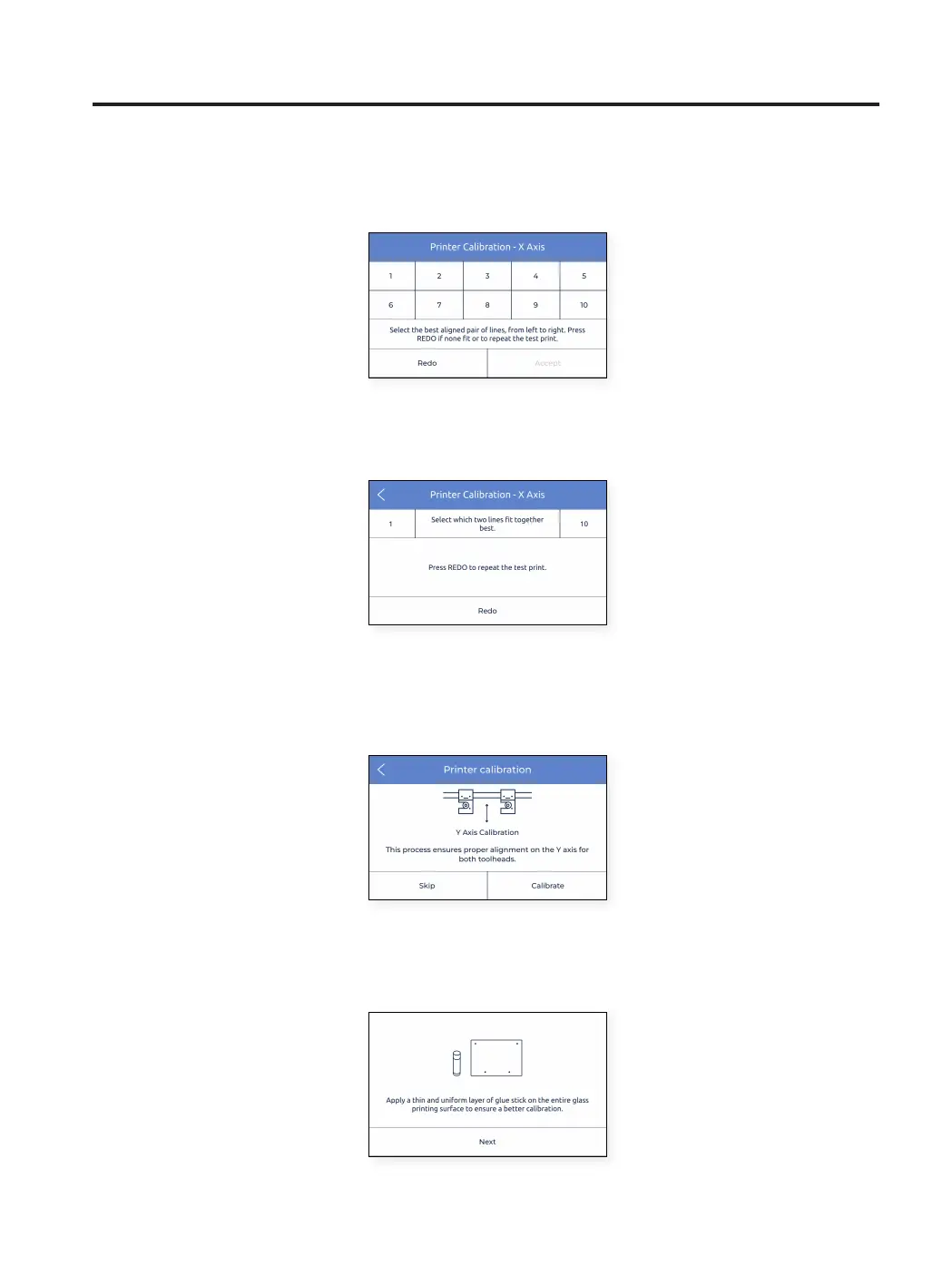
• Find the best aligned couple of lines and select the number which corresponds to these lines on the screen. If
none are good, press Redo to repeat the test print.
• If there is no perfect alignment and a Redo operation was selected, another screen appears. In this case select
whether the lines on the left (1) or on the right (10) have better alignment.
Y Axis calibration
Y offset is the horizontal distance between the nozzles along the Y direction. It is necessary to configure it before
printing but also when changing a hotend.
Tap Calibrate and follow the steps on the screen:
• Ensure that a thin and uniform layer was applied on the entire printing surface glass.
Setup Assistant



 To Next Page