User Manual 40
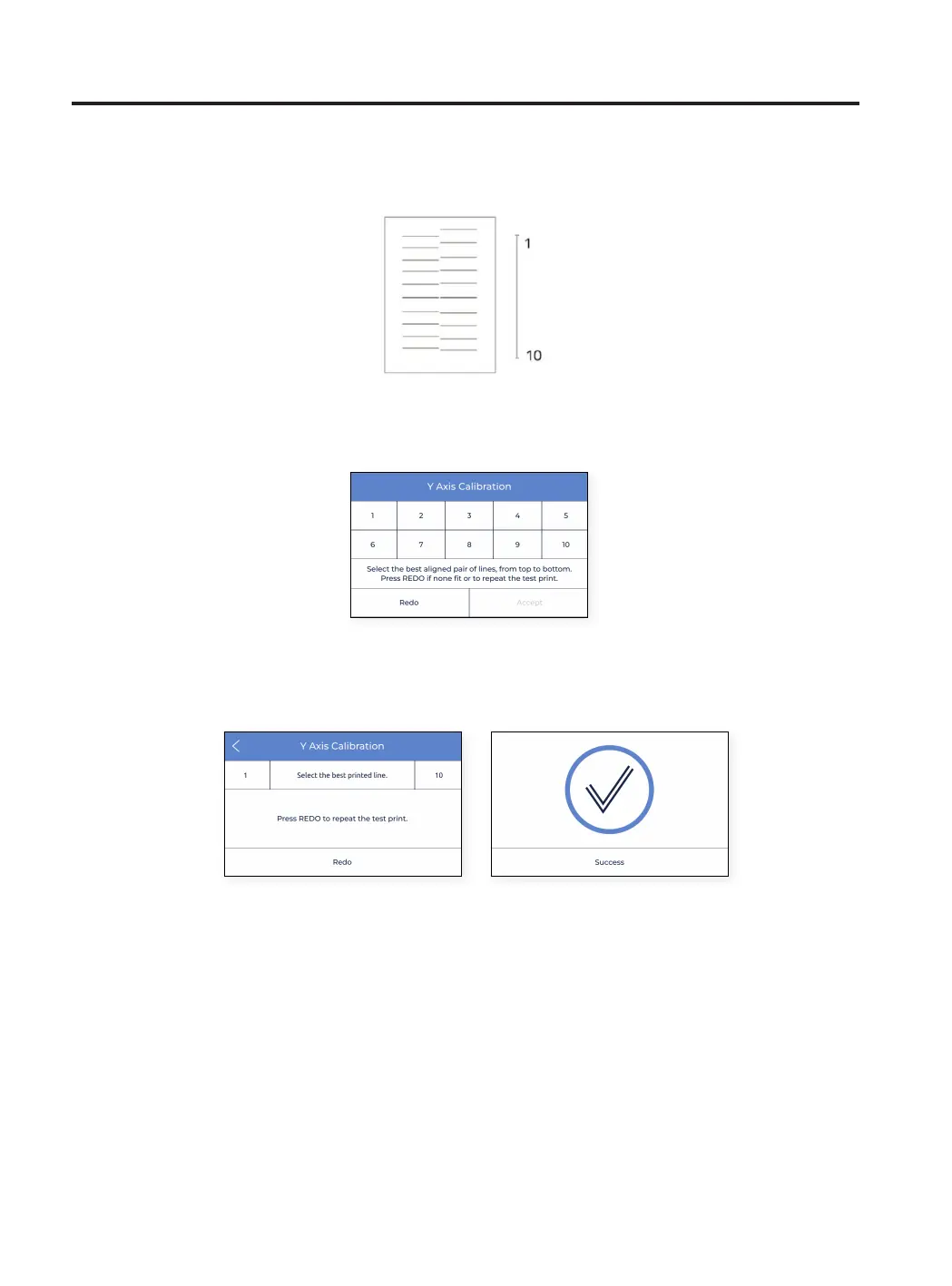
• If there is no perfect alignment and a Redo operation was selected, another screen appears. In this case select
whether the lines on the back (1) or on the front (10) have better alignment.
Setup Assistant
• The printer now prints 10 lines from from to back along the X direction with both extruders, as in the image
below:
• Find the best aligned couple of lines and select the number which corresponds to these lines on the screen. If
none are good, press Redo to repeat the test print.



 To Next Page