User Manual 27
B. Existing user
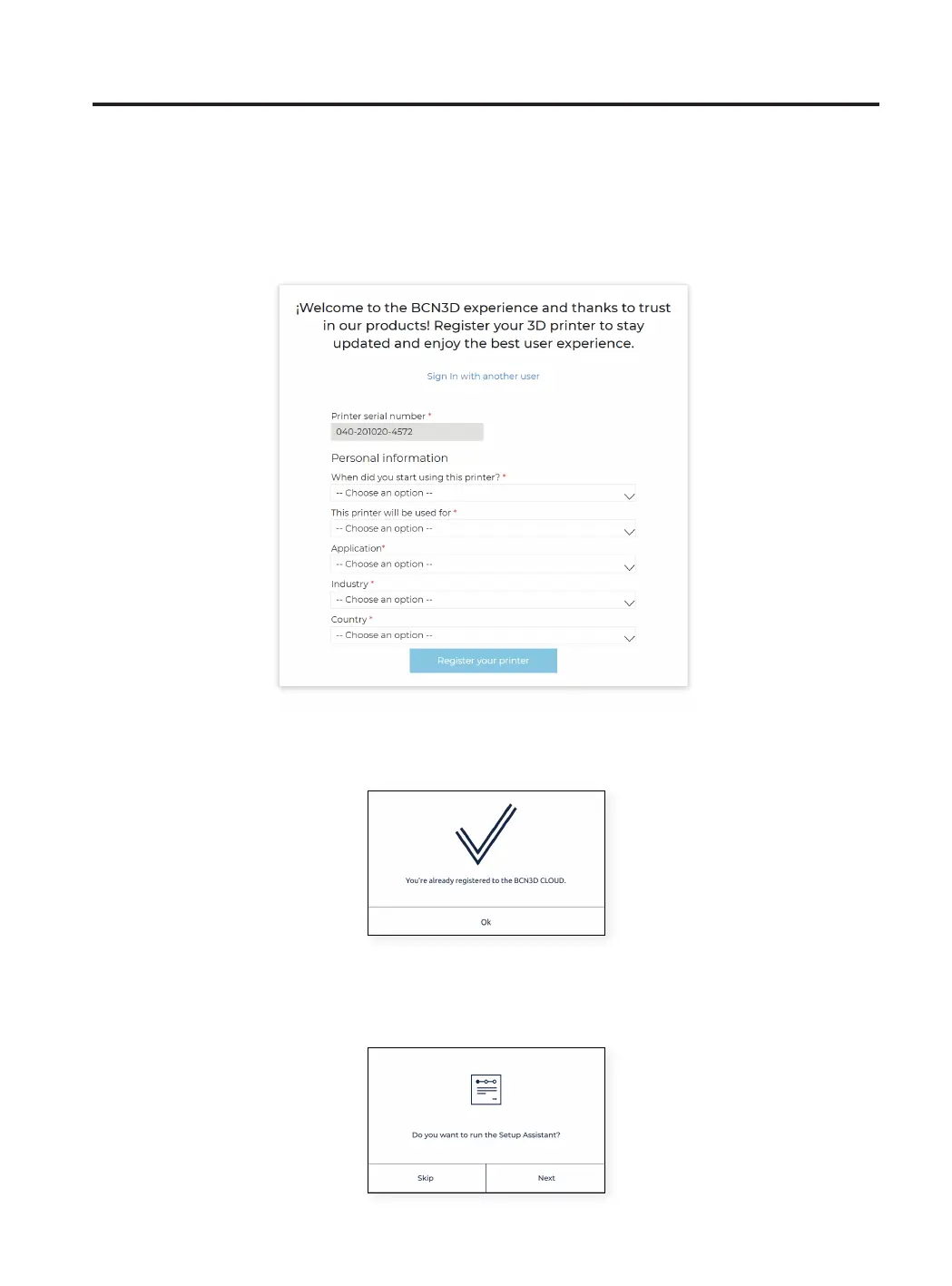
If you already have an account on BCN3D Cloud, please press the “Sign in” link in the form. Then insert your cre-
dentials (email and password), and follow up with the form as shown in the image below.
After submitting the form your printer will be registered. Continuing on the printer’s screen, the following screen
will appear:
Welcome setup
After the registration, the Setup assistant will appear on the touchscreen. This process shows the required steps
before printing. Some of these steps are loading filament material and printer calibration.



 To Next Page