38 BD FACSCanto Flow Cytometer Reference Manual
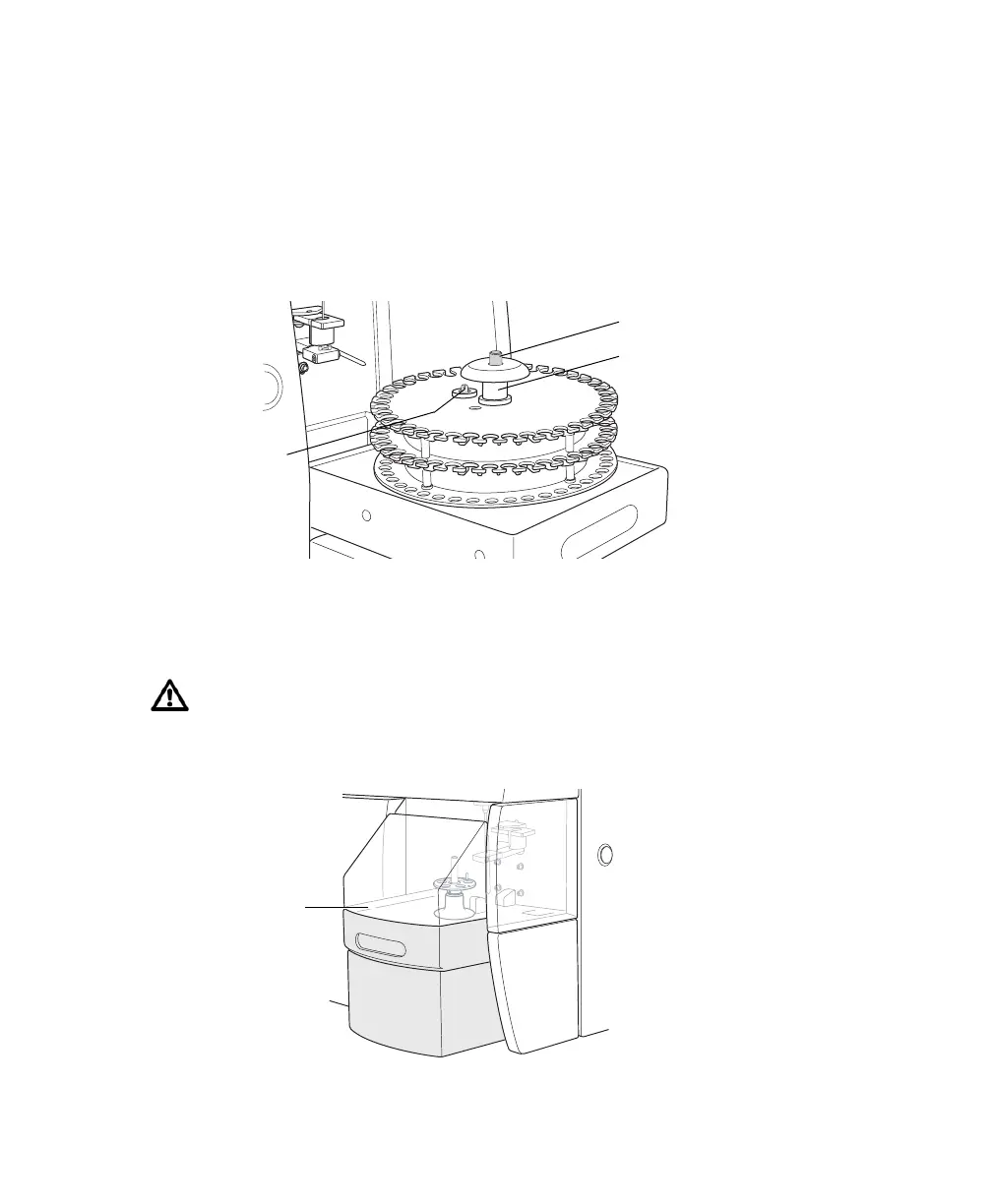
4 Install the first carousel to be acquired on the Loader.
Position the spindle hole in the handle over the center spindle of the Loader
drawer. Rotate the carousel until the alignment guide pin fits into the small
alignment hole at the top of the carousel. Press down firmly to seat the
carousel.
Figure 2-4 Seating the carousel in the Loader
5 Close the Loader drawer completely, and install the Loader cover.
The Loader scans and positions the carousel at tube 1.
To run the Loader, the cover must be in place on the drawer. Tubes will not
be loaded if the cover is off. The currently running tube will be unloaded if
the cover is removed during a run.
spindle
handle
alignment pin
Loader cover











 To Next Page