70 BD FACSCanto Flow Cytometer Reference Manual
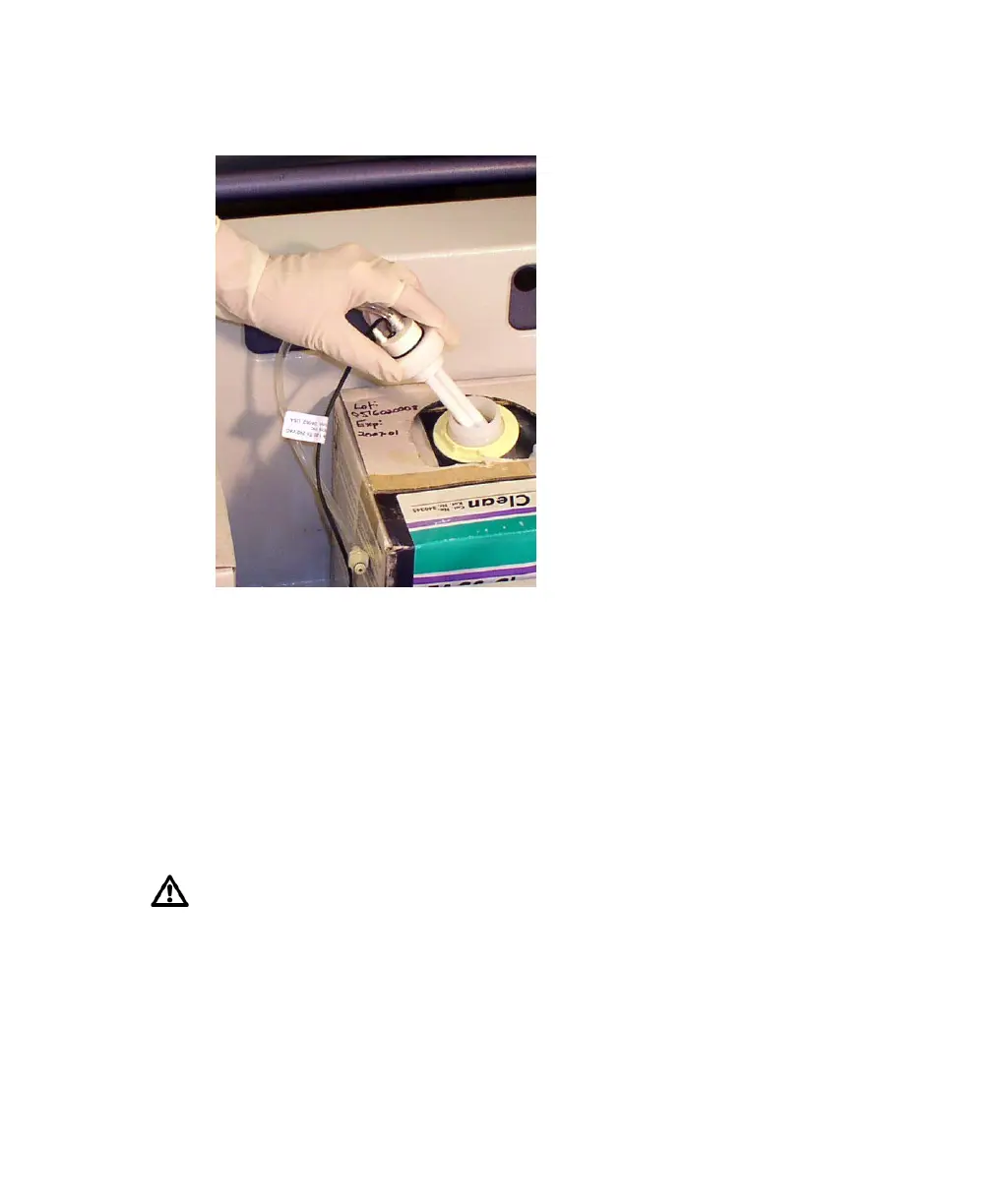
4 Remove the cap and sensor assembly and set it aside.
I
5 Put a new cubitainer onto the fluidics cart.
6 Replace the cap assembly and hand-tighten it until it is fully closed.
7 Reattach the sensor line and fluid line to the cart.
• To attach the sensor line, gently rotate until the connection aligns, and
then push.
• To attach the fluid line, push the coupling into the port until it clicks.
8 Prime the fluidics.
Important: Continue with the procedure in Priming Fluidics Lines on
page 71.
To ensure that the appropriate solutions are dispensed, match the label on
the container to the port on the fluidics cart.











 To Next Page