AR6201-(X0X)
Page 3-4 DV 14300.03/.04 Issue 5 5/2013
3.2.2 Symbols shown on the Display
Symbol Meaning
IC Intercom operation is active (triggered by VOX or
external IC key).
Intercom operation via VOX is disabled.
Speaker enabled in Installation Setup and not muted.
During Transmission and Intercom, the Speaker
automatically is muted.
TX The transceiver is in Transmission Mode
SQL The squelch function is active. Receiver noise only
suppressed.
SCAN Transceiver operates in Scan Function.
►
In “Scan” function, an arrow is visible. The arrow points
to the active or standby frequency from which the audio
is deriving (see chapters 3.5.4 and 3.7)
STO The transceiver performs a storage operation
LOW BATT
128.225 Inverted figures or letters on display ready to edit
3.3 Start–Up
CAUTION: Do not turn “ON” the VHF transceiver when engines are being
started or shut down.
Note: Excessive pulses on the DC bus of the aircraft may cause
damage on electrical circuits of any installed instrument.
a. Turn “ON” the VHF transceiver by turning the volume knob clockwise.
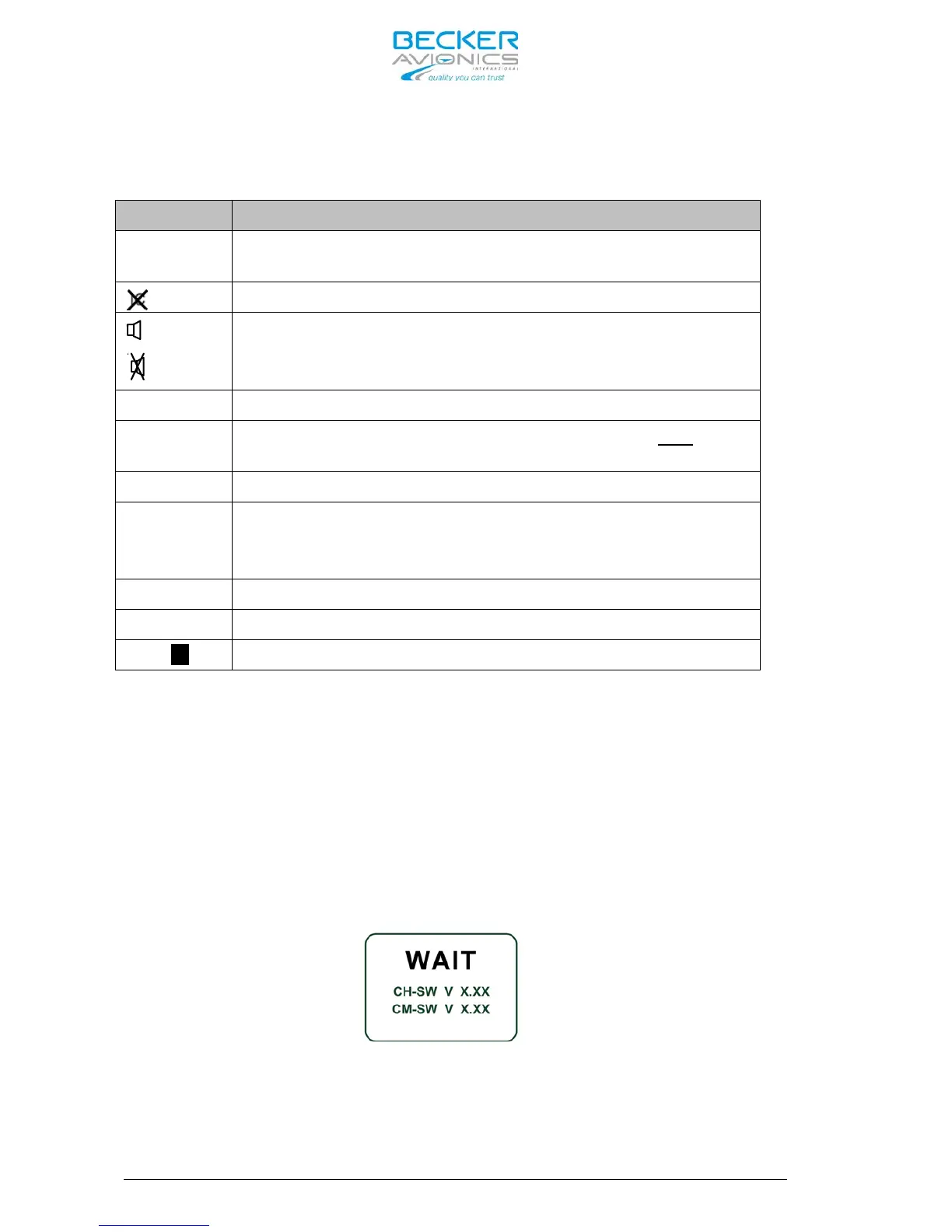
b. During PBIT the display indicates the message ”WAIT”, the software
version of “Control Head” (CH) and the software version of “Chassis
Module” (CM) are indicated.
c. If the PBIT has detected an error, the display indicates ”FAILURE”
(for details see chapter 3.14)
d. If no error has been detected the transceiver starts in the Frequency
Selection Mode last time used before switching “OFF” the unit.



 To Next Page