AR6201-(X0X)
DV 14300.03/.04 Issue 5 5/2013 Page 3-15
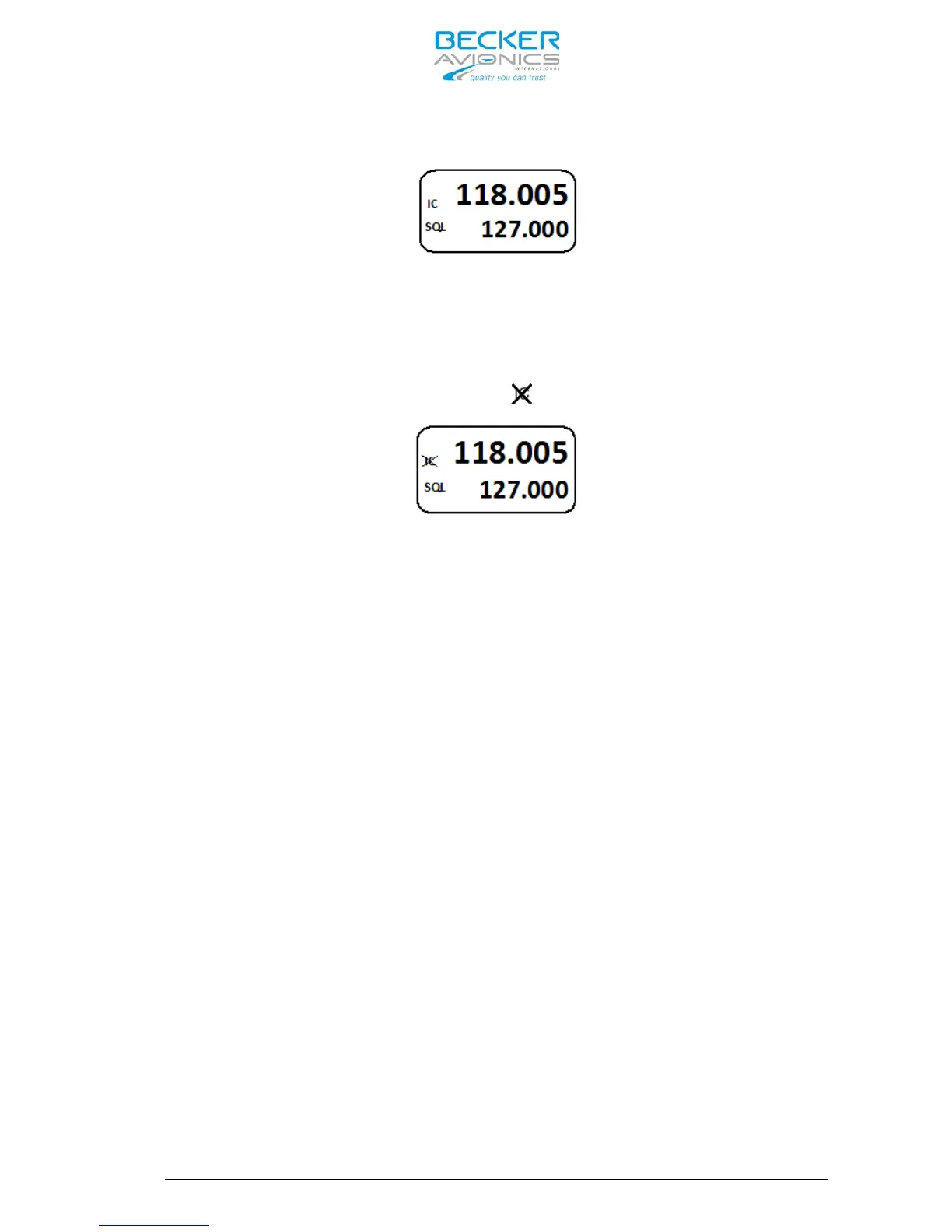
If intercom operation is activated the “IC” sign is displayed.
Intercom operation is not possible in Transmission Mode.
Intercom activation via VOX is not possible if:
- Speaker is enabled (see chapter 0),
- VOX is disabled by the user (refer Intercom Menu, chapter 3.13.1).
In both cases, the display shows the sign to indicate that activation
via VOX is not possible.
Activation of Intercom operation provided by an external intercom switch
independent of VOX or speaker status (enabled/disabled). The external
intercom switch has priority. During intercom operation the Speaker
output is disabled
3.12 VOX & speaker operation
The AR6201-(X0X) disables VOX if enabling speaker in active Audio
Configuration.
With active speaker, enabled in Audio Configuration, VOX is always “OFF”
and intercom via VOX is not possible. This prevent from oscillation of
VOX due to acoustical feedback.
Speaker output is switched “OFF” even if speaker is enabled in current
Audio Configuration in one of the following cases:
- Transceiver is in Transmission Mode,
- Intercom is activated by external intercom switch (/IC input),
- Power supply is below 10 Volt.
3.13 Menus
During normal operation in one of the Frequency Selection Modes the
following menus can be activated:
- Intercom Menu for adjustment of intercom volume and VOX threshold,
- Pilots Menu for adjustment of panel brightness and squelch threshold.
3.13.1 Intercom Menu
A long press on “IC/SQL” key activates the Intercom Menu.
Another long press on MDE key terminates Intercom Menu, or leaves the
menu automatically after 5 s timeout.



 To Next Page