28
NAVIGATION MODE >>>
> USE
> FR
> ES
> Select
Start guidance to begin route
guidance to the point of interest straight
away.
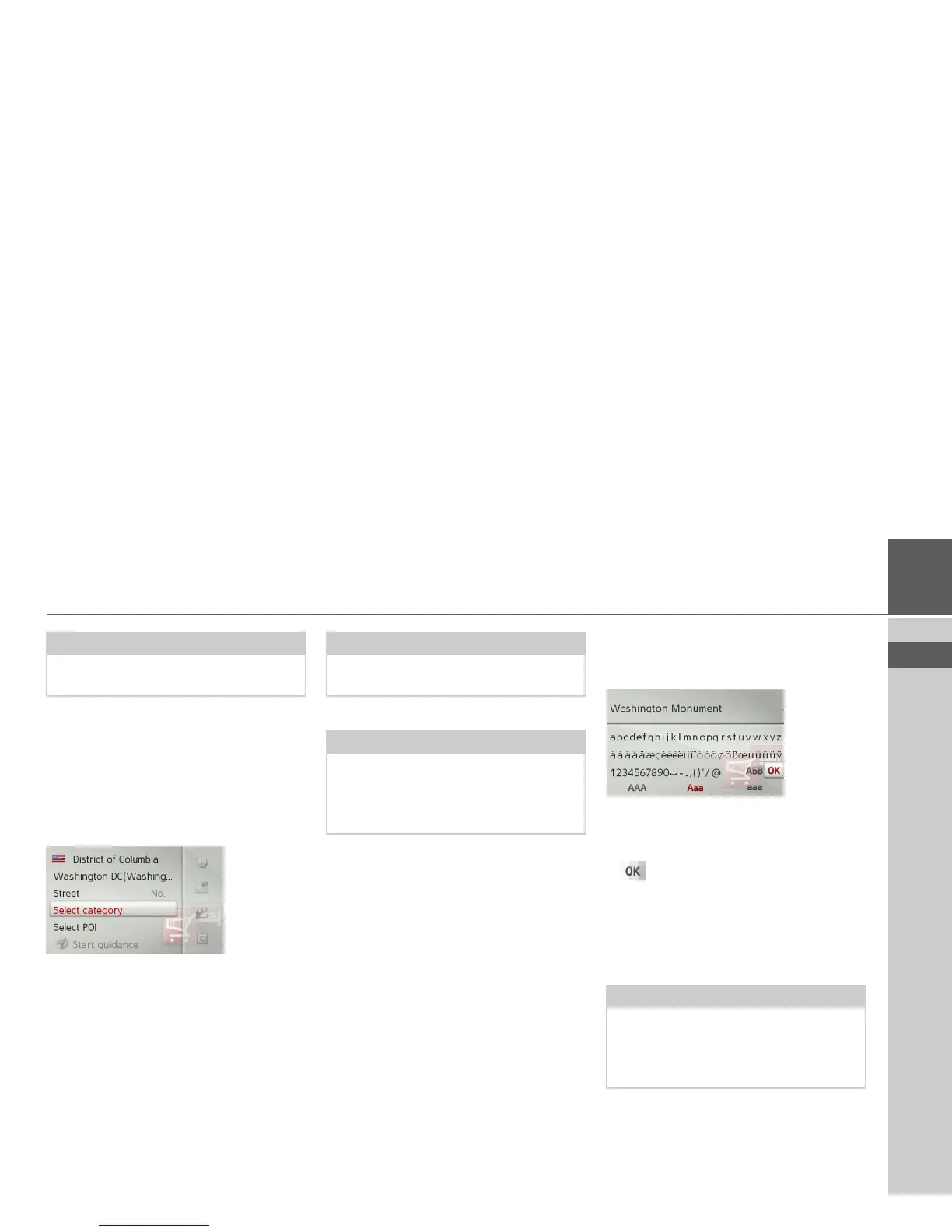
POI near address
> In the POI menu, select
POI near ad-
dress
.
> Select the desired country.
> Enter the city and, if necessary, the
street in which you wish to search for a
point of interest.
> Press the
Select category button.
The points of interest categories available
for the entered city are displayed.
> Select the desired point of interest as de-
scribed under “POI nearby/POI near
destination” on page 27.
Entering a POI directly by name
> In the POI menu, select
POI search by
name
.
> Enter the desired point of interest or
part of the name.
> To confirm the previous input, select
or press and hold the rotary con-
trol/push button.
The Becker® MAP PILOT displays in a
list all the points of interest corresponding
to the name entered.
> Select the desired destination from the
list.
> Select
Start guidance to begin route
guidance to the point of interest straight
away.
Note:
Push the rotary control/push button to
the right for further control options.
Note:
If you have already entered an address,
this address will appear by default.
Note:
You can also select
Select POI. An input
menu will then open and you can enter
the name of a point of interest directly
and confirm it.
Note:
The search radius is limited to 125 miles
around your current position.
A maximum of 50 points of interest are
displayed.



 To Next Page