14
>>> OVERVIEW TRAFFIC ASSIST
> D
> GB
> F
> I
> E
> P
> NL
> DK
> S
> N
> FIN
> TR
> GR
> PL
> CZ
> H
> SK
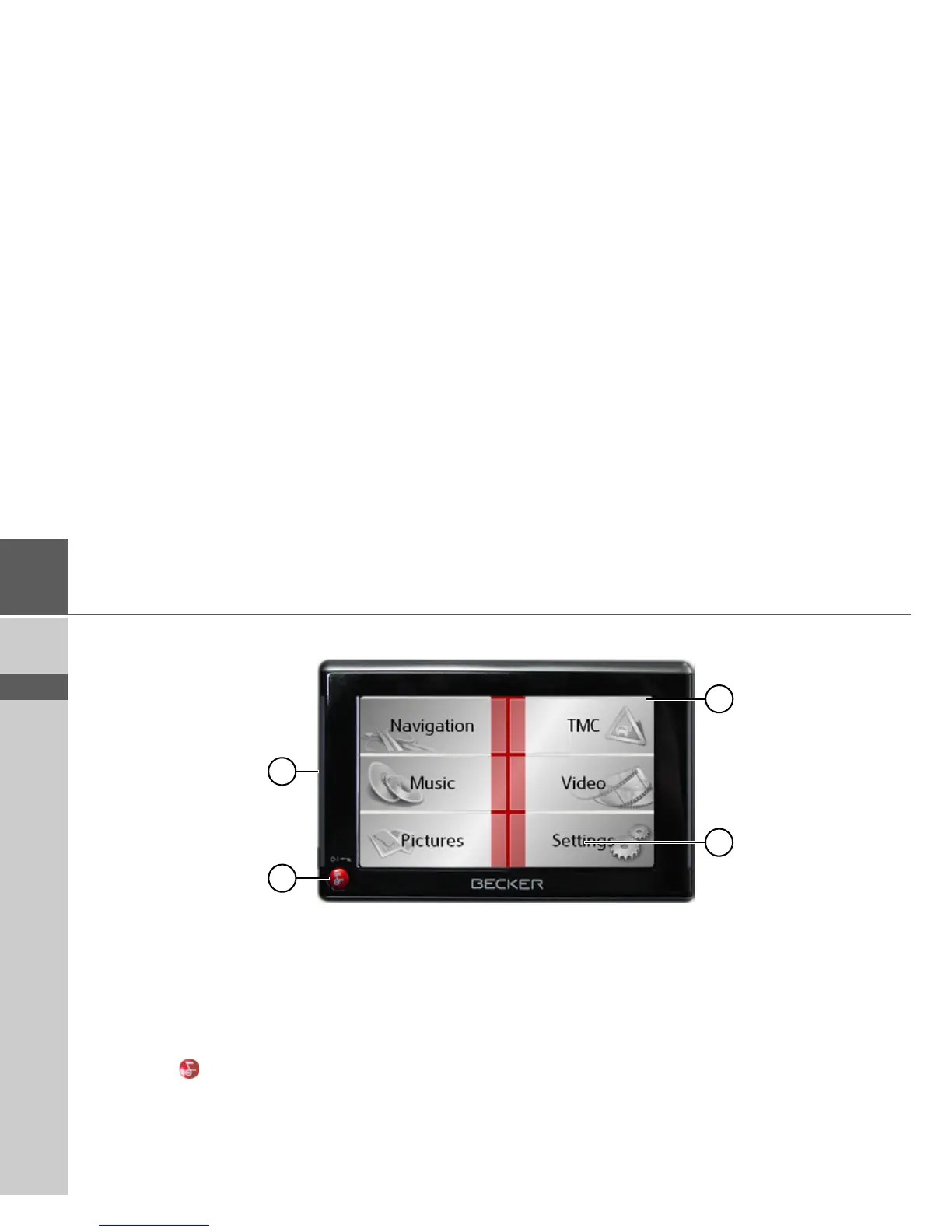
Front of unit with controls and displays
1 Touch screen showing the main menu selected
2 Touch screen key
Press = activates the corresponding key command
3 Back key ( )
Press = returns to numerous applications
Press for longer = switches the Traffic Assist on and off
4 Mood light
2
3
4
1



 To Next Page