60
>>> NAVIGATIONAL MODE
> D
> GB
> F
> I
> E
> P
> NL
> DK
> S
> N
> FIN
> TR
> GR
> PL
> CZ
> H
> SK
In the navigation menu, you can enter
your home address in a different manner
(e.g. by entering the address details), See
“Structure of the navigation menu” on
page 37..
Changing an already entered home
address:
> Press
Change.
The fast access function appears, further
operation is the same as for entering the
home address (see above).
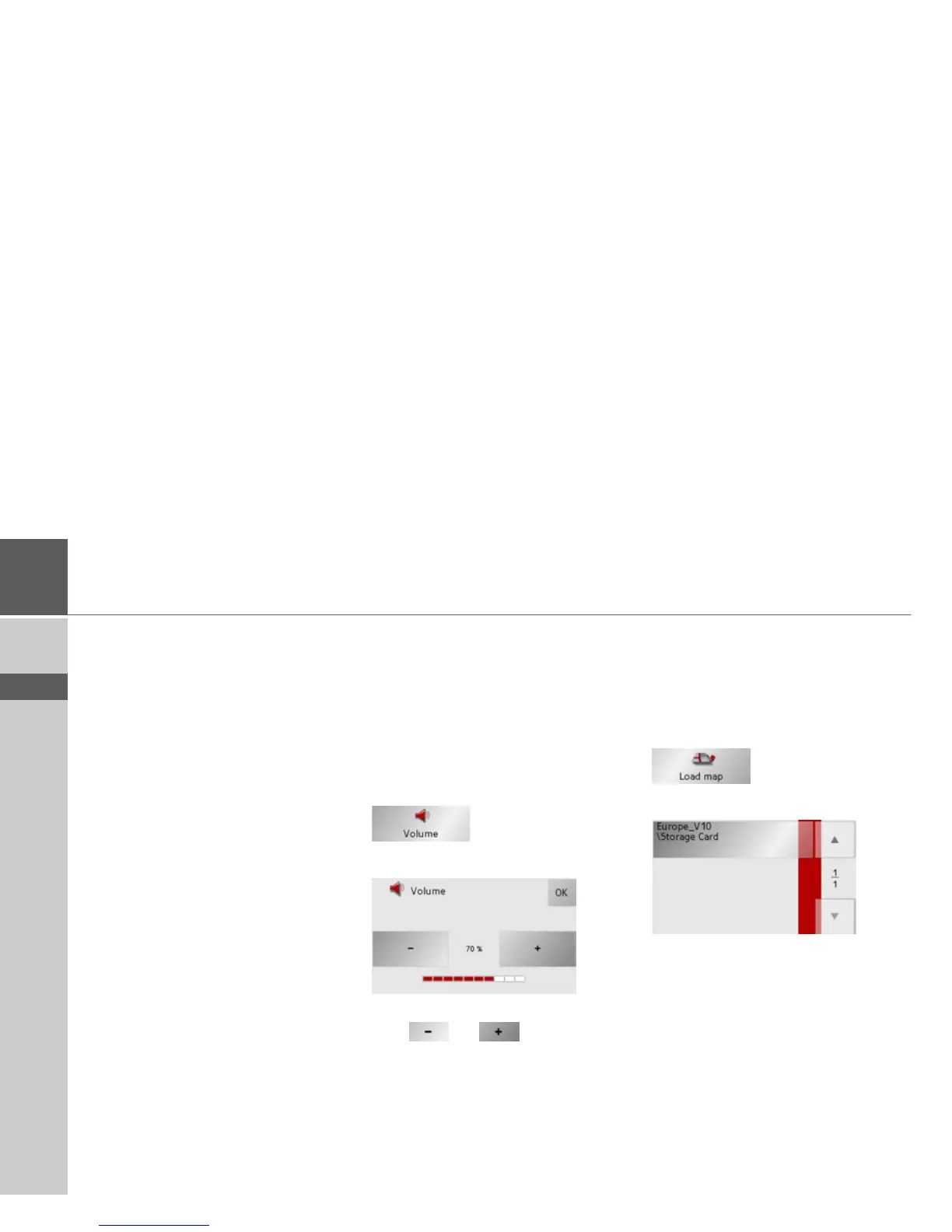
The Volume key
With the Volume settings window, you
can set the general volume for voice an-
nouncements for each start of the Traffic
Assist, or switch off voice announcements
completely.Depending on the situation,
you can also adjust the volume in the map
display.
> Press Volume in the settings menu.
The Volume settings window appears.
> The required volume can be selected via
the
and buttons.
> Confirm your settings by hitting the
OK
key.
The button Load map
The Traffic Assist operates using the map
data stored on the memory card. Pressing
the
Load map button displays the loaded
map data.
> Press
Load map in the settings menu.
The Load map settings menu appears.
> Select the desired map by pressing the
relevant button.



 To Next Page