54
>>> NAVIGATIONAL MODE
> D
> GB
> F
> I
> E
> P
> NL
> DK
> S
> N
> FIN
> TR
> GR
> PL
> CZ
> H
> SK
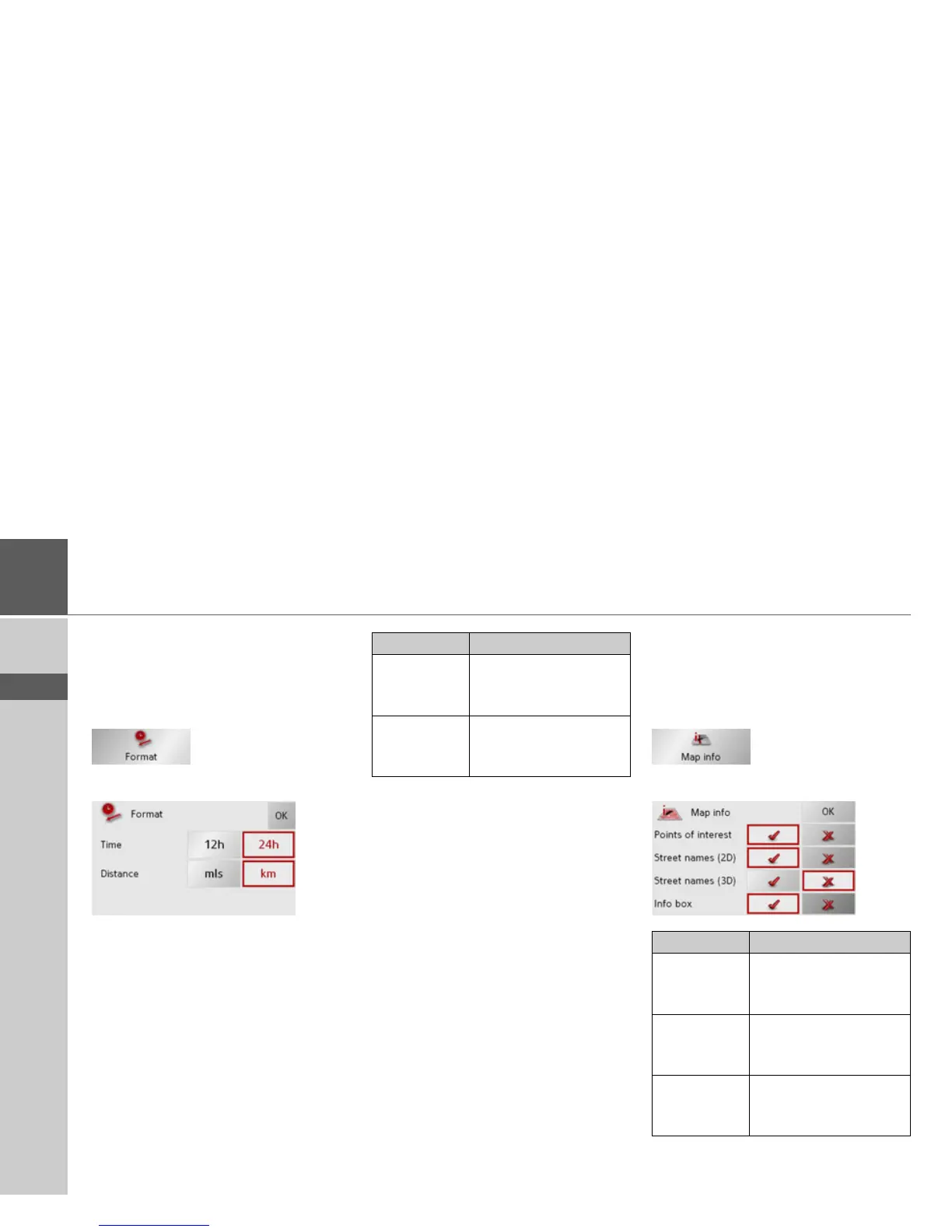
The Format key
Using the Format configuration window,
you can specify which units of measure-
ment to use for time and distance.
> Press
Format in the settings menu.
The Format settings menu appears.
> Confirm your settings by hitting the
OK
key.
The Map info key
In the Map info settings window, you can
make settings for additional information
in the map display.
> Press
Map info in the settings menu.
The Map info settings menu appears.
Setting Meaning
Time Press this field to toggle
between the 12-hour and
24-hour clock display.
Distance Press this field to toggle
between the kilometre
and mile display.
Setting Meaning
Points of in-
terest
If you activate this entry,
points of interest are dis-
played in the map.
Street names
(2D)
If you activate this entry,
all street names are dis-
played in the 2D map.
Street names
(3D)
If you activate this entry,
all street names are dis-
played in the 3D map.



 To Next Page