57
NAVIGATIONAL MODE >>>
> D
> GB
> F
> I
> E
> P
> NL
> DK
> S
> N
> FIN
> TR
> GR
> PL
> CZ
> H
> SK
> Press a button and choose the setting
you require.
> Confirm your selection by pressing the
OK key.
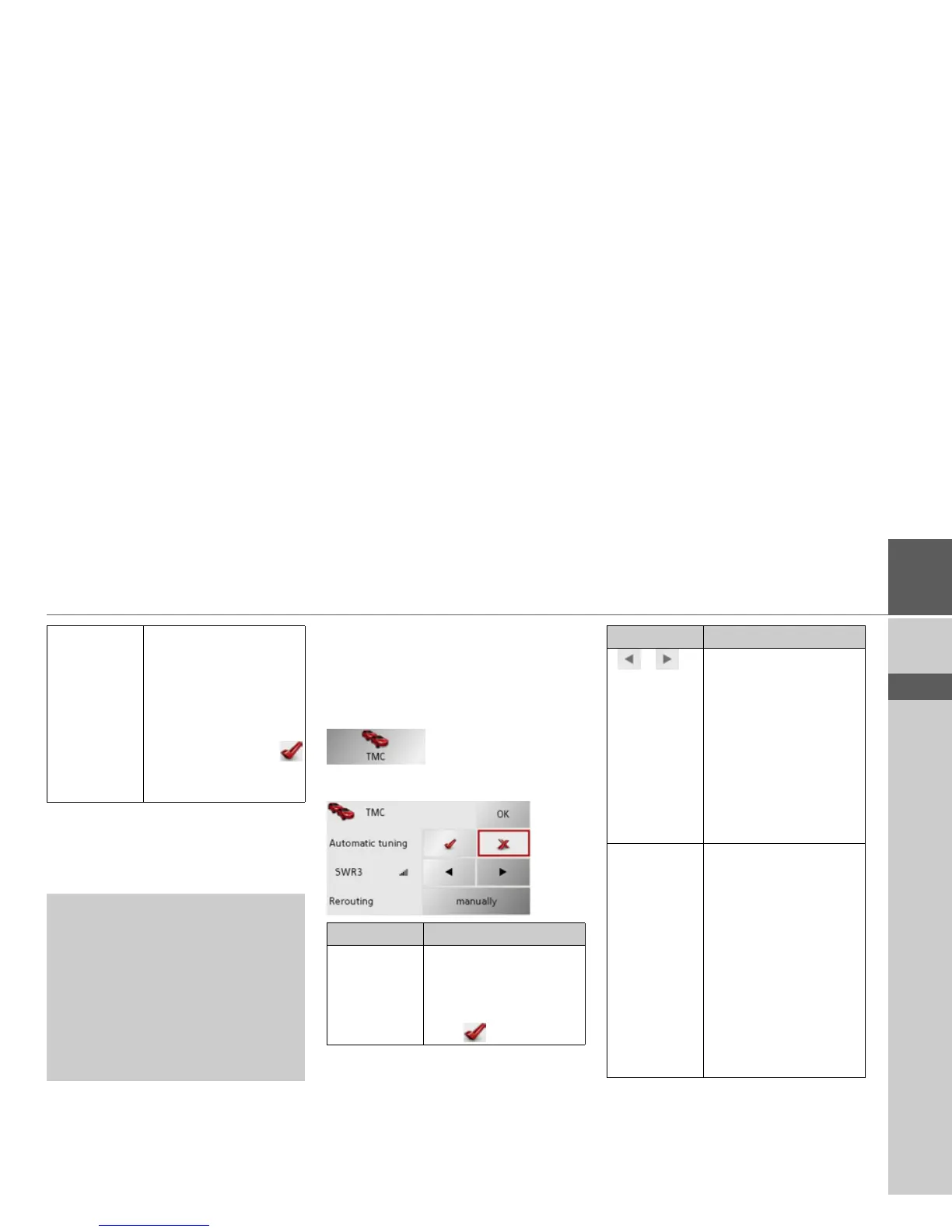
The TMC button
You can make settings for the reception of
traffic announcements in the TMC
settings window.
> Press
TMC in the settings menu.
The TMC settings window appears.
> Confirm your selection by pressing the
OK key.
Warning Choose whether you
would also like an acous-
tic warning when you ex-
ceed speed limits that are
only valid when it is rain-
ing, snowing or at specif-
ic times of the day (
function activated).
!Danger!
Some of the information contained in
the map material may be inaccurate due
to short-term or recent changes (such as
road works, for example).
Supplying information is secondary to
the navigation system's main function,
which is traffic monitoring and sign-
posting.
Setting Meaning
Automatic
tuning
Select whether to run an
automatic search for the
station with the best re-
ception (function acti-
vated ).
Press the arrow buttons
to activate the automatic
station search. The cur-
rently received TMC sta-
tion is displayed in the
adjacent field. The set-
ting can only be per-
formed if the
Automatic
tuning
function is deacti-
vated.
Rerouting With this button you can
select whether the route
change
never, automati-
cally
or manually should
be made. (See "Taking
announcements into
consideration when cal-
culating routes" on
page 63.) The setting
never corresponds to de-
activating TMC func-
tionality.
Setting Meaning



 To Next Page