86
>>> SETTINGS
> D
> GB
> F
> I
> E
> P
> NL
> DK
> S
> N
> FIN
> TR
> GR
> PL
> CZ
> H
> SK
Tones
You can switch the Traffic Assist signal
tones on and off. This can also be effected
by clicking on the display buttons.
> Press
Tones.
Depending on the previous setting, the
signal tones are switched on or off. The
current setting is indicated via display of
the relevant icon in colour.
• Left icon: Tones switched on
• Right icon: Tones switched off
Automatic on/off
The Traffic Assist can switch
automatically to sleep mode when the
vehicle ignition is switched off.
Prerequisite:
• The Traffic Assist must be connected to
the vehicle cigarette lighter (see also
page 21).
• The cigarette lighter is de-energized
after the ignition is switched off.
• The relevant function can be switched
on at the Traffic Assist.
Switching the function on / off
> Press
Automatic on/off.
Depending on the previous setting, the
function will be switched on or off. The
current setting is indicated via display of
the relevant icon in colour.
• Left icon: The function is switched on,
the Traffic Assist does switch off auto-
matically.
• Right icon: The function is switched
off, the Traffic Assist does not switch off
automatically.
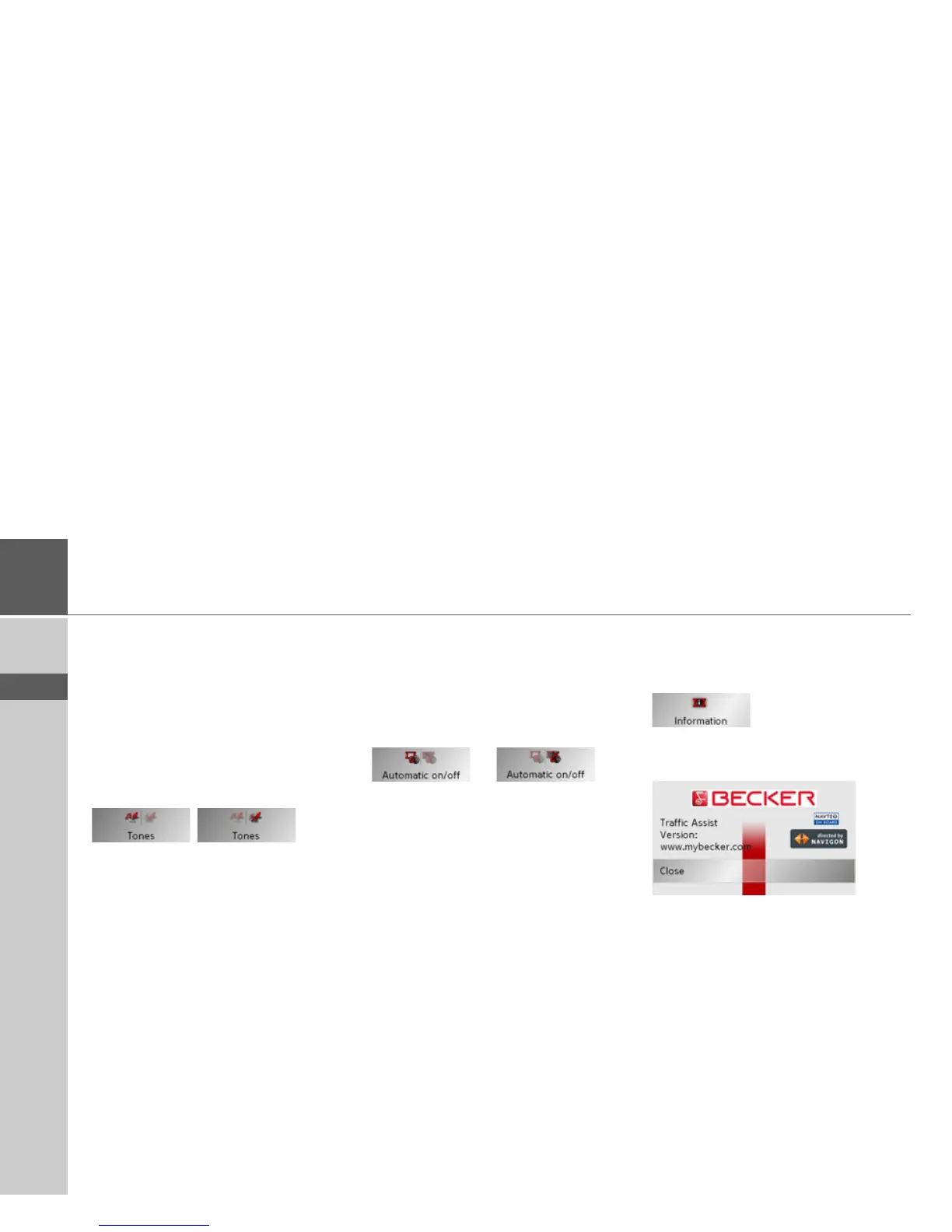
Information
Information concerning the Traffic Assist
is displayed using the following buttons.
> Push the button
Information.
The information display appears.
Please note particularly the product desig-
nation and the details of the software ver-
sion. Always quote these details in
the
event of queries with Harman/Becker
serv-
ice department.



 To Next Page