50
>>> NAVIGATIONAL MODE
> D
> GB
> F
> I
> E
> P
> NL
> DK
> S
> N
> FIN
> TR
> GR
> PL
> CZ
> H
> SK
The Edit key
Existing routes can be changed in the Edit
menu.
> Press the
Edit key to change existing
routes.
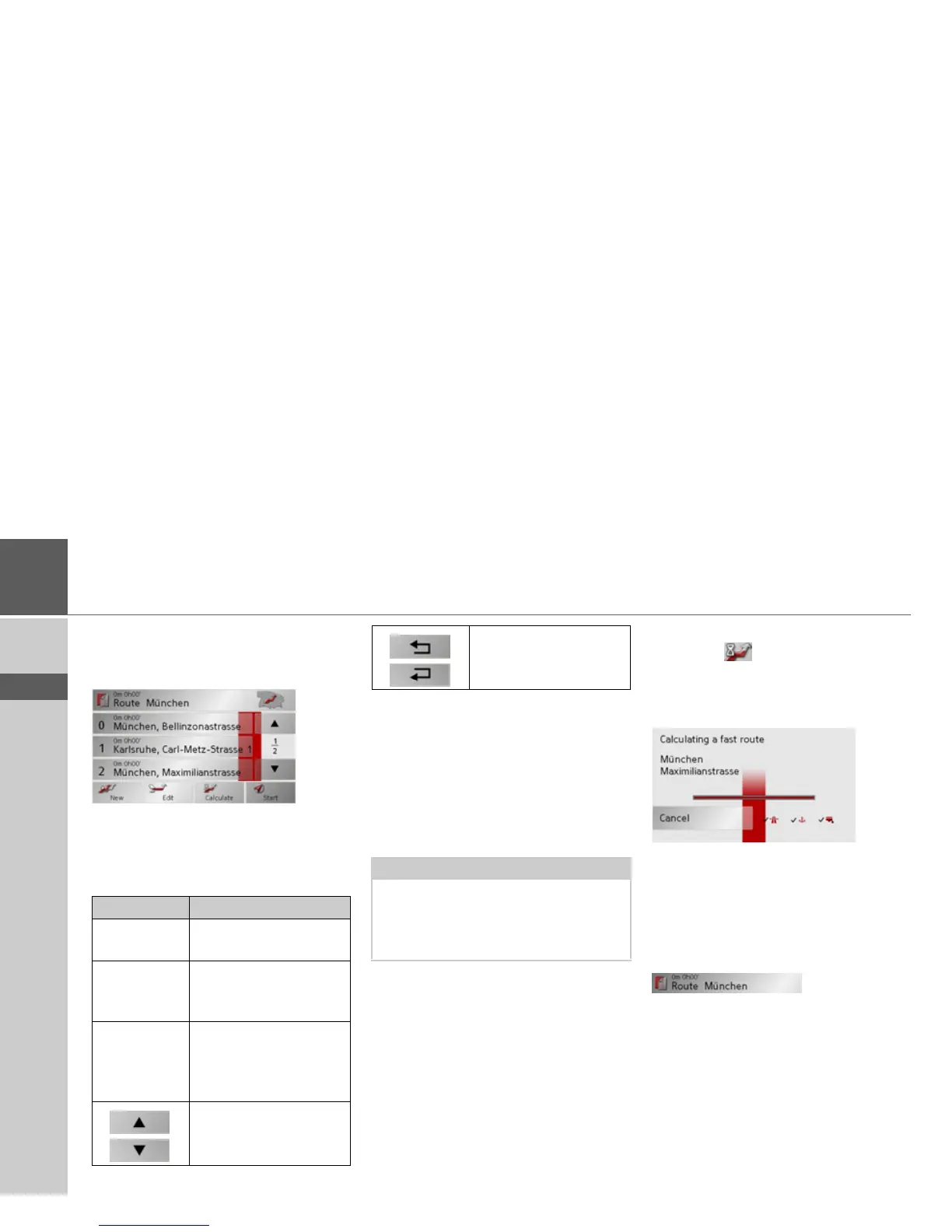
The route planning window appears. The
following functions are available:
The Calculate key
A planned route can also be calculated
without GPS reception so that you can get
an overview of the journey.
When doing this, the first route point
specified is used as the starting point for
the route.
> Press the button
Calculate to have the
total distance and probable length of
the journey calculated for this route.
The Routing options entry window is
opened.
> Define the settings you want.
> Press the button.
The route is calculated. A window in-
forms you of the progress of the calcula-
tion.
Once the calculation is complete, the total
distance from the first to the last points on
the route and the probable length of the
journey for this route are displayed in the
Route planning window under the list of
route points.
Key Meaning
Add This box can be used to
enter a new route point.
Delete This box can be
used to delete a high-
lighted route point.
OK This box can be used to
save the processed route
and transfer it to rapid
access.
These keys can be used to
scroll up and down
through the lists.
Individual entries can be
moved using these but-
tons.
Note:
During navigation, your current location
is the starting point used. The first leg is
then the journey to the first route point
specified.



 To Next Page