77
MUSIC OPERATIONS >>>
> D
> GB
> F
> I
> E
> P
> NL
> DK
> S
> N
> FIN
> TR
> GR
> PL
> CZ
> H
> SK
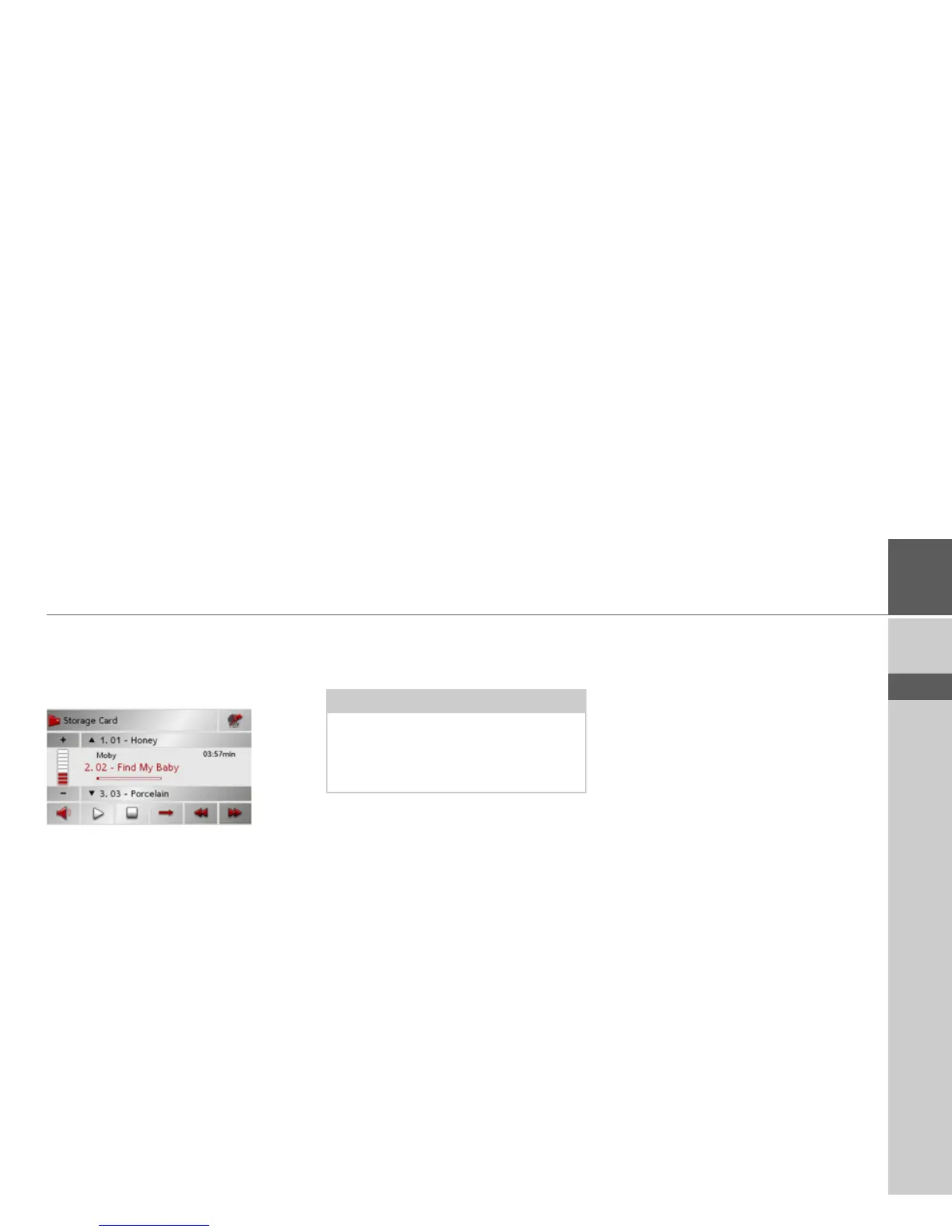
Navigation during MP3 player operation
You can start or continue an active naviga-
tion while the MP3 player is playing mu-
sic.
> Press the card symbol on the lower
right-hand edge of the screen for this
purpose.
The map view is displayed while the music
continues to play.
Shutting down the MP3-Player
Press the back key to shut down the MP3-
Player. The main menu appears.
Note:
Bear in mind that music will continue to
play when you exit the MP3 menu. Press
the pause icon to stop music playback
(See “Pause” on page 75.).



 To Next Page