35
NAVIGATIONAL MODE >>>
> D
> GB
> F
> I
> E
> P
> NL
> DK
> S
> N
> FIN
> TR
> GR
> PL
> CZ
> H
> SK
Operating rapid access
Starting using an existing destination
Destinations already in the destinations
memory are listed in the list of destina-
tions.
> Press the button with the desired desti-
nation to start route calculation.
The calculation is started. Once the calcu-
lation is complete, the map display ap-
pears and directions to the destination be-
gin.
Scrolling in the destinations memory
You can use the keys to scroll
through the list display in the direction in-
dicated on the arrow.
The current list page and the total number
of its contents appear between the keys.
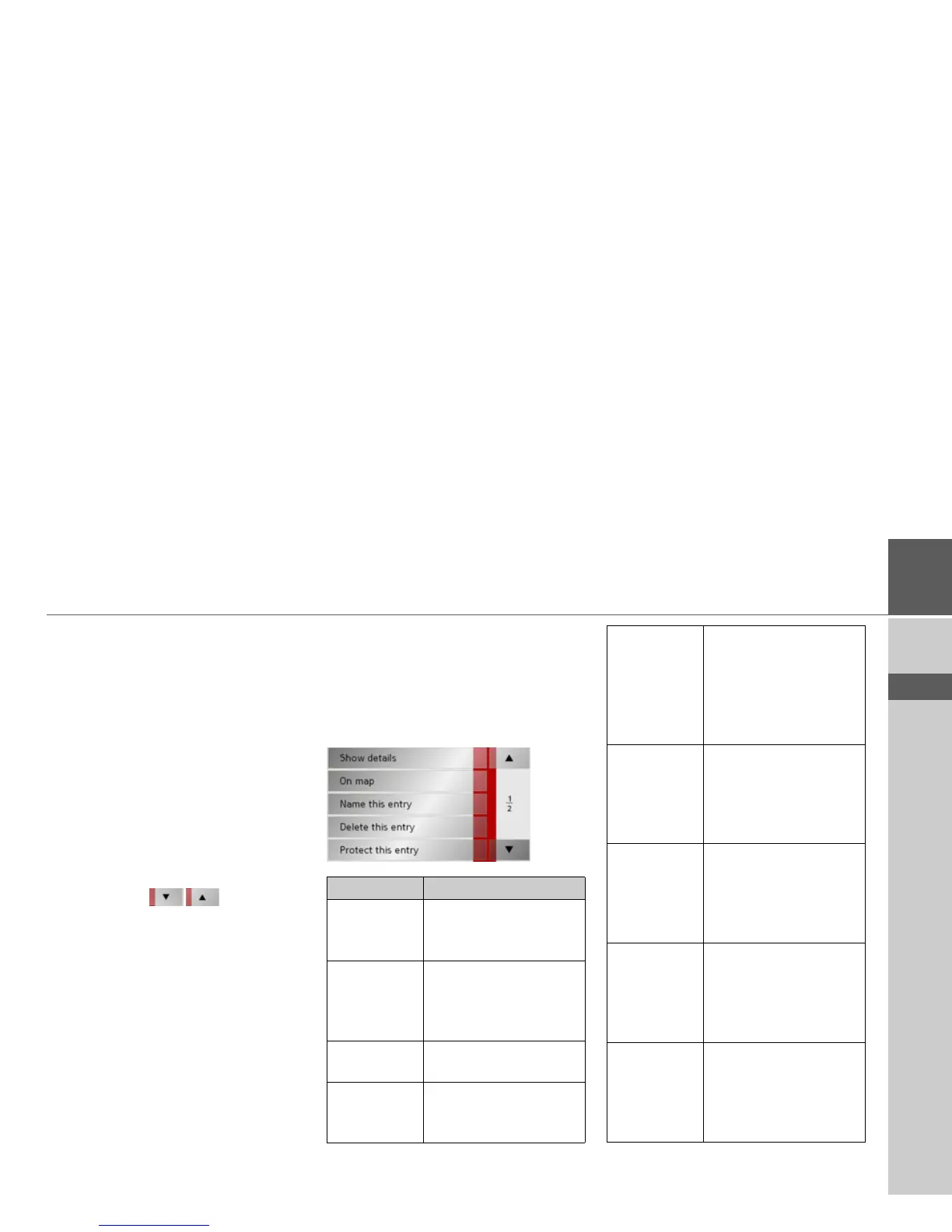
Displaying or editing destination
Each destination in the destinations mem-
ory can be displayed or edited.
> Press the icon to the left of the destina-
tion required.
> A selection menu appears.
Selection Meaning
Show details All the data relating
to the destination is dis-
played.
On map The map display and
toolbar are called up
and the destination dis-
played.
Name this en-
try
The destination can be
renamed.
Delete this
entry
The destination is delet-
ed from the destination
memory.
Protect this
entry
The destination is pro-
tected against automatic
deletion. This function is
only available in the case
of unprotected destina-
tions.
Unprotect
this entry
Protection of the destina-
tion is disabled. This
function is only available
in the case of protected
destinations.
Move this en-
try up
The destination is moved
forwards by one position.
This function is only
available in the case of
protected destinations.
Move this en-
try down
The destination is moved
back by one position.
This function is only
available in the case of
protected destinations.
Delete list All destinations (includ-
ing the protected ones)
are deleted from the list.
The home address is not
deleted.



 To Next Page